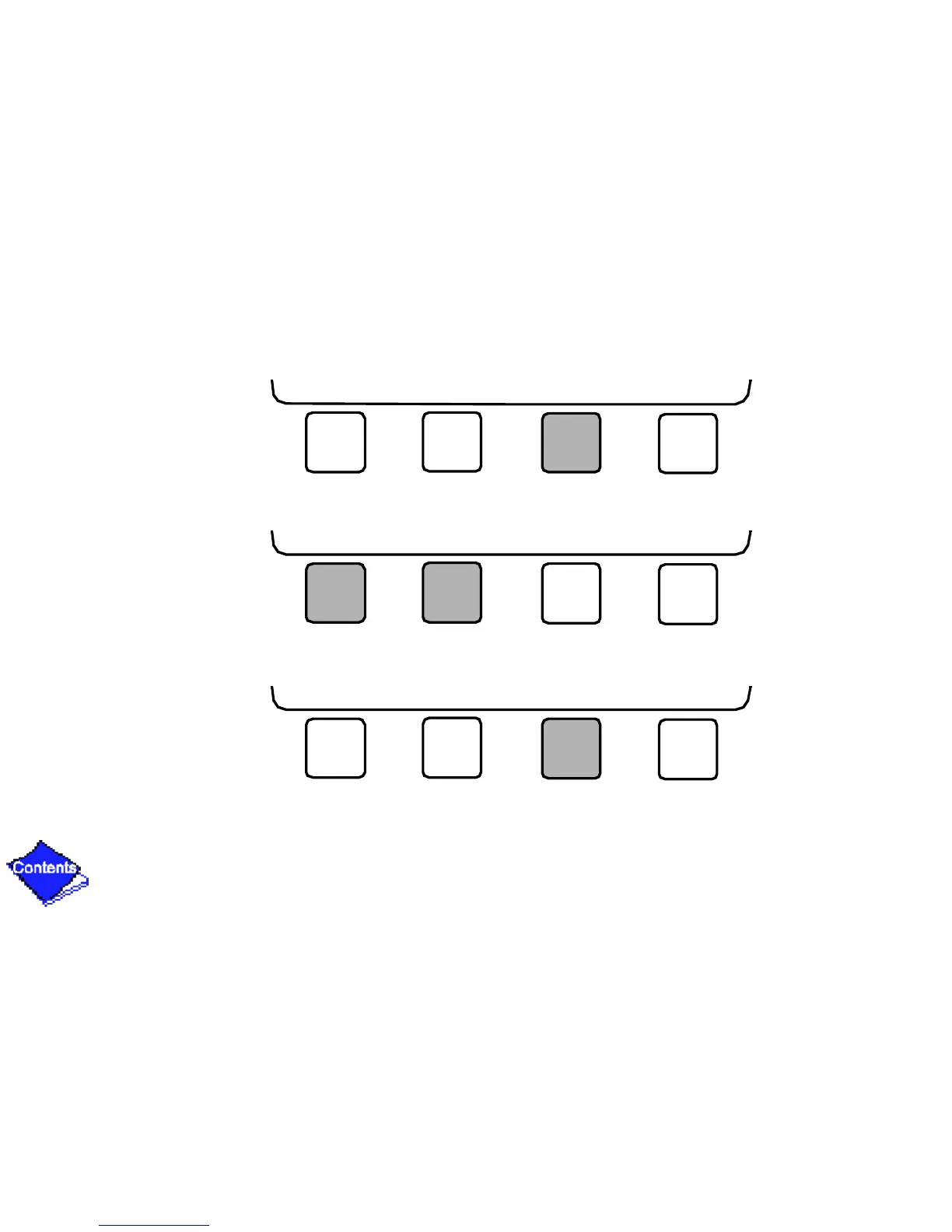
7. Press SELECT to access the holiday table. The Configuration Select table now shows the
holiday start month and day, and how many days the holiday period will last.
8. Press NEXT or PREVIOUS to highlight the month, day, or duration.
9. Press SELECT to modify the month, day, or duration.
NEXT PREVIOUS SELECT EXIT
NEXT PREVIOUS SELECT EXIT
NEXT PREVIOUS SELECT EXIT










 To Next Page