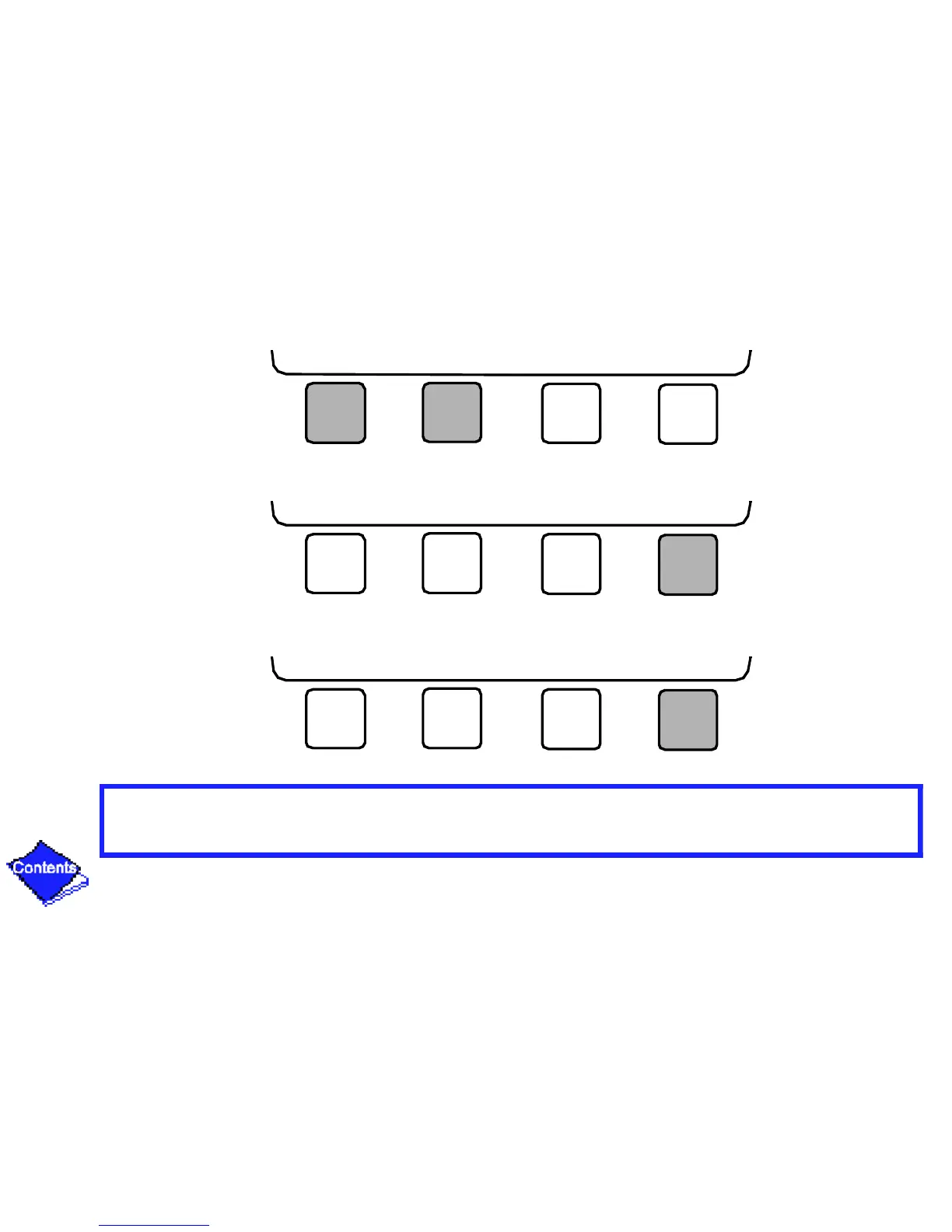
10. Press INCREASE or DECREASE to change the selected value.
11. Press ENTER to save the changes.
12. Press EXIT to return to the previous menu.
INCREASE DECREASE QUIT ENTER
INCREASE DECREASE QUIT ENTER
NEXT PREVIOUS SELECT EXIT
Click here for Figure 23 — Example of Holiday Period Screen










 To Next Page