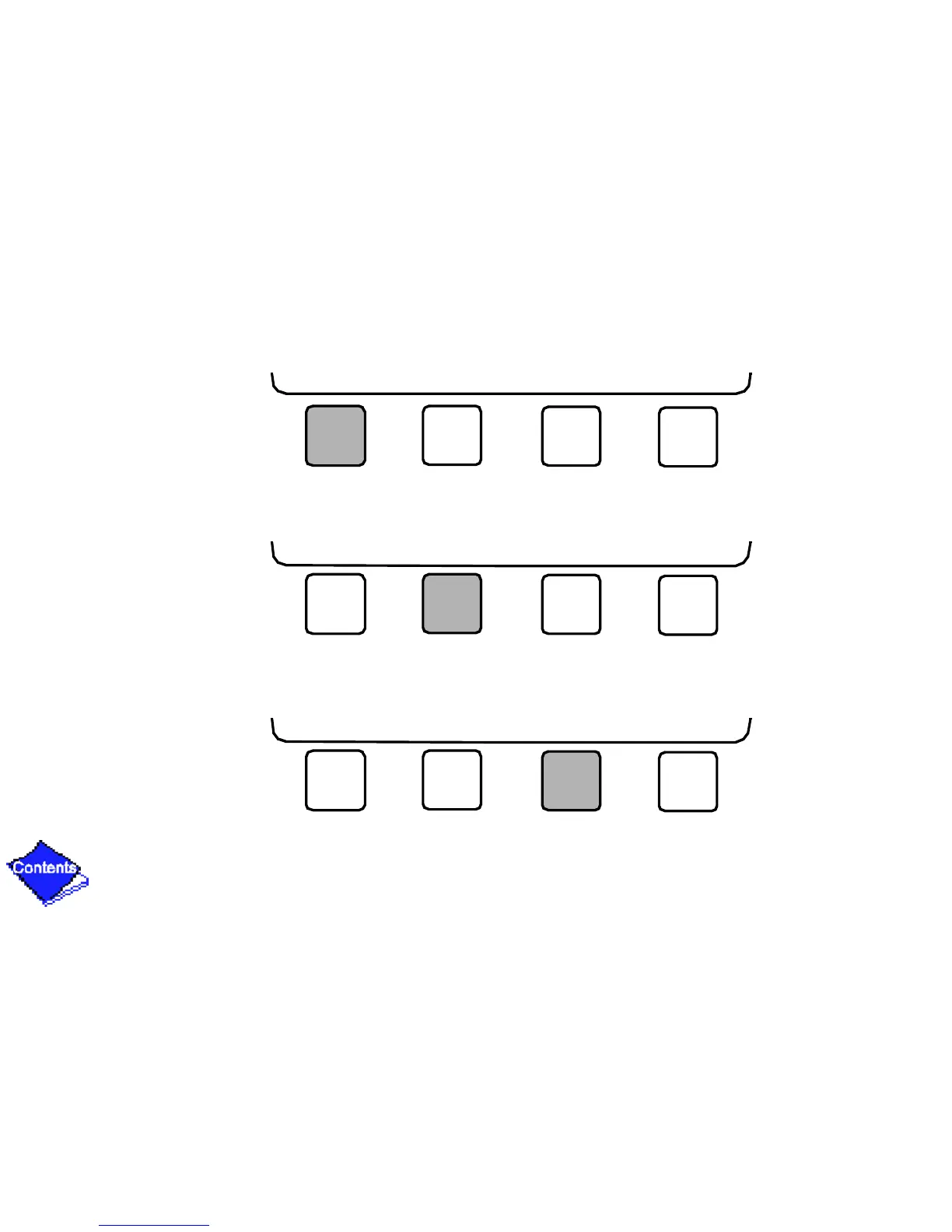
• Press NEXT to scroll the cursor bar down in order to highlight a point or to view more
points below the current screen.
• Press PREVIOUS to scroll the cursor bar up in order to highlight a point or to view
points above the current screen.
• Press SELECT to view the next screen level (highlighted with the cursor bar), or to
override (if allowable) the highlighted point value.
NEXT PREVIOUS SELECT EXIT
NEXT PREVIOUS SELECT EXIT
NEXT PREVIOUS SELECT EXIT










 To Next Page