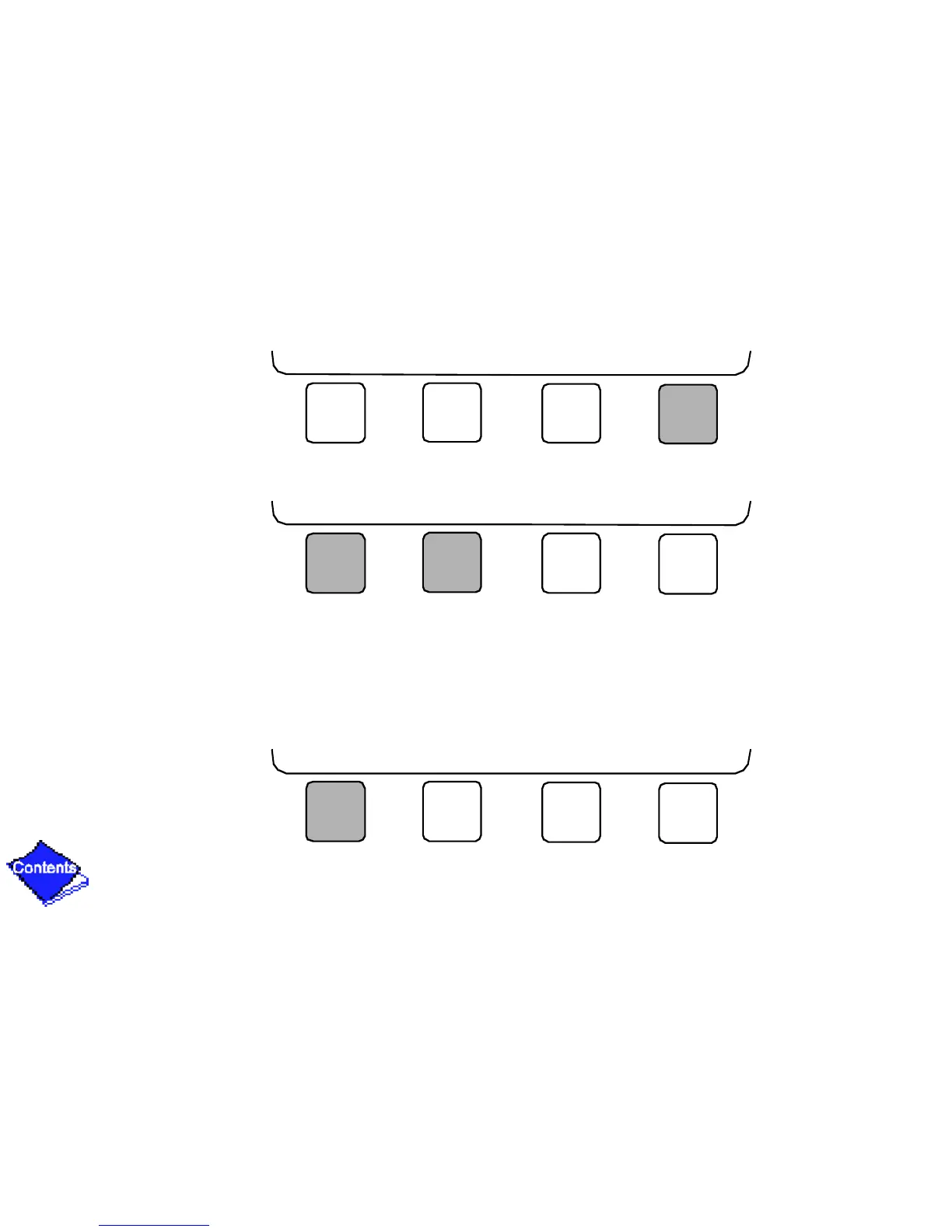
• Press EXIT to return to the previous screen level.
• Press INCREASE or DECREASE to change the highlighted point value.
To View Point Status (
Figure 15
)
Point Status is the actual value of all of the temperatures, pressures, relays, and actuators
sensed and controlled by the PIC.
1.
On the Menu screen, press STATUS to view the list of Point Status tables.
NEXT PREVIOUS SELECT EXIT
INCREASE DECREASE QUIT ENTER
STATUS SCHEDULE SETPOINT SERVICE




 To Next Page