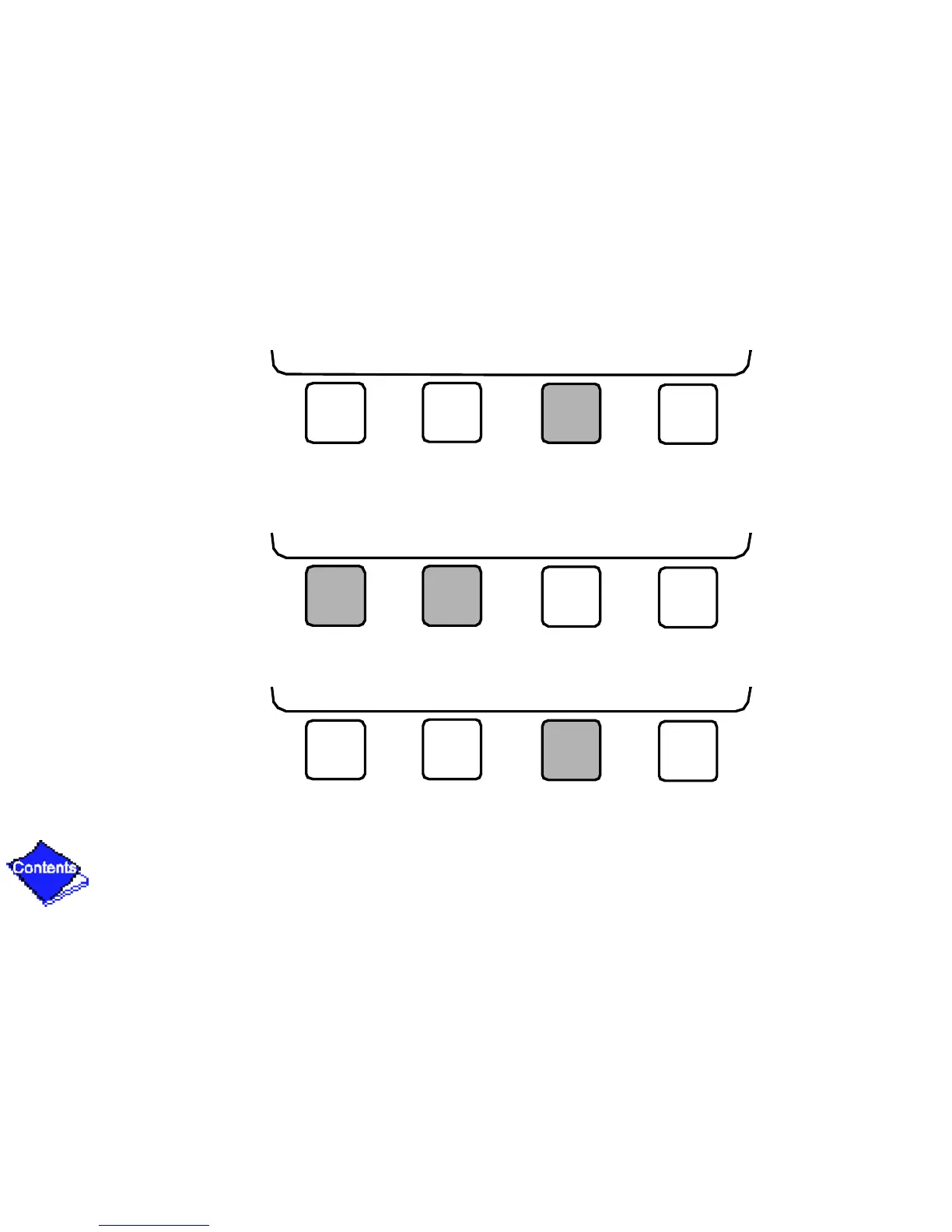
3. Press SELECT to access and view the time schedule.
4. Press NEXT or PREVIOUS to highlight the desired period or override that you wish to
change.
5. Press SELECT to access the highlighted period or override.
NEXT PREVIOUS SELECT EXIT
NEXT PREVIOUS SELECT EXIT
NEXT PREVIOUS SELECT EXIT










 To Next Page