6.
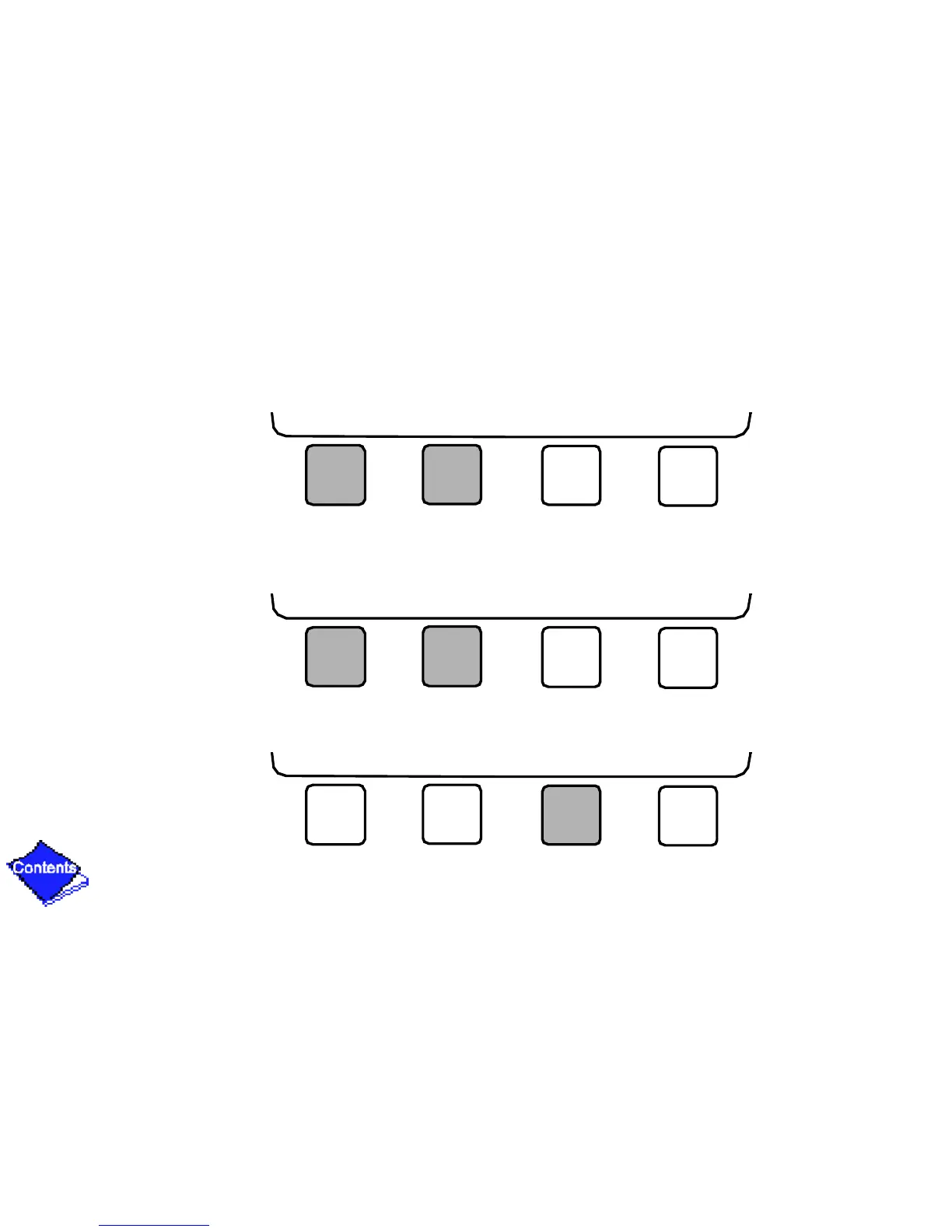
a. Press INCREASE or DECREASE to change the time values. Override values are in one-
hour increments, up to 4 hours.
b. Press ENABLE to select days in the day-of-week fields. Press DISABLE to eliminate
days from the period.
7. Press ENTER to register the values and to move horizontally (left to right) within a period.
INCREASE DECREASE ENTER EXIT
ENABLE DISABLE ENTER EXIT
ENABLE DISABLE ENTER EXIT










 To Next Page