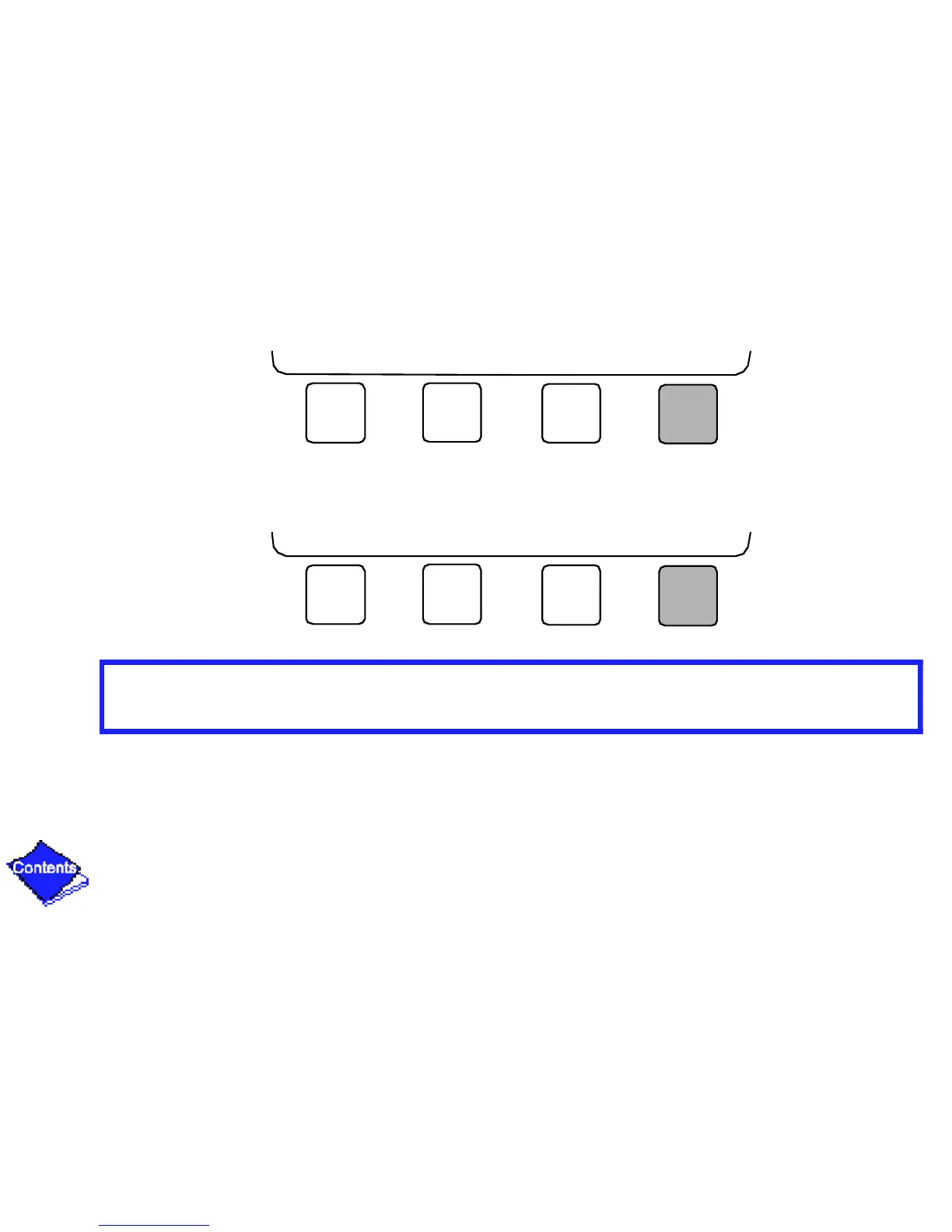
8. Press EXIT to leave the period or override.
9. Either return to Step 4 to select another period or override, or press EXIT again to leave the
current time schedule screen and save the changes.
10. Holiday Designation (HOLIDEF table) may be found in the Service Operation section. You
must assign the month, day, and duration for the holiday. The Broadcast function in the
Brodefs table also must be enabled for holiday periods to function.
NEXT PREVIOUS SELECT EXIT
NEXT PREVIOUS SELECT EXIT
Click here for Figure 18 — Example of Time Schedule Operation Screen









 To Next Page