1
Static electricity or other factors (Voltage transients) can
cause the remote controller clock to initialise. If your
remote controller is initialised (the time of "12:00"
flashing), readjust the clock before starting the unit.
CAUTION
!
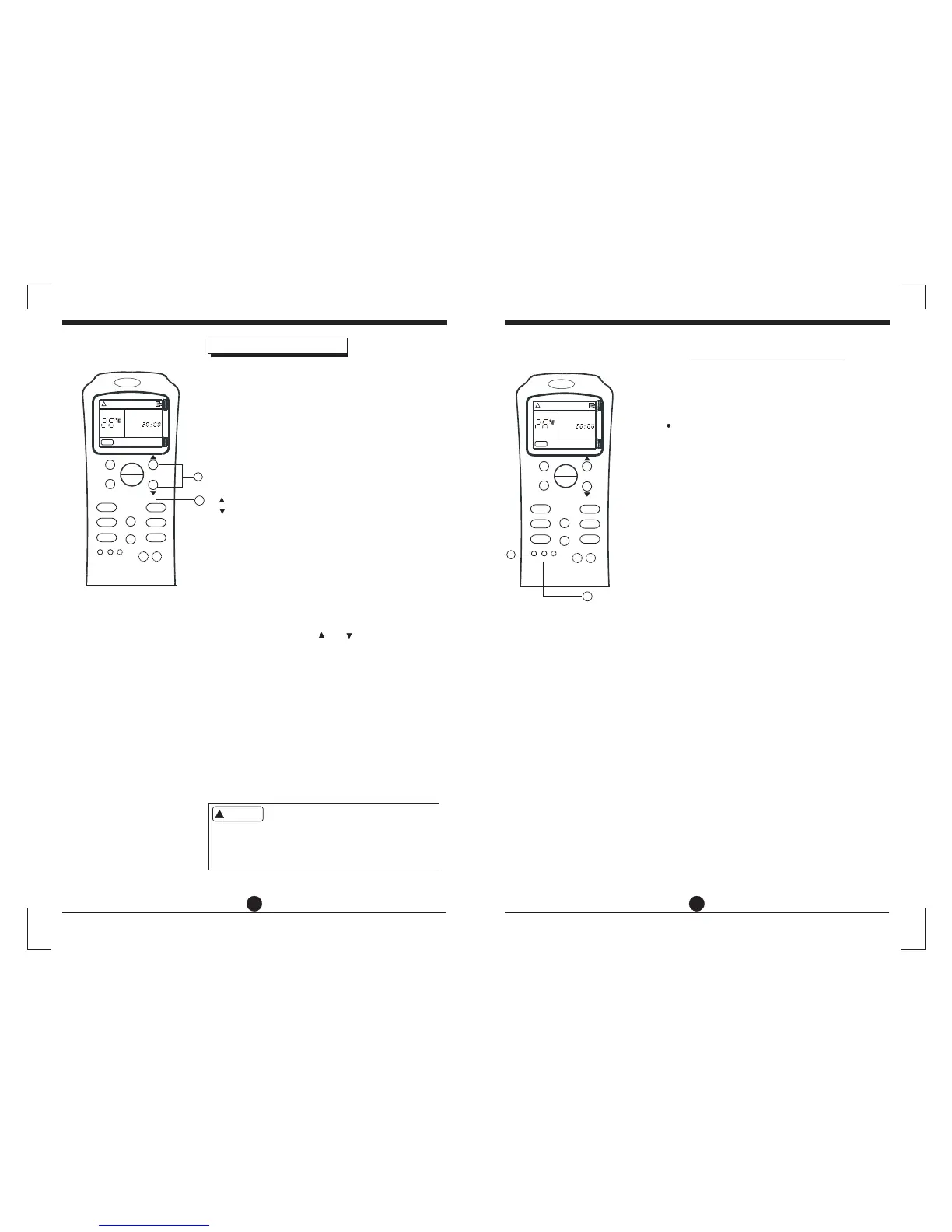
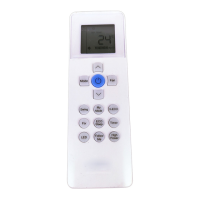
Recessed button operation
How to use the buttons
2
7 8
1. When you press the RESET button, current
settings are cancelled and return to original
factory settings.
In the clock, the time "12:00" will flash, the
mode displays "Auto", fan speed displays
"Auto", the temperature displays "24".
Note: You will need to reprogram the CLOCK
setting after pressing the RESET button (Refer
to "Setting the CLOCK").
all
2. When you press the F/C button, the temper-
ature settings on the remote unit can be
displayed in either "Celsius" or "Fahrenheit".
Press this button to select either Celsius or
Fahrenheit scale.
Ca rri er
MODE
FAN SPE ED
TEMP.
AIR DI RECTION
SWIN G
LED
SLEE P
TURB O
CLOC K
TIME R
CANC EL
RESET
F/C
AUTO
SET TEMP.
CLOCK
SPEED
AUTO
ON
OFF
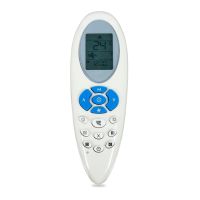
Before you start operating the air conditioner, set
the clock of the remote controller using the
procedures given in this section. The clock panel
on the remote controller will display the time
regardless of whether the air conditioner is in use
or not.
After batteries are inserted in the remote controller,
the clock panel will display "12:00" and begin to flash.
1. TEMP.button
Press these buttons to set time.
Forward.
Backward.
Each time you press the button, the time moves
forward or backward by one minute depending
on which side you press. The time alters as quickly
as you push the button.
Keep pressing the button without releasing, the
time moves forward or backward by 10 minutes
depending on which side you press.
Initial Setting or the Clock
.
.
When the right time is achieved, press the CLOCK
button or release the or and wait for 3 seconds,
the clock time stops flashing and the clock starts
operating.
Press the CLOCK button on the remote controller
for about 3 seconds, the time of the clock display
will start to flash. To set the new time, follow 1 and
2 of "Initial Setting of the Clock".
Note: The time of the CLOCK must be set before
the AUTO-TIMER feature will operate. On TIMER
operation, the time of the CLOCK can not be
adjusted.
* Clock accuracy is within 15 seconds per day.
2.
3.Readjusting the Clock
.
CLOCK button
1
2
Ca rri er
MODE
FAN SPE ED
TEMP.
AIR DI RECTION
SWIN G
LED
SLEE P
TURB O
CLOC K
TIME R
CANC EL
RESET
F/C
AUTO
SET TEMP.
CLOCK
SPEED
AUTO
ON
OFF





 To Next Page