19
■ F – 2 : RS-232C communication setting
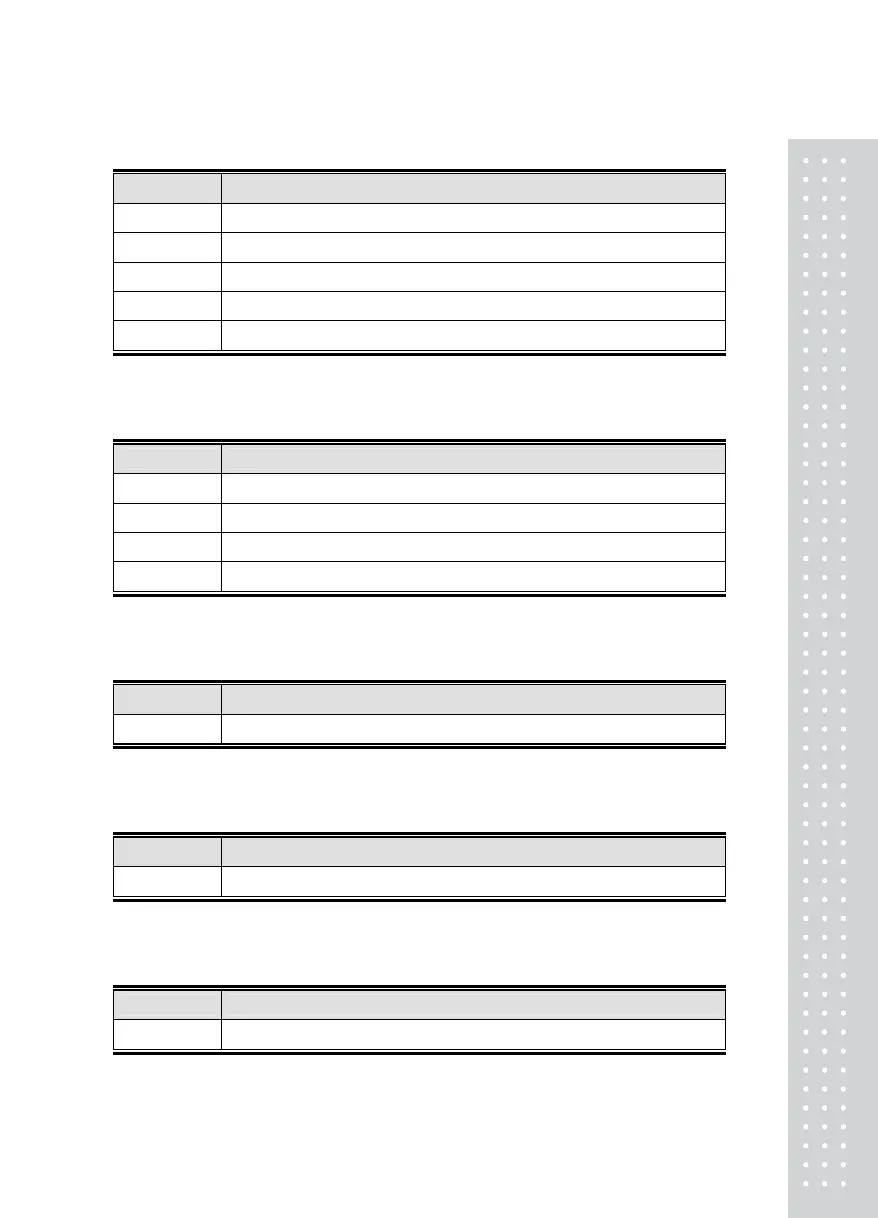
Set point Meaning
F – 2 0 No transmit
F – 2 1 -
F – 2 2 Transmit at stable weight
F – 2 3 Transmit at data request. (Data request signal “D”)
F – 2 4 Use for print mode
■ F - 3 : Select print format type
Set point Meaning
F – 2 0 Select print format 1
F – 2 1 Select print format 2
F – 2 2 Select print format 1 + Current Time
F – 2 3 Select print format 2 + Current Time
■ F - 4 : Stable Condition
Set point Meaning
F – 4 1~9 Stable level 1~ 9
■ F - 5 : Display Time Control
Set point Meaning
F – 5 1~9 Display Time Control (1 : Past, 9 : Slow)
■ F - 6 : Hold Time Control
Set point Meaning
F – 6 1~7 Hold Time Control (1 : Past, 7 : Slow)



 To Next Page