11
SYSTEM MODE
■ Simple weight mode
Display the weight after weighing.
■ High / Low comparing mode
Determine that the weight is high, normal or low value and perform the display.
■ Count mode
Display the quantity by setting the unit or sample weight.
■ Quantity comparing mode
Perform the display after discrimination by setting High / Low quantity.
1. MODE CONVERSION
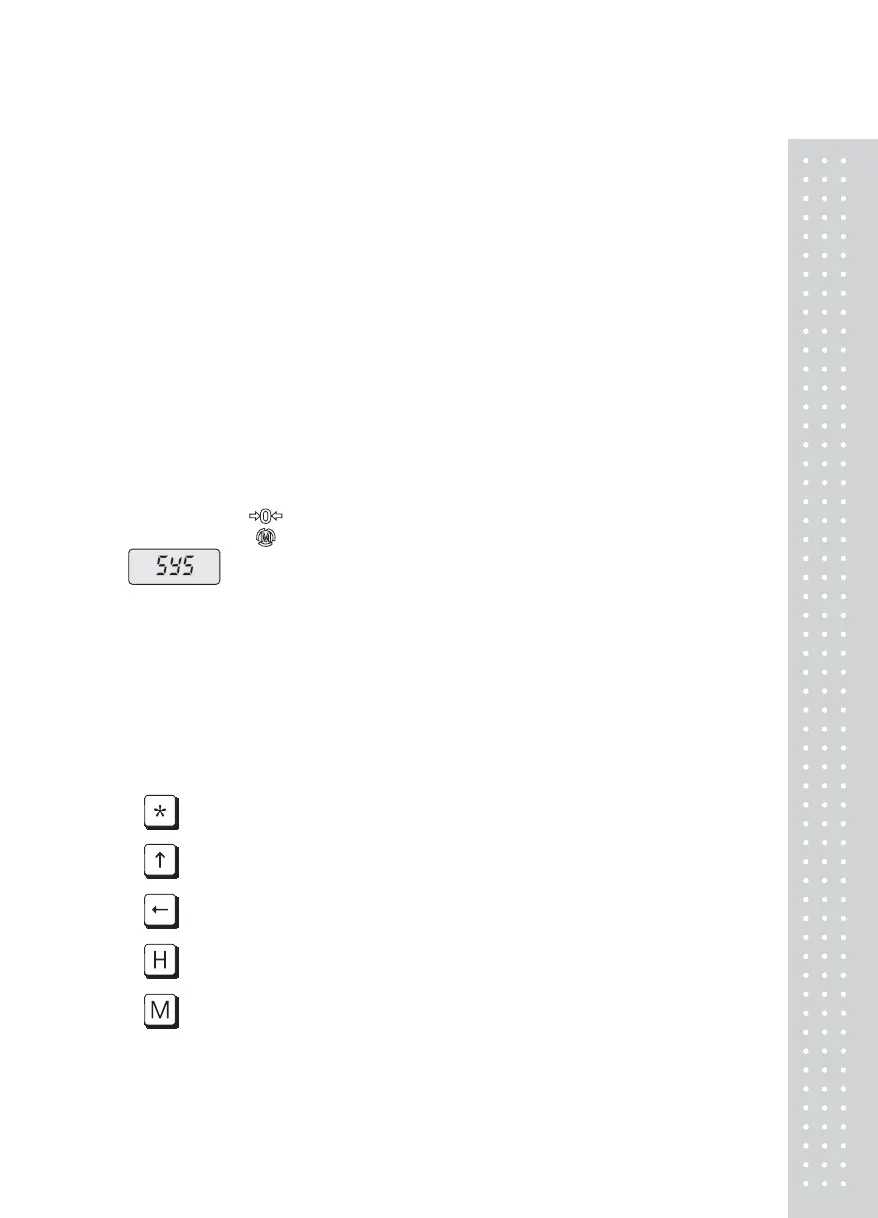
■ Press Zero-Mode key for 2~3 sec. to display the following message.
■ Execute depending on the below mode conversion and setting method.
2. DIGIT INPUT METHOD
Input the digit in use of the below keys.
■
STAR key : Use to set the input value to
■ G/N key : Use to increase the first place of value by on.
■ TARE key : Use to move the current place to the left by one place.
■ ENTER key : Use to move the current place to the right by one place.
■ MODE key : Use to complete the input.



 To Next Page