- 17 -
9. System Mode
How to Go to System Mode
If you press the [ZERO] key for 2~3 seconds in weighing mode.
you can see the "SyS" on the display after showing "on". And then
you can move to any mode where you want to go using the G/N key.
SYSTEM MODE
MODE [G/N] key DISPLAY [ENTER] key ACTION
Weight MODE (Ⅰ) ↓
WEiGht END Weighing Mode
Count MODE (Ⅱ) ↓
CoUnt END Count Mode
Percent MODE (Ⅲ) ↓
PEr END Percent Mode
Accumulation
MODE (Ⅳ)
↓
Circulation
Key
ACC END
Accumulation
Mode
ENTER WEiGht END Weighing Mode
WEIGHT MODE(Ⅰ)
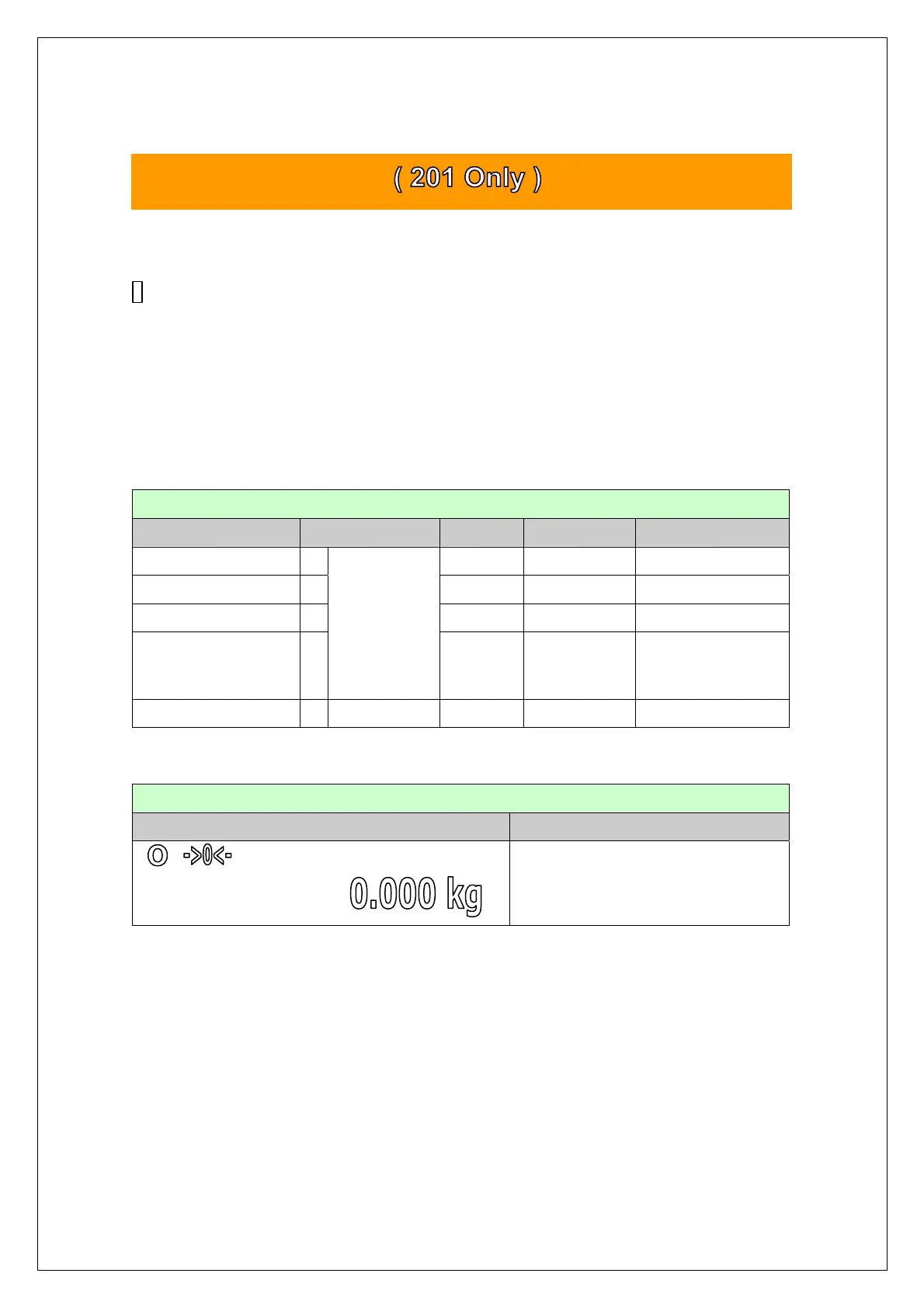
INITIAL DISPLAY DESCRIPTION
Weighing Mode



 To Next Page