1
7. Test Mode
( How to Go to Test Mode
To go to Test mode, press the [TARE]+[UNIT] key in starting mode until being displayed
the message of “tESt” .
In Test mode, Back-light is On.
( Test Menu(TEST1 – TEST6)
Test 1 : Key test
Test 2 : A/D conversion test
Test 3 : Serial interface(Com1) test (RS-232)
Test 4 : Serial interface(Com2) test (RS-422/485: Option)
Test 5 : Printer test
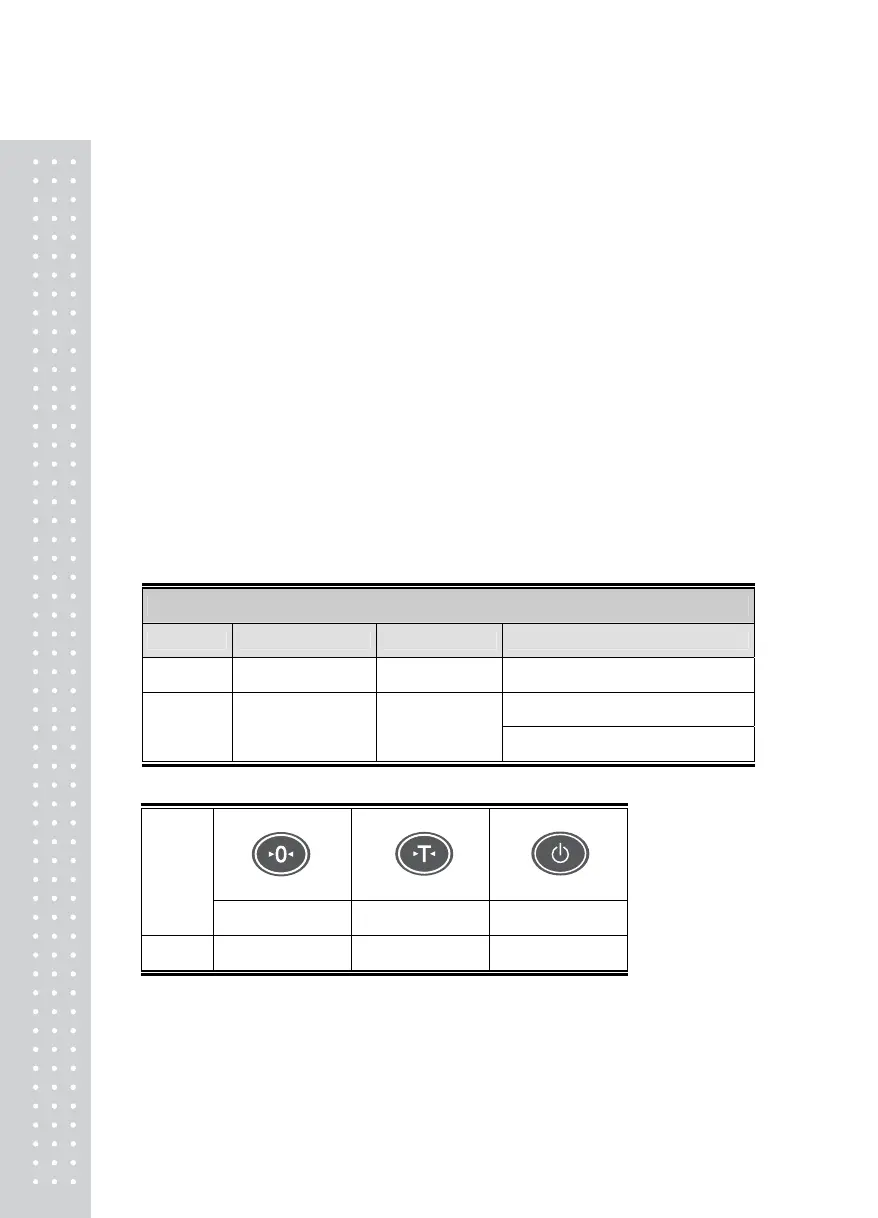
TEST 1
KEY TEST
KEY FUNCTION DISPLAY DESCRIPTION
UNIT Go to TEST2
tESt 1
TEST 1 Condition
Press any key to test then the
OTHERS
Testing
Key Codes
1
Code of that key is shown below
KEY
ZERO TARE UNIT
CODE 0 1 Go to TEST2



 To Next Page