SECTION 2 - CONTROLS, INSTRUMENTS AND OPERATION
2ï56
Refer to the RUN application in this section to
understand how the layouts are used within an
application.
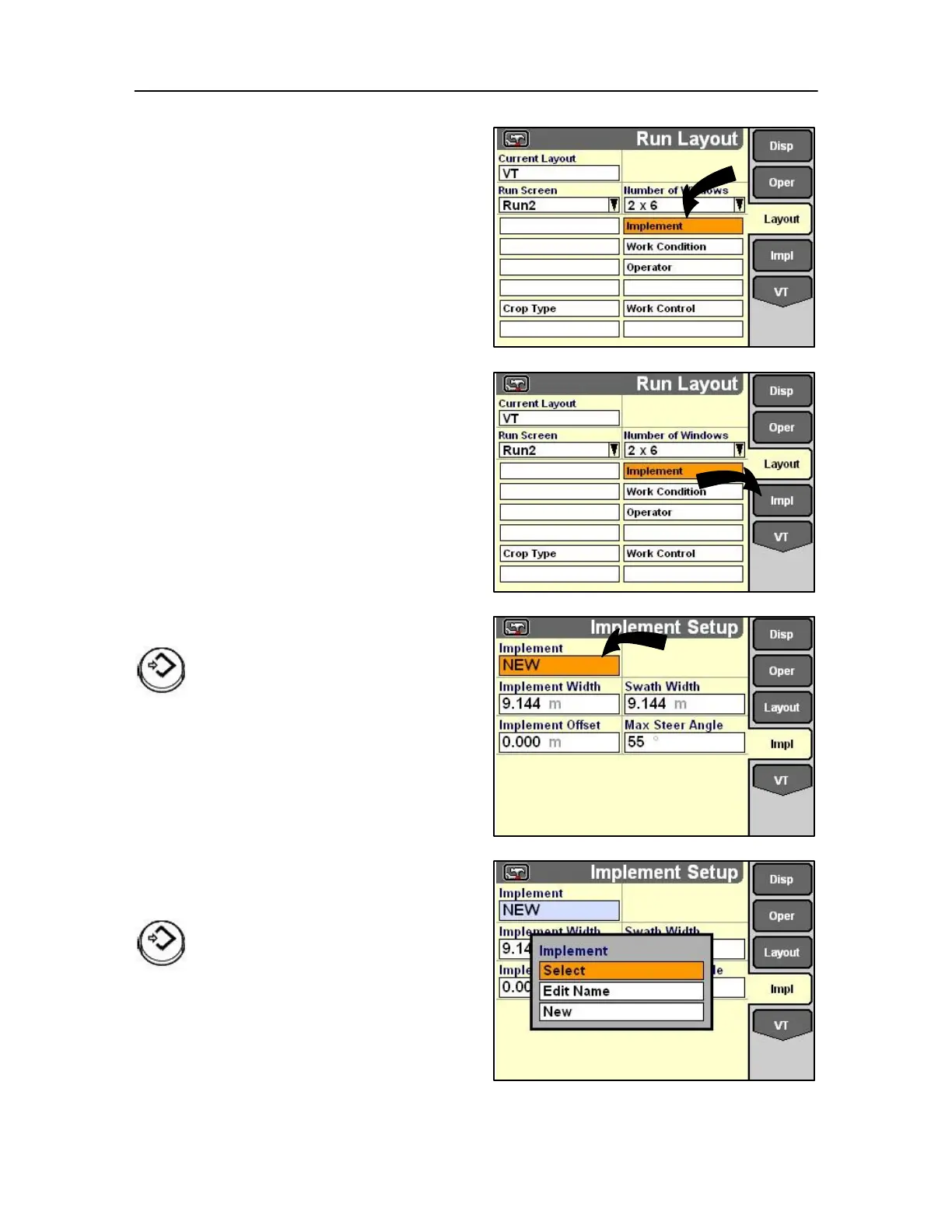
Implement
An implement screen is available to any application
on the monitor for example, the planting or harvesting
software. Each screen is accessible with a single soft
key or use rotary encoder or touch screen through the
implement application. Use the implement screen:
For any application that operates beyond normal
towing parameters
Highlight the desired module.
Press Select or touch to confirm the
selection.
1. Highlight a window.
2. Press Select or touch to access the pop-up list.
3. Highlight the desired module for placement.
4. Press Select or touch to confirm the selection.
Implement name
Highlight the desired module.
Press Select or touch to confirm the selection.



 To Next Page