SECTION 2 - CONTROLS, INSTRUMENTS AND OPERATION
2ï57
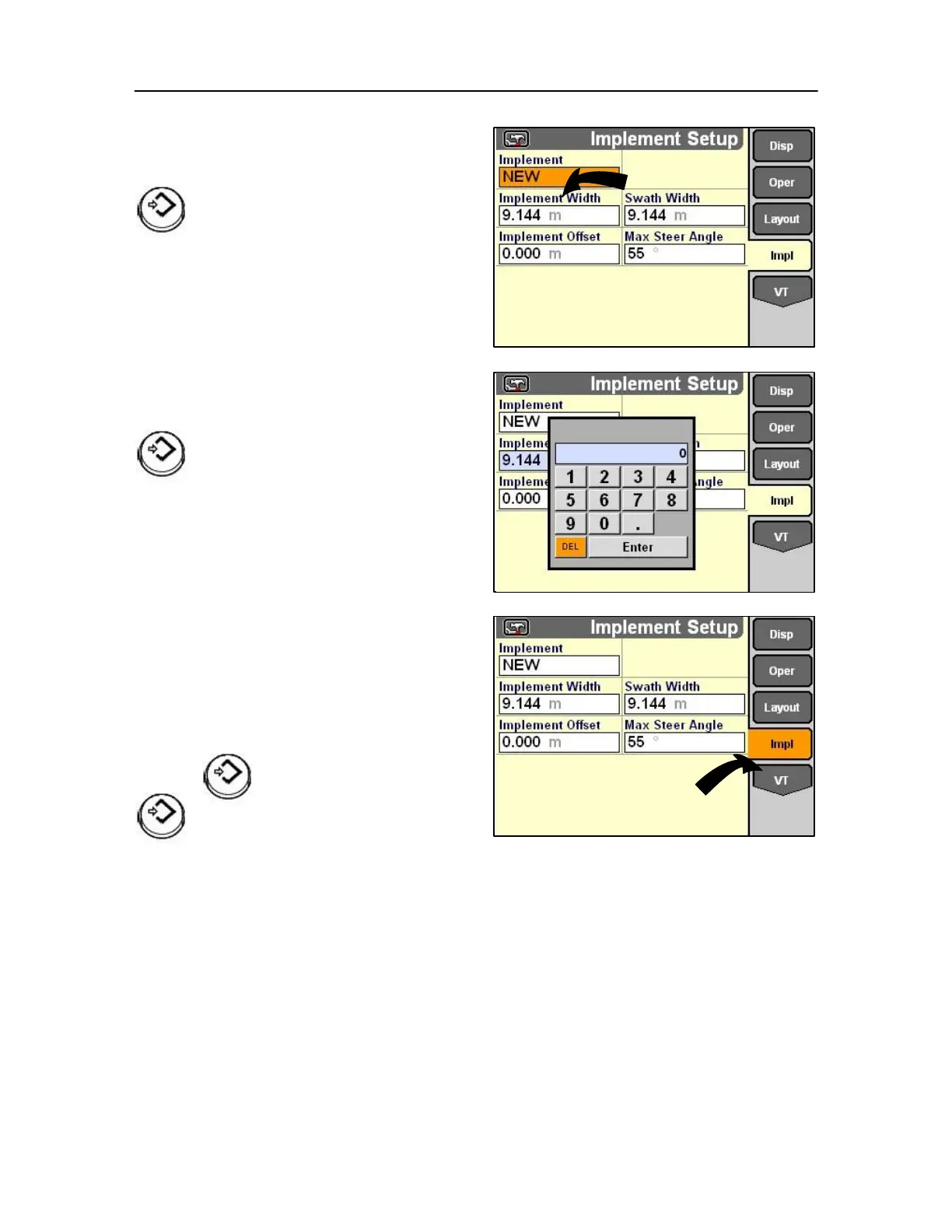
Implement width
Highlight the desired module.
Press Select or touch to confirm the
selection.
Implement width set-up
Highlight the desired module.
Press Select or touch to confirm the selection.
Then proceed through the remaining setup options:
• Swath width
• Implement offset • Max steer angle
Monitor VT preferences
On the Home Screen, highlight the Toolbox icon.
Press Select or touch to start the Toolbox application.
The Display Set-up screen displays.
NOTE: Application software must be loaded for the
Monitor preferences to be set.
Press the soft key or use rotary encoder or
touch screen for the monitor icon to
access the monitor Preferences screen.



 To Next Page