DIAGNOSTIC - SELECTION
4 - 17
CASE TRAINING CENTER
AUGUST 2000
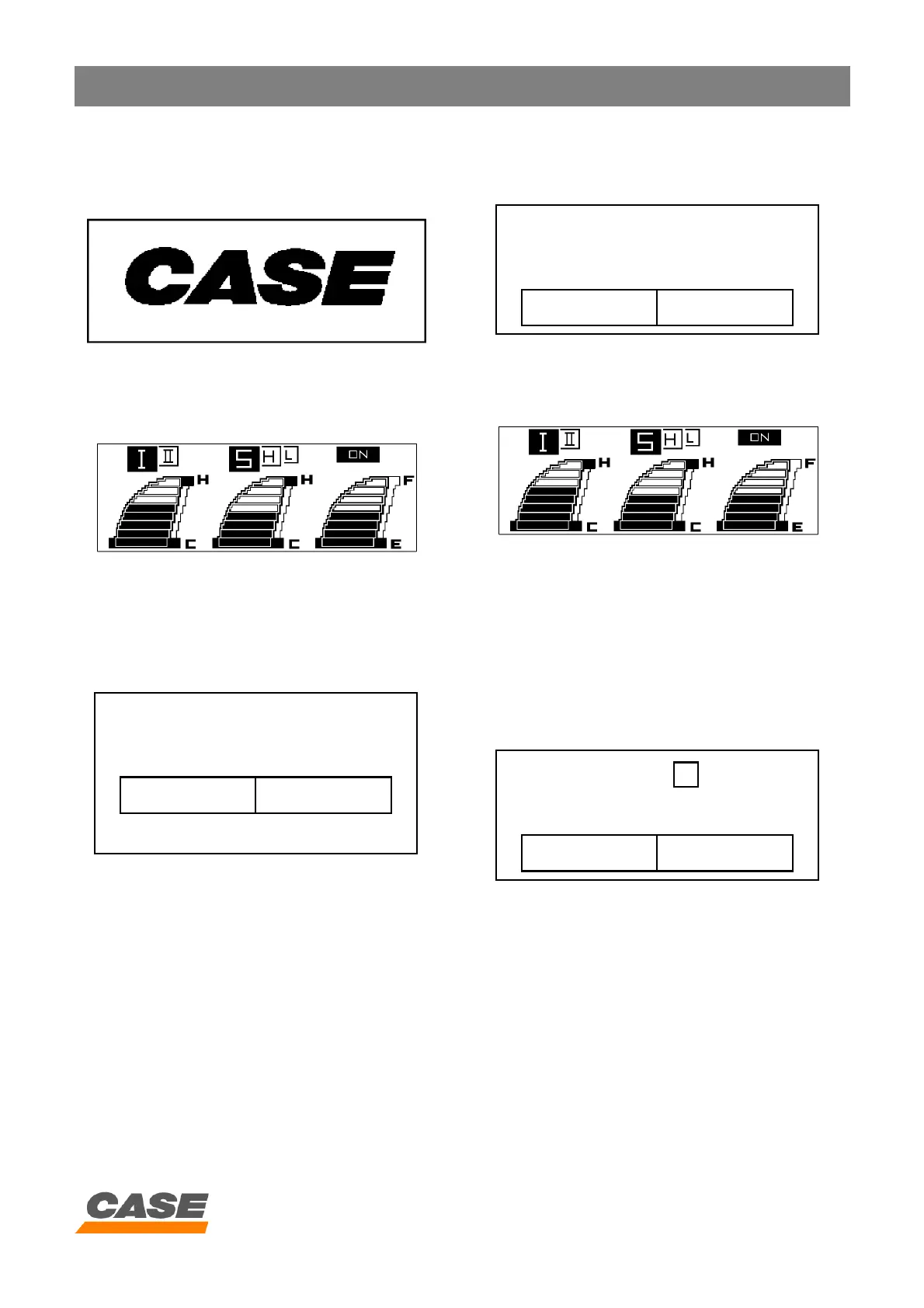
7. After selecting the machine code, the destination
code and the language code, press the auto mode
switch and the screen below will appear:
CS00F533
Then the work screen is displayed:
CS00F521
8. If the machine code does not correspond to the
engine electronic control box installed, the error code:
"E. CONT. ERROR" appears on the screen and the
audible warning device sounds.
9. Check that the machine code corresponds to the
electronic control box installed on the excavator.
- If the machine code is wrong, start the procedure
again from the beginning.
- If the engine electronic control box installed is not
correct, change it.
10. To confirm the excavator model selection, press the
auto mode switch for 10 seconds:
The screen below will appear
11. Press the auto mode switch again and the work
screen will appear:
CS00F521
12. Re-initialising the data
In the excavator model selection screen, if the auto
mode switch is pressed for 10 seconds, all the data
will be erased and the audible warning device will
sound.
If the starter key switch is turned OFF and then ON,
the screen below will appear and the procedure starts
again from the beginning.
MACHINE : SH0120- 3
TERRITORY : 3 LANGUAGE : 5
CONT. P / N KHR2669
E. CONT. ERROR
MACHINE : SH0120- 3
TERRITORY : 3 LANGUAGE : 5
CONT. P / N KHR2669
MACHINE : SH ? - 3
TERRITORY : ? LANGUAGE : ?
CONT. P / N KHR2669



 To Next Page