Rev. 03-2004 Part 1. Operation Manual PAGE 1-41
FrontLoad Bill Validator Series - Operation and Service Manual
SWITCH SETTINGS
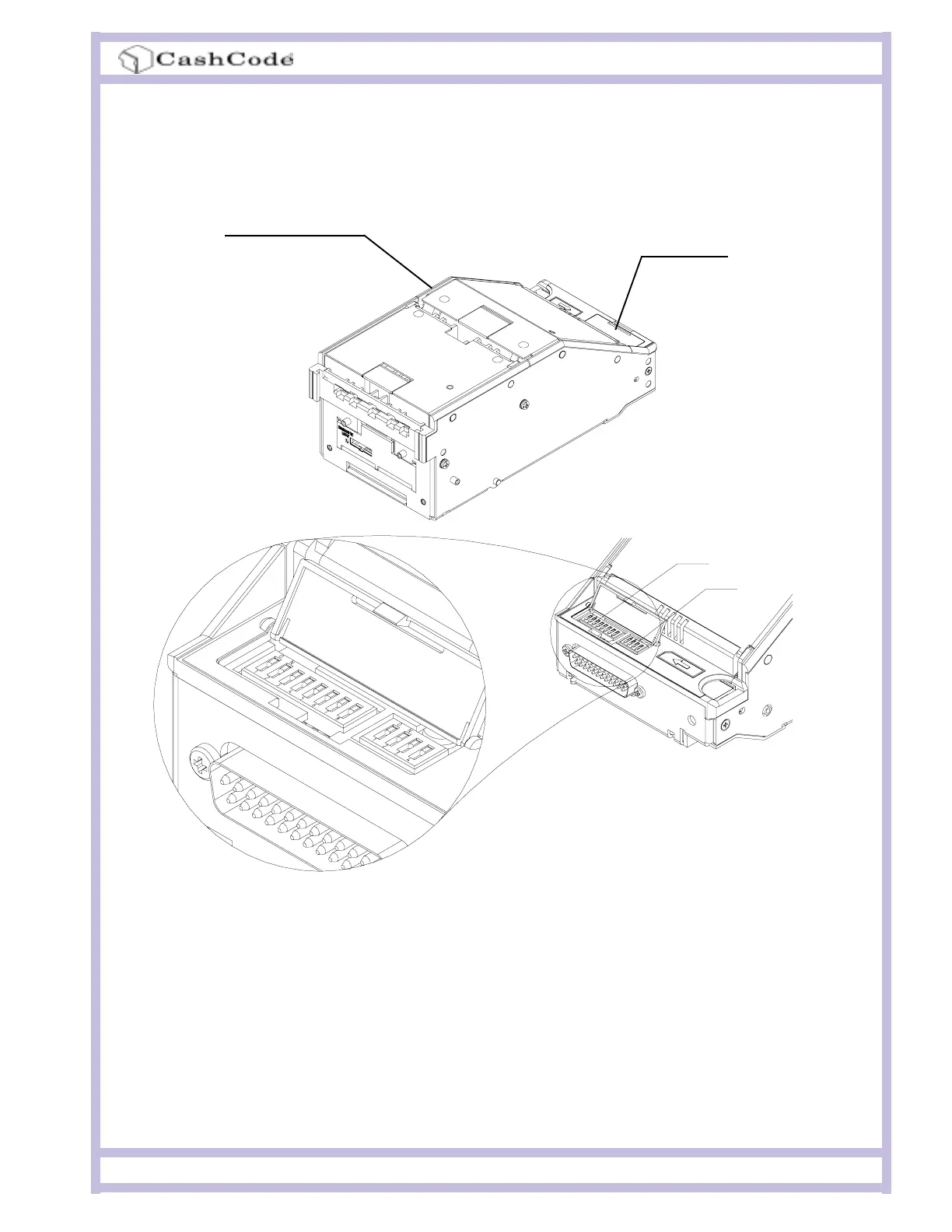
The switches are located at the rear of the Validating Head, under the transparent cover.
The Bill Validator operates in two basic modes: Validation Mode and Service Mode.
Validation Mode: This is the mode for normal operation. If a red status light is illuminated, it
indicates that the validator is not ready to accept currency.
Service Mode: This is the mode for programming and testing the CashCode Bill Validator.
Validating Head
Setting switches
SW1
SW2



 To Next Page