14
Part-1 QUICK START OPERATION
X (Read) report is the same except
*1
and
*2
.
6-2-2 Periodic Read/Reset
Report
Mode Switch to or
Printout
Operation
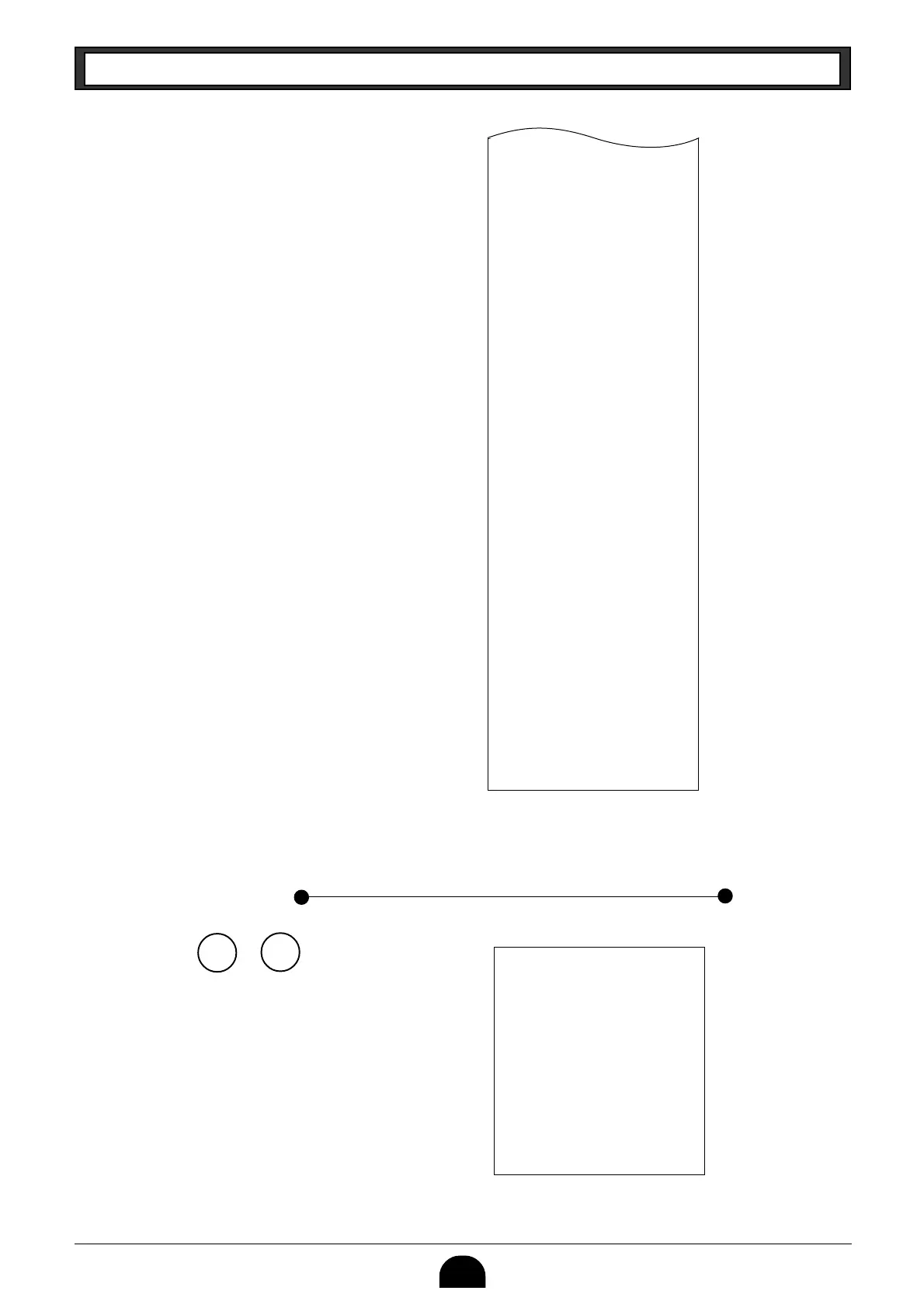
Z?p
Z
X
•0•50 -
•0•91 %+
•1182•64 T
•62•07 t
•167•45 *T
•16•75 t™
46 n
•16675•99 n
47 C
•16513•99 C
4H
•92•00 H
1 K
•70•00 K
•15•00 R
•10•00 P
4V
1r
•3•00 r
16 CX
1N
•16518•99 C#
•92•00 H#
•70•00 *K
000001
6675•99
— Reduction Amount
—
Premium/Discount Amount
—
Taxable Amount for Tax Rate 1
—
Tax Amount for Tax Rate 1
—
Taxable Amount for Tax Rate 2
—
Tax Amount for Tax Rate 2
—
Net Sales No. of Customers
— Net Sales Amount
— Cash Sales Count
— Cash Sales Amount
— Charge Sales Count
— Charge Sales Amount
— Check Sales Count
— Check Sales Amount
—
Received On Account Amount
— Paid Out Amount
— Error Correction Count
— Refnd Mode Count
— Refund Mode Amount
—
No. of p key operation
— No sale Count
— Cash in Drawer
— Charge in Drawer
— Check in Drawer
—
Non-resettable Grand Sales total
(Printed only on RESET report)
*2
08-01-01
19-50#0087
#10#•••• X
77 *
•1116•90 *
11 n
•1116•90 n
— Date
— Time/Conseccutive No.
— Read Symbol
—
Gross Sales No. of Items
— Gross Sales Amount
—
Net Sales No. of Customers
— Net Sales Amount



 To Next Page