1591-5
To use the countdown timer
1. Press E while in the Countdown Alarm Mode to start the countdown
timer.
2. Press E again to stop the countdown timer.
• You can continue countdown timer operation by pressing E.
3. Stop the timer and then press D to reset the countdown time to its starting
value.
• When the end of the countdown is reached and auto repeat timing is off, the
alarm sounds for 10 seconds or until you stop the alarm by pressing any
button. Countdown timing stops, and the countdown time is automatically
reset to its starting value after the alarm stops.
To switch auto repeat timing on and off
1. Press A while in the Countdown Alarm Mode. The left hours digit flashes
on the display because it is
selected
.
2. Press E to switch auto repeat on (
indicator appears on the display) and
off.
3. Press A to return to the Countdown Alarm Mode.
• When the end of the countdown is reached while auto repeat is on, the
alarm sounds, but the countdown restarts from the beginning without
stopping. You can stop the countdown by pressing E and manually reset
to the start time by pressing D.
D
E
A
BC
Mode indicator
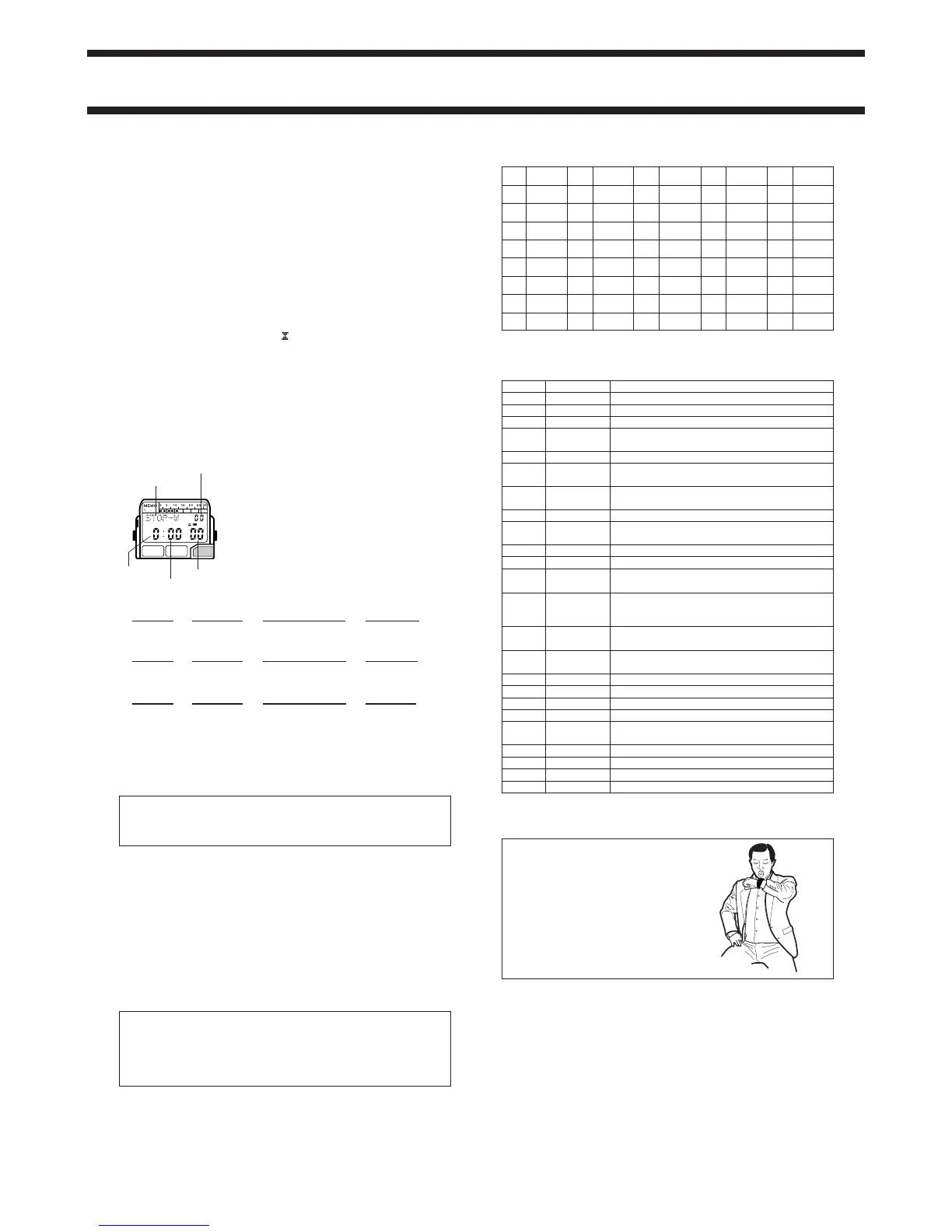
STOPWATCH MODE
The Stopwatch Mode lets you measure elapsed
time, split times, and two finishes. The range of
the stopwatch is 23 hours, 59 minutes, 59.99
seconds.
(a) Elapsed time measurement
EE E E D
(b) Split time measurement
ED D E D
(c) Split time and 1st-2nd place times
ED E D D
▼
▼
▼
▼
Start
Stop
Re-start
Stop
Clear
▼
▼
▼
▼
Start Stop
Split release
Split
Clear
▼
▼
▼
▼
Start Split release
Stop
Record time of
second runner.
Second runner finishes.
Record time of first runner.
Split
First runner
finishes.
Clear
1/100 second
Seconds
Minutes
Hours
ABOUT THE BATTERY
ALWAYS LEAVE BATTERY REPLACEMENT UP TO THE DEALER
WHERE YOU BOUGHT THE WATCH OR TO AN AUTHORIZED CASIO
DISTRIBUTOR. BE SURE TO SHOW THE FOLLOWING INFORMATION
TO THE PERSON REPLACING THE BATTERY.
Attention dealer or CASIO distributor
Be sure to use the following procedure when replacing the battery.
1. Open and remove the back cover.
2. Remove the old battery and load a new one.
3. Touch the AC contact and the battery (+) side with metallic tweezers.
4. Close the back cover.
• The message
{WAIT appears on the display about 5 seconds after you
perform the AC (all clear) operation in step 3 of the above procedure,
indicating that the watch is performing an internal self-check for data errors.
• The
{WAIT indicator remains on the display while the watch performs an
internal check of data in memory. All watch functions are disabled while the
{WAIT message is on the display.
Caution
The following causes all data stored in memory to be deleted. Be sure to
always keep separate written copies of all important data.
Malfunction or repairs/Dead battery/Battery replacement
In no event will CASIO be liable for loss of data or any damages arising
out of such loss.
CHARACTER LIST
1 (space)
2 A
3 B
4 C
5 D
6 E
7 F
8 G
9 H
10 I
11 J
12 K
13 L
14 M
15 N
16 O
17 P
18 Q
19 R
20 S
21 T
22 U
23 V
24 W
25 X
26 Y
27 Z
28 0
29 1
30 2
31 3
32 4
33 5
34 6
35 7
36 8
37 9
38 -
39 .
40 :
City Code
City Other major cities same time zone
--- PAGO PAGO
HNL HONOLULU PAPEETE
ANC
ANCHORAGE
NOME
LAX
LOS ANGELES
SAN FRANCISCO, LAS VEGAS, VANCOUVER,
SEATTLE, DAWSON CITY
DEN DENVER EL PASO, EDMONTON
CHI CHICAGO HOUSTON, DALLAS/FORT WORTH, NEW
ORLEANS, MEXICO CITY, WINNIPEG
NYC NEW YORK MONTREAL, DETROIT, MIAMI, BOSTON,
PANAMA CITY, HAVANA, LIMA, BOGOTA
CCS CARACAS LA PAZ, SANTIAGO, PORT OF SPAIN
RIO
RIO DE JANEIRO
SAO PAULO, BUENOS AIRES, BRASILIA,
MONTEVIDEO
---
--- PRAIA
GMT DUBLIN, LISBON, CASABLANCA, DAKAR,
LON LONDON ABIDJAN
PAR PARIS MILAN, ROME, MADRID, AMSTERDAM,
ALGIERS, HAMBURG, FRANKFURT, VIENNA,
STOCKHOLM, BERLIN
CAI CAIRO ATHENS, HELSINKI, ISTANBUL, BEIRUT,
JRS JERUSALEM DAMASCUS, CAPE TOWN
JED JEDDAH KUWAIT, RIYADH, ADEN, ADDIS ABABA,
NAIROBI
DXB DUBAI ABU DHABI, MUSCAT
KHI KARACHI
DAC DHAKA COLOMBO
BKK BANGKOK JAKARTA, PHNOM PENH, HANOI, VIENTIANE
HKG
HONG KONG
SINGAPORE, KUALA LUMPUR, BEIJING,
TAIPEI, MANILA, PERTH, ULAANBAATAR
TYO TOKYO SEOUL, PYONGYANG
SYD SYDNEY MELBOURNE, GUAM, RABAUL
NOU NOUMEA PORT VILA
WLG
WELLINGTON
CHRISTCHURCH, NADI, NAURU ISLAND
CITY CODE TABLE
• Based on data as of June 1998.
Important!
Keep the watch about 5cm (2 inches) from
your mouth when recording!


 To Previous Page
 Loading...