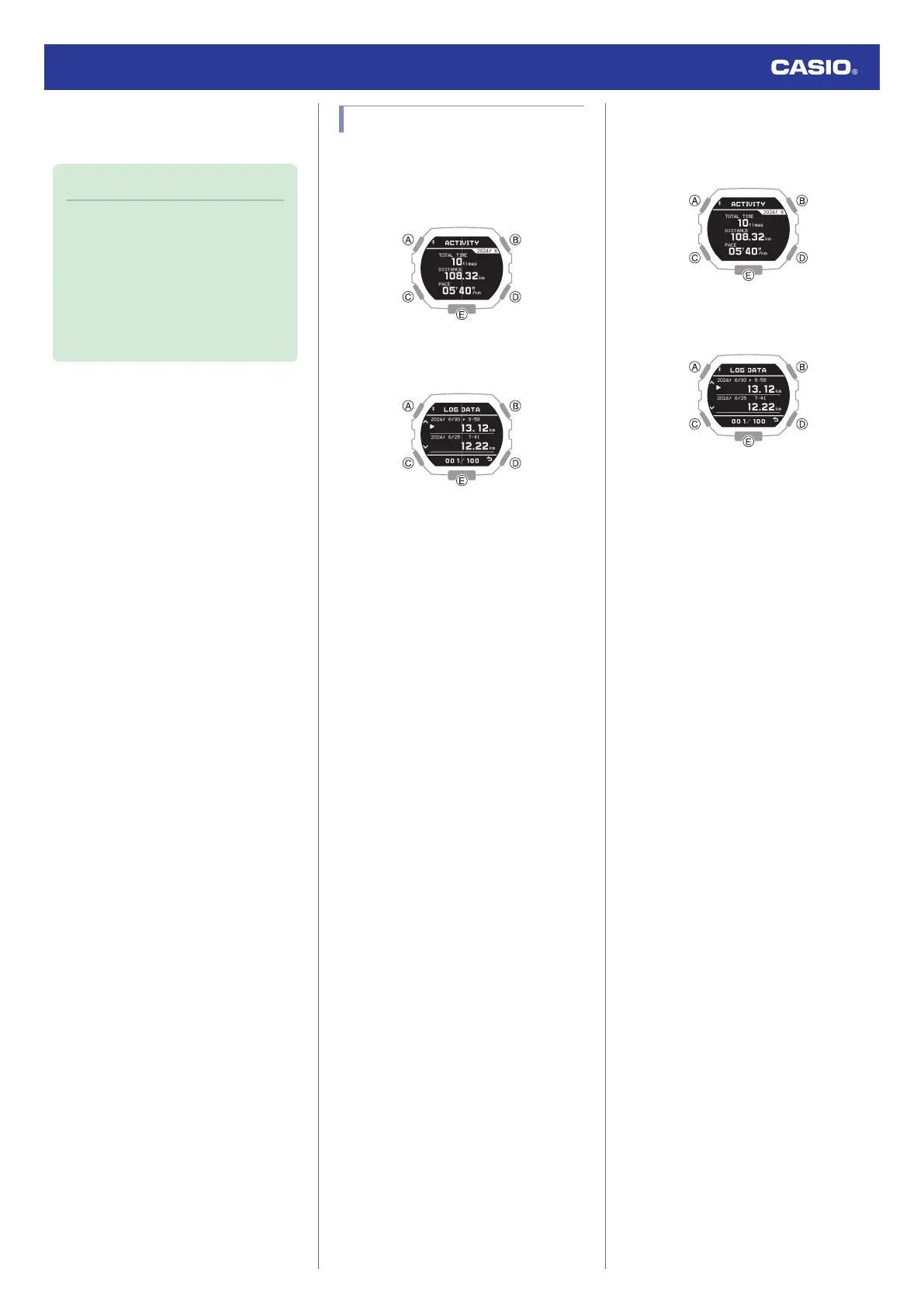
7. Hold down (C) for at least one second to
return to the Timekeeping Mode.
Note
●
Pressing (D) during the above
procedure will go back one screen.
●
The watch automatically returns from
the Training Log Mode to the
Timekeeping Mode if you do not
perform any Training Log Mode
operation for about two or three
minutes.
Deleting Log Data
●
Deleting a Particular Log Data Record
1. Enter the Training Log Mode.
l
Navigating Between Modes
2. Press (B).
This displays the training log list.
3. Use (A) and (C) to move the pointer to the
data you want to delete.
4. Hold down (A) for at least two seconds.
This displays a delete menu.
5. Use (A) and (C) to move the pointer to
[ONE].
6. Press (B).
7. Use (A) and (C) to move the pointer to
[EXECUTE].
To cancel log data deletion, move the
pointer to [CANCEL].
8. Press (B).
After the data delete operation is
complete, [DELETE COMPLETED] will
appear for a few seconds, and then the
Training Log Mode screen will re-appear.
●
Deleting All Log Data Records
1. Enter the Training Log Mode.
l
Navigating Between Modes
2. Press (B).
This displays the training log list.
3. Hold down (A) for at least two seconds.
This displays a delete menu.
4. Use (A) and (C) to move the pointer to
[ALL].
5. Press (B).
6. Use (A) and (C) to move the pointer to
[EXECUTE].
To cancel log data deletion, move the
pointer to [CANCEL].
7. Press (B).
This displays a confirmation screen.
8. Use (A) and (C) to move the pointer to
[YES].
9. Press (B).
After the data delete operation is
complete, [DELETE COMPLETED] will
appear for a few seconds, and then the
Training Log Mode screen will re-appear.
Watch Operation Guide 3568
30



 To Next Page