EasyManua.ls Logo

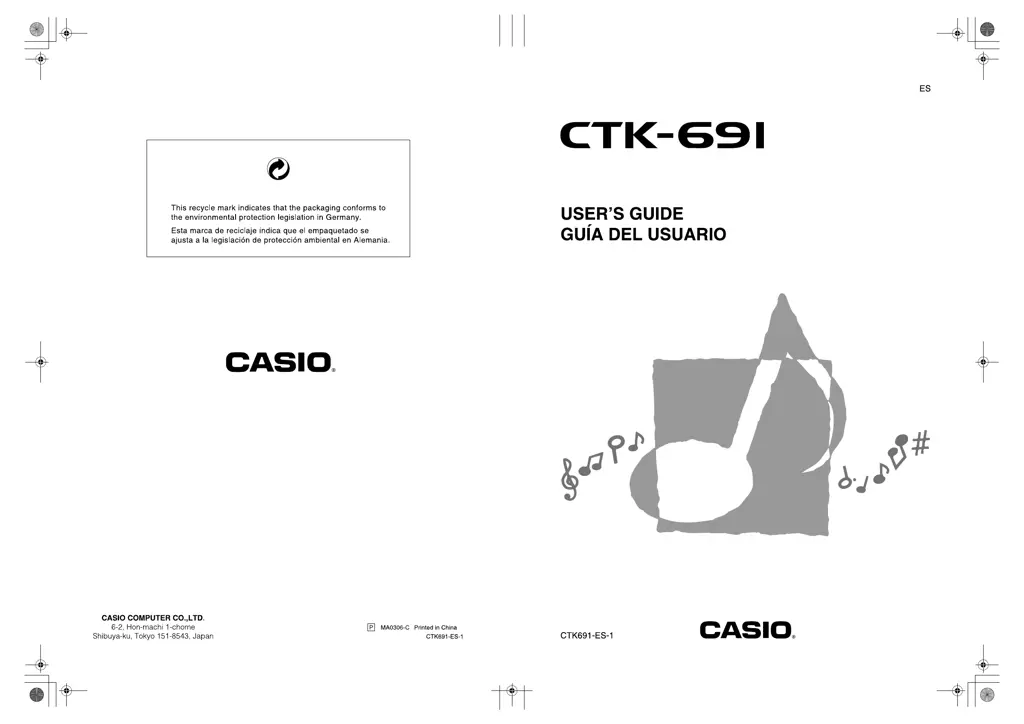
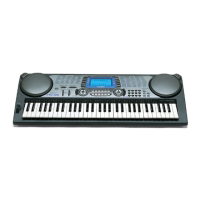
Casio CTK-691 - User Manual

Casio CTK-691
122 pages
Print Icon
To Next Page IconTo Next Page
Loading...
CTK691ES01‑01cover1‑4.fm1ページ2003年9月29日 月曜日 午後4時56

Table of Contents

Other manuals for Casio CTK-691

Questions and Answers

  • R
    Richard PhillipsSep 9, 2025
    Why parts suddenly drop out during song memory playback on Casio Synthesizer?
    • D
      Dawn SmithSep 9, 2025
      If parts suddenly drop out during song memory playback on your Casio Synthesizer, the number of tones being played simultaneously likely exceeds the keyboard's limitation. Use the Mixer to turn off unnecessary channels and decrease the number of parts being played.
  • L
    Linda LeachSep 12, 2025
    Why some parts do not play during song memory playback on Casio Synthesizer?
    • J
      jessekentSep 12, 2025
      If some parts do not play at all during song memory playback on your Casio Synthesizer, it may be because certain channels are turned off or the volume setting is too low. Use the Mixer to turn on the channels and check/adjust the volume settings accordingly.
  • V
    Vanessa BellSep 12, 2025
    What to do if LAYER or SPLIT button does not work on Casio Synthesizer?
    • A
      aaron83Sep 12, 2025
      If nothing happens when the LAYER or SPLIT button is pressed on your Casio Synthesizer, it could be due to several reasons: 1. One or more of the melody channels (2 through 4) might be turned off. Use the Mixer to turn on Channels 2 through 4. 2. The volume setting of one or more of the melody channels (2 through 4) might be too low. Use the Mixer to raise the volume setting of Channels 2 through 4. 3. The keyboard might be in record standby. The LAYER and SPLIT buttons are disabled during recording and record standby. 4. The SMF Player Mode might be in use. Turn off the SMF Player Mode, as LAYER and SPLIT are not available while it is active.
  • C
    Cameron BurtonSep 15, 2025
    Why playing keyboard produces an unnatural sound when connected to computer on Casio Synthesizer?
    • C
      Chris KaneSep 15, 2025
      If playing on the keyboard produces an unnatural sound when connected to a computer with your Casio Synthesizer, the computer’s MIDI Thru function may be turned on. Turn off the MIDI Thru function on the computer or turn off Local Control on the keyboard.
  • B
    brentcarrSep 16, 2025
    Why downloaded tone contains noise or keyboard operations are abnormal on Casio Synthesizer?
    • L
      Laura EdwardsSep 16, 2025
      If a downloaded tone with waveform contains noise, or keyboard operations become abnormal when user data is selected on your Casio Synthesizer, it's possible that the Flash memory contents have become corrupted. Try performing a system reset operation using the TRANSPOSE/FUNCTION button.

Summary

Safety Precautions

Symbols and Warnings

Explains symbols and warnings (DANGER, WARNING, CAUTION) for safe product use.

Handling Hazards

Instructions for immediate actions concerning battery fluid, smoke, odor, overheating, and AC adaptor misuse.

General Safety Guidelines

Covers safety for AC adaptor cords, batteries, water/foreign matter, disassembly, dropping, plastic bags, and product stability.

Power Supply

Using Batteries

Instructions for loading batteries and important information regarding battery life and symptoms of low power.

AC Adaptor Safety and Usage

Crucial safety precautions, specifications, and usage guidelines for the AC adaptor to prevent hazards.

Keyboard Initialization

Procedure for initializing the keyboard to restore factory default settings and clear memory.

Connections

Audio and Pedal Connections

Guides on connecting headphones, audio equipment, amplifiers, and pedals like sustain and sostenuto.

Basic Operations

Tone Selection and Types

Detailed guide on how to select tones and information on available tone categories.

Using the Drawbar Organ Mode

Selecting and Editing Organ Tones

Steps for selecting, editing, and saving drawbar organ tones and their parameters.

Applying Effects to Tones

DSP Effect Management

Guides on selecting DSP types, changing DSP parameters, and saving DSP settings.

Auto Accompaniment

Auto Accompaniment Basics

Explains how the keyboard automatically plays accompaniment based on chords and rhythms.

Rhythm and Tempo Control

Guides on selecting rhythms, playing rhythms, and adjusting tempo for accompaniment.

One-touch Preset and Auto Harmonize

Explains one-touch presets for quick setup and auto harmonize for adding melody harmony.

Mixer Function

Channel Control and Parameter Editing

Guides on turning channels on/off and using the parameter edit mode for detailed adjustments.

Synthesizer Mode

Creating Original Tones

Introduces the synthesizer mode for creating custom sounds by editing parameters.

Saving and Editing User Tones

Guides on saving created user tones to memory and editing existing ones.

Registration Memory

Registration Memory Features

Explains the function of registration memory for storing and recalling keyboard setups.

Saving and Recalling Setups

Step-by-step instructions for saving a keyboard setup and recalling it later.

Song Memory Function

Song Recording Methods

Describes real-time and step recording methods for capturing songs.

Real-time Recording Process

Detailed steps for recording notes and accompaniment in real-time.

Step Recording Techniques

Guides on recording chords and notes step-by-step, including chord specification.

Editing Song Memory Contents

Procedures for correcting mistakes, deleting data, and editing recorded memory contents.

Troubleshooting

Common Keyboard Issues

Addresses problems like no sound, low battery symptoms, and auto accompaniment not sounding.

Specifications

Casio CTK-691 Specifications

General IconGeneral
Number of Keys61
DisplayLCD
MIDIYes
Power SupplyAC Adapter or Batteries
Rhythms100
KeyboardTouch Response
Speakers12 cm x 2
EffectsReverb, Chorus
Song Memory5 songs
ConnectionsMIDI In/Out
Polyphony32 notes

Related product manuals