136
cc1(SEL)
c1(SEL)
6(DRAW) or w
(Draws graphs.)
• Pressing ! 6 (G↔T) or A returns to the Graph Function Menu.
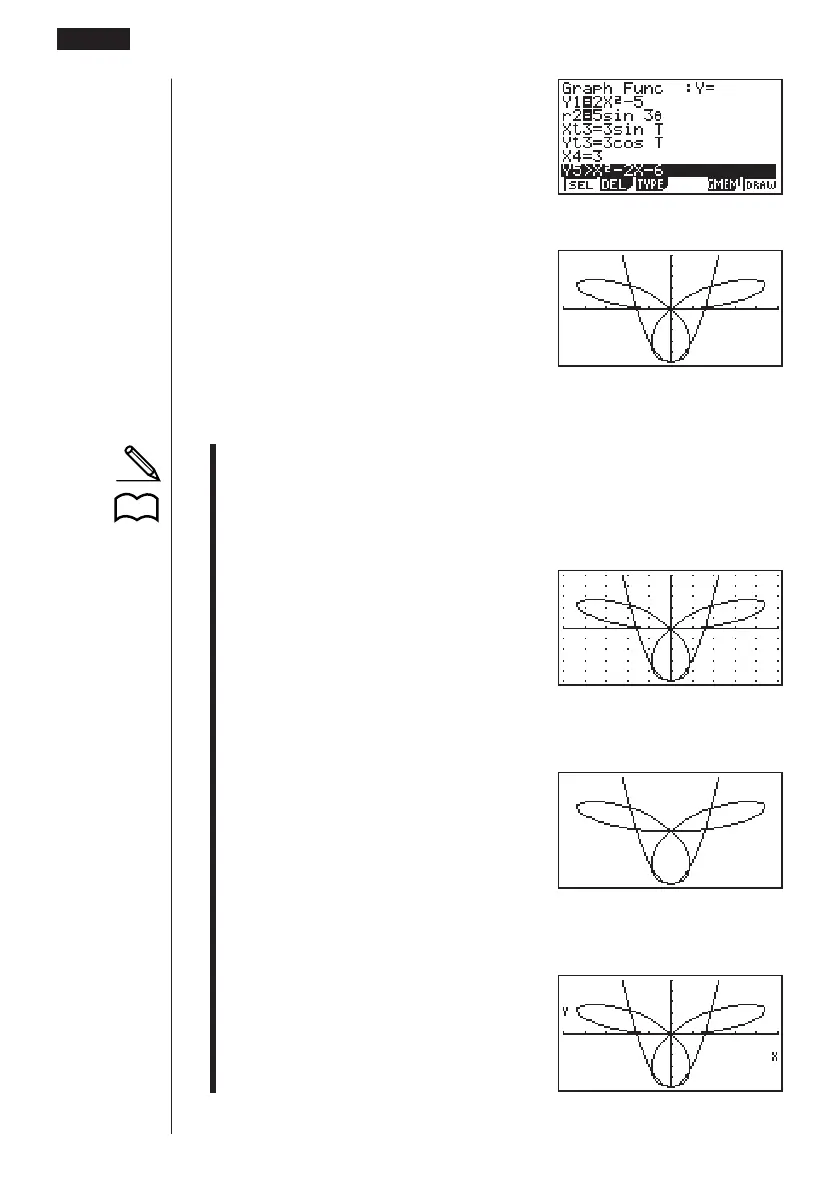
• You can use the set up screen settings to alter the appearance of the graph
screen as shown below.
• Grid: On
This setting causes dots to appear at the grid intersects on the display.
• Axes: Off
This setting clears the axis lines from the display.
• Label: On
This setting displays labels for the x- and y-axes.
8 - 3 Graph Function Operations
123456
P.6



 To Next Page