99
kk
kk
k Column Operations
The following menu appears whenever you press 3 (COL) while a recalled matrix
is on the display.
3 (COL)
1 (DEL) ....... Delete column
2 (INS) ........ Insert column
3 (ADD) ....... Add column
uu
uu
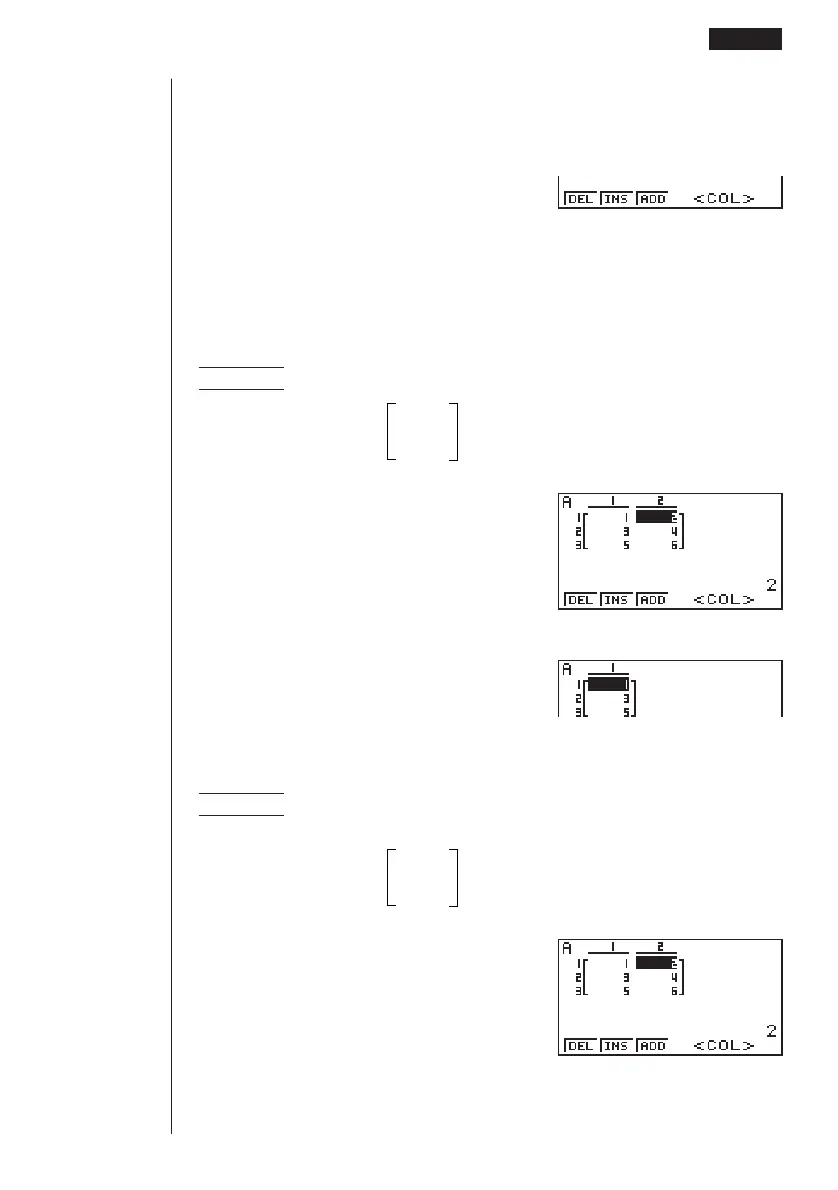
uTo delete a column
Example To delete column 2 of the following matrix :
12
Matrix A =
34
56
3(COL)e
1(DEL)
uu
uu
uTo insert a column
Example To insert a new column between columns 1 and 2 of the
following matrix :
12
Matrix A =
34
56
3(COL)e
123456
123456
123456
Matrix Cell Operations 6 - 2



 To Next Page