101
6-3 Modifying Matrices Using Matrix Commands
In addition to using the MATRIX list to create and modify a matrix, you can also use
matrix commands to input data and create a matrix without actually displaying it.
uu
uu
uTo display the matrix commands
1. From the Main Menu, select the RUN icon and press w.
2. Press K to display the option menu.
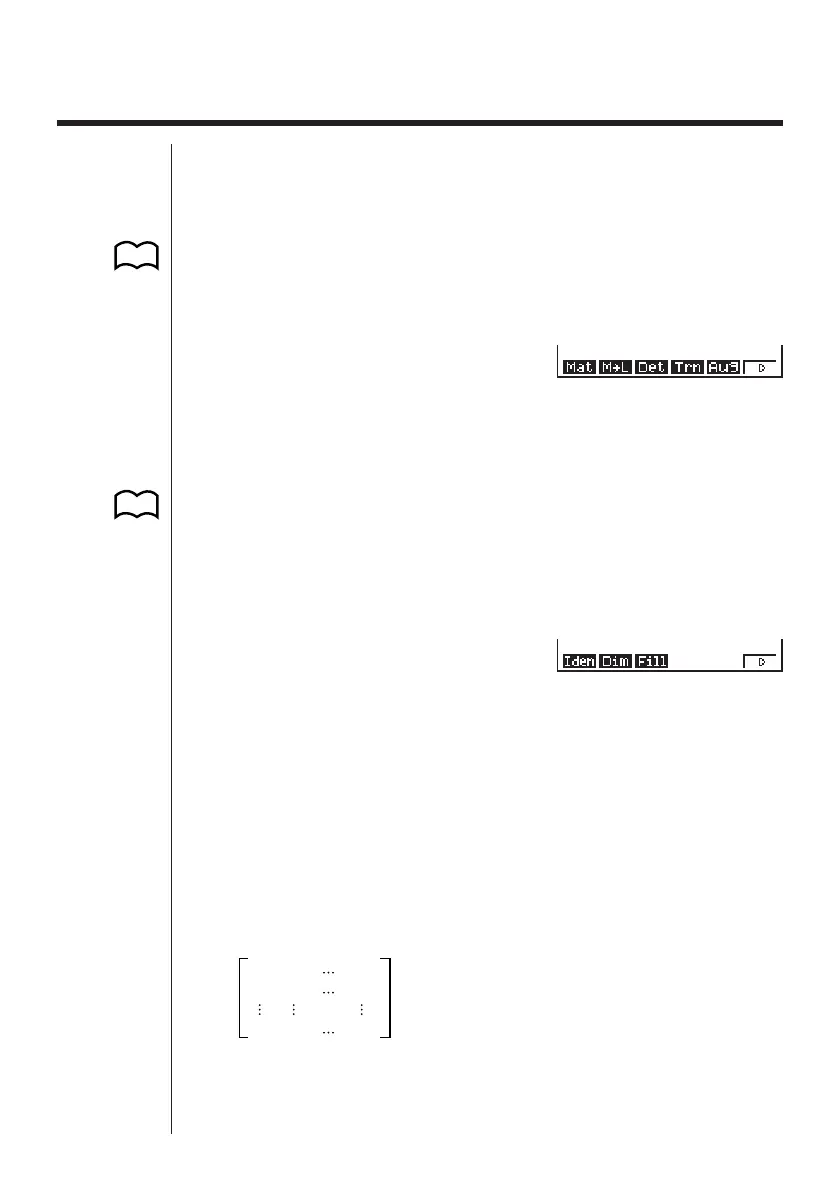
3. Press 2 (MAT) to display the matrix operation menu.
K2(MAT)
The following describes only the matrix command menu items that are used for
creating matrices and inputting matrix data.
1 (Mat) ........ Mat command (matrix specification)
2 (M→L) ...... Mat→List command (assign contents of selected column to
list file)
5 (Aug) ........ Augment command (link two matrices)
6 (g) ........... Next menu
6(g)
1 (Iden) ....... Identity command (identity matrix input)
2 (Dim) ........ Dim command (dimension check)
3 (Fill) .......... Fill command (identical cell values)
6 (g) ........... Previous menu
kk
kk
k Matrix Data Input Format
The following shows the format you should use when inputting data to create a
matrix using the matrix operation menu’s Mat command.
a11 a 12 a1n
a21 a22 a2n
am1 am2 amn
= [ [a11, a12, ..., a1n] [a21, a22, ..., a2n] .... [am1, am2, ..., amn] ]
→ Mat [letter A through Z]
• The maximum value of both m and n is 255.
123456
123456
P.105
P.31



 To Next Page