152
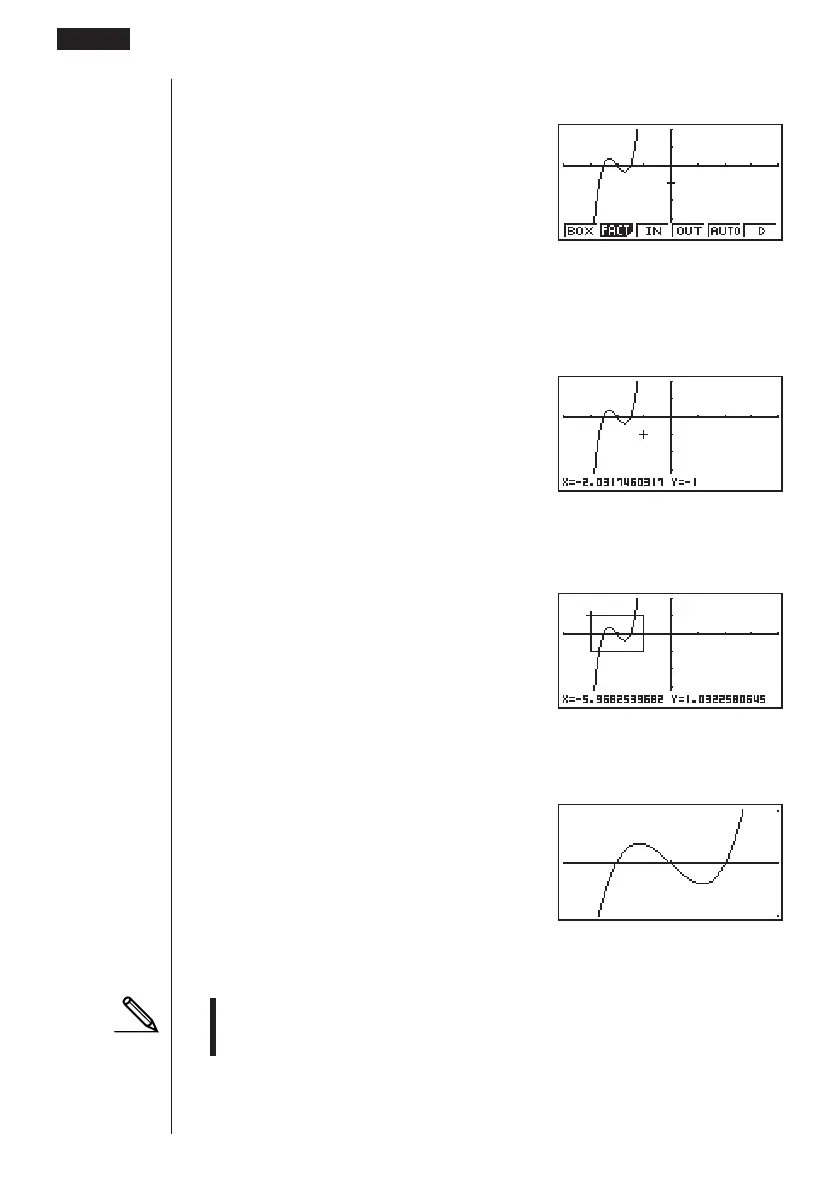
1. After graphing the function, press 2 (Zoom).
2(Zoom)
2. Press 1 (BOX), and then use the cursor keys (d, e, f, c) to move the
pointer to the location of one of the corners of the box you want to draw on the
screen. Press w to specify the location of the corner.
1(BOX)
d ~ dw
3. Use the cursor keys to move the pointer to the location of the corner that is
diagonally across from the first corner.
f ~ f d ~ d
4. Press w to specify the location of the second corner. When you do, the part of
the graph inside the box is immediately enlarged so it fills the entire screen.
w
• To return to the original graph, press 2 (Zoom) 6 (g) 1 (ORIG).
• Nothing happens if you try to locate the second corner at the same location or
directly above the first corner.
• You can use box zoom for any type of graph.
1 23456
8 - 6 Other Graphing Functions



 To Next Page