174
10-1 Before Using the Sketch Function
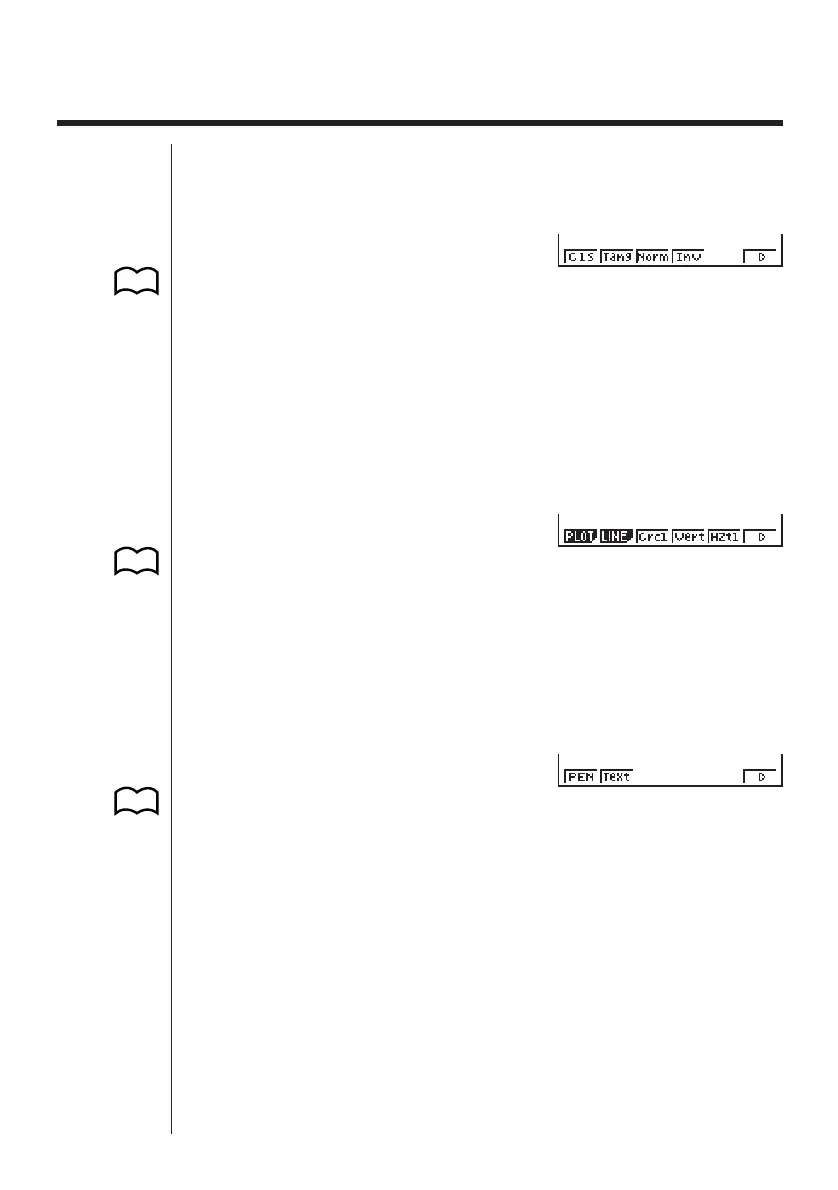
Press ! 4 (Sketch) to display the sketch menu.
STAT, GRAPH, TABLE, RECUR, CONICS Mode
!4(Sketch)
1 (Cls) ......... Clears drawn line and point
2 (Tang) ....... Tangent
3 (Norm)...... Line normal to a curve
4 (Inv) .......... Inverse graph
6 (g) ........... Next menu
• 2 (Tang), 3 (Norm), and 4 (Inv) appear only when you display the sketch
menu while in the GRAPH and TABLE Modes.
6 (g)
1 (PLOT) ..... Plot menu
2 (LINE) ...... Line menu
3 (Crcl) ........ Circle
4 (Vert) ........ Vertical line
5 (Hztl) ........ Horizontal line
6 (g) ........... Next menu
6 (g)
1 (PEN) ....... Freehand drawing
2 (Text) ........ Comment text
6 (g) ........... Previous menu
1234
56
123456
123456
P.179
P.182
P.184
P.185
P.185
P.185
P.186
P.188
P.176
P.177
P.178



 To Next Page