197
123456
Displaying a Graph in the Inactive Screen 11 - 4
1 23456
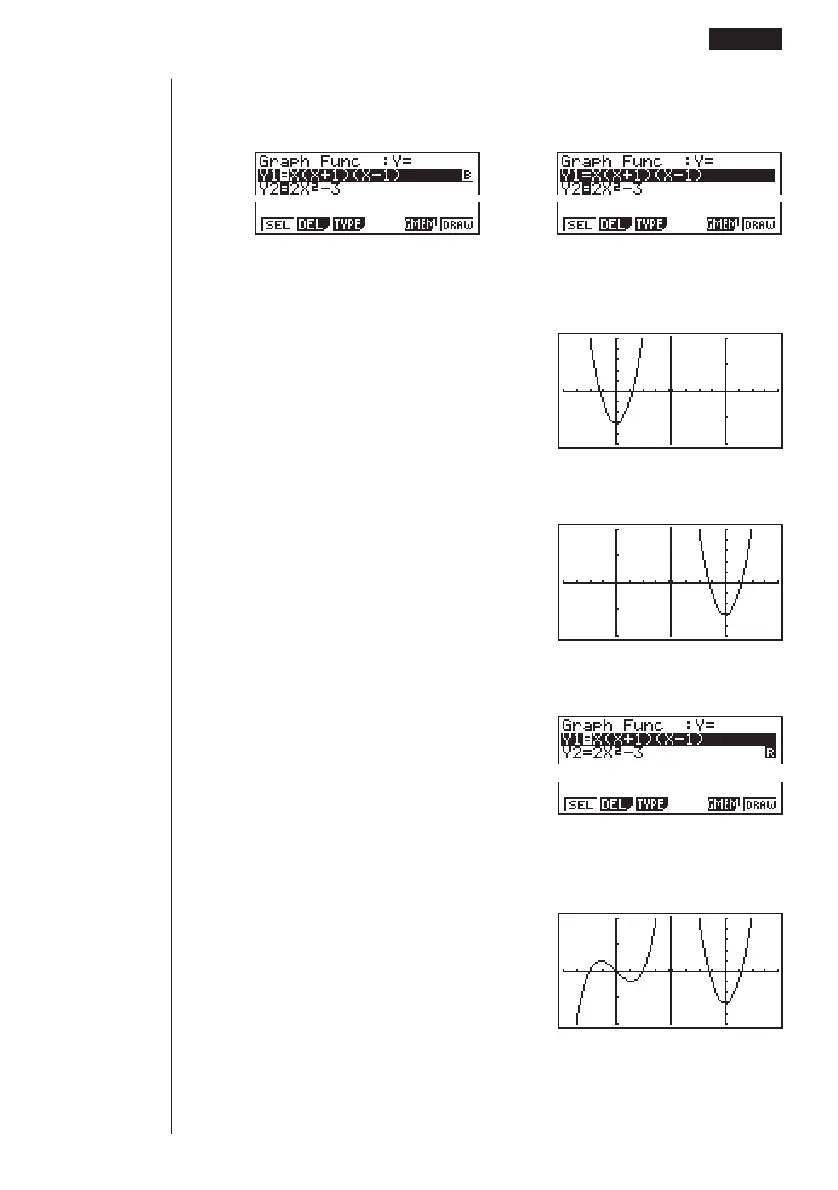
Select the function for the graph that you want to end up in the inactive (right) screen.
1(SEL)
Draw the graph in the active screen.
6(DRAW)
Swap the screens so the graph is on the inactive (right) screen.
K2(SWAP)
Select the function for the graph that you want in the now-empty active (left) screen.
A1(SEL)
Draw the graph.
6(DRAW)
• At this point, you could perform a copy operation and superimpose the active
graph over the inactive graph.
123456



 To Next Page