217
uu
uu
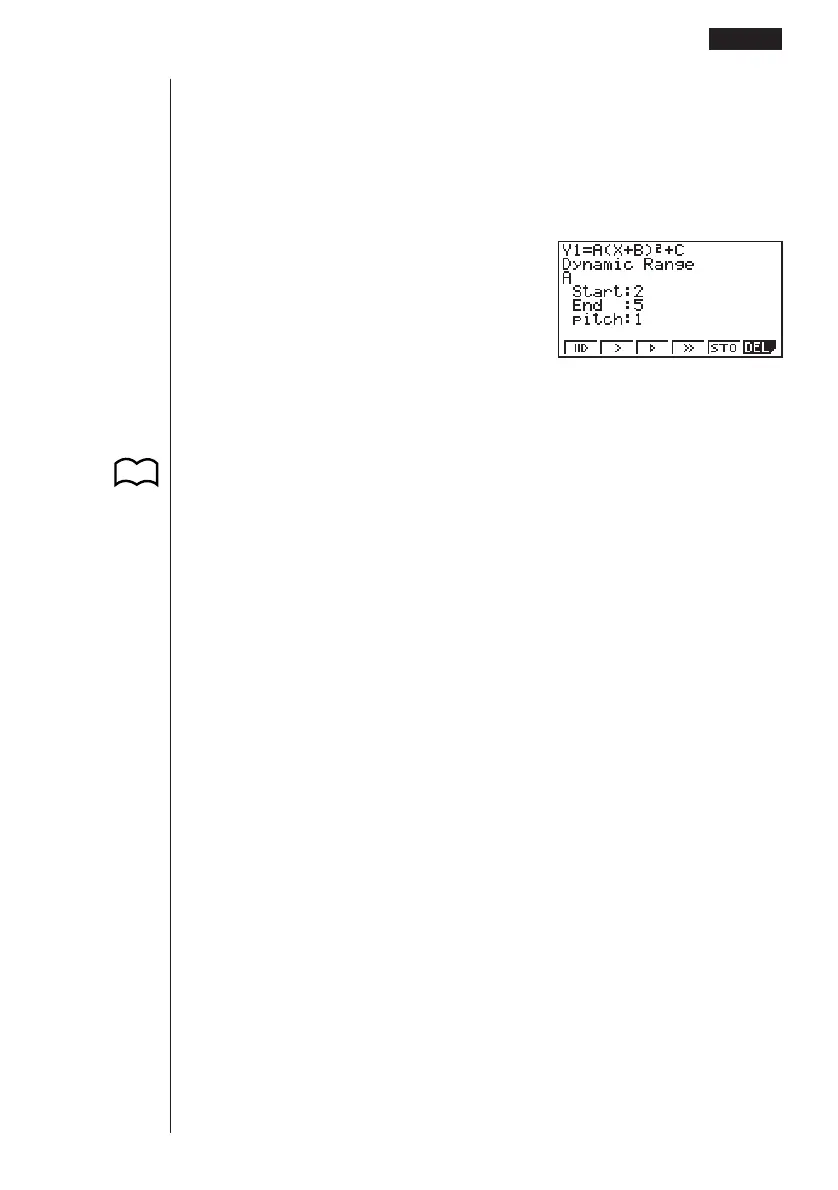
uTo adjust the Dynamic Graph speed
You can use the following procedure to adjust the Dynamic Graph speed while the
draw operation is taking place.
1. While a Dynamic Graph draw operation is being performed, press A to change
to the speed adjustment menu.
A
1 (tg) ........... Stop & Go
2 (>) ............. Slow (1/2 Normal)
3 (g) ............ Normal (default speed)
4 (h) ............ Fast (double Normal)
5 (STO) ....... Store graph conditions and screen data in Dynamic Graph
memory
6 (DEL) ........ Delete Dynamic Graph screen data
2. Press the function key (1 to 4) that corresponds to the speed you want to
change to.
•To clear the speed adjustment menu without changing anything, press w.
• Press ! 6 (G↔T) to return to the graph screen.
Drawing a Dynamic Graph 13 - 3
P.218
P.219
123456



 To Next Page