310
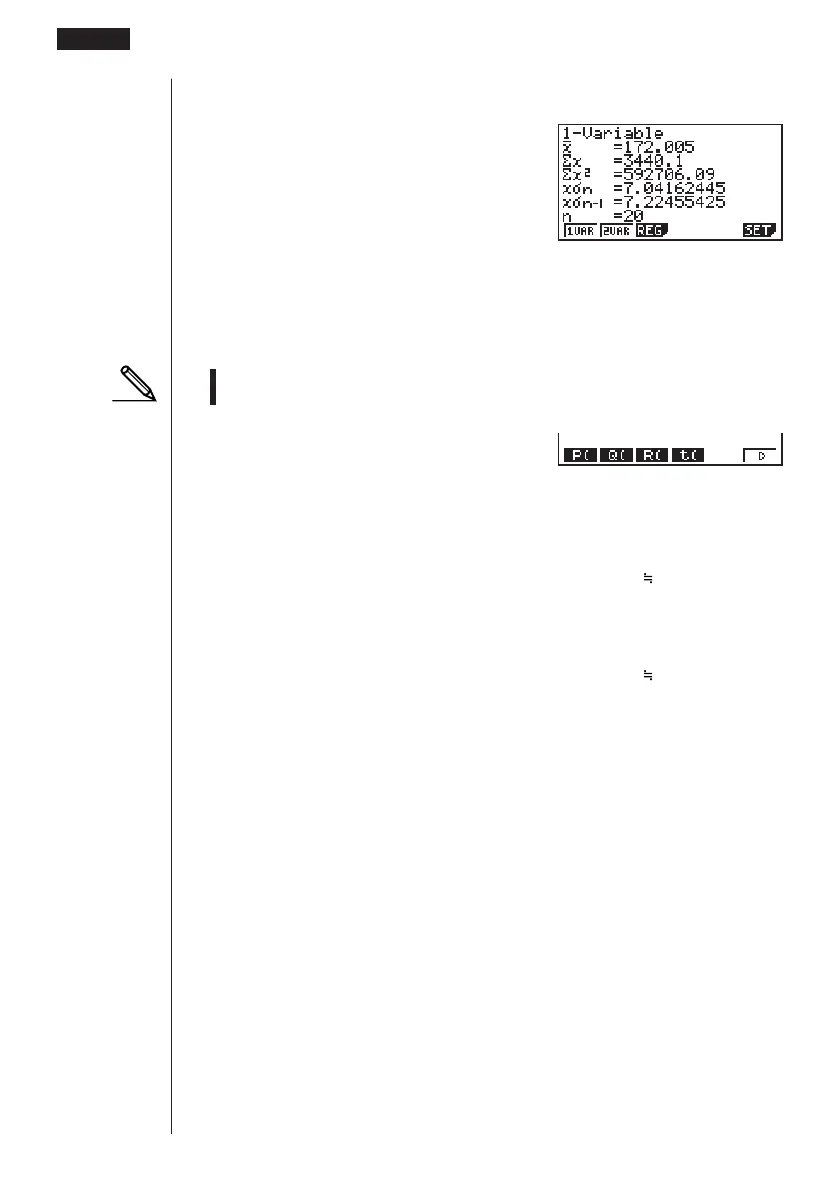
2. Use the STAT Mode to perform the single-variable statistical calculations.
2(CALC)6(SET)
c3(List2)J1(1VAR)
3. Press m to display the Main Menu, and then enter the RUN Mode.
4. In the RUN Mode, display the probability calculation menu.
• You obtain the normalized variate immediately after performing single-variable
statistical calculations only.
K6(g)3(PROB)6(g)
4(t() bga.f)w
(Normalized variate t for 160.5cm) Result: –1.633855948
( –1.634)
4(t() bhf.f)w
(Normalized variate
t for 175.5cm) Result: 0.4963343361
(
0.496)
1(P()a.ejg)-
1(P()-b.gde)w
(Percentage of total) Result: 0.638921
(63.9% of total)
3(R()a.ejg)w
(Percentile) Result: 0.30995
(31.0 percentile)
18 - 6 Performing Statistical Calculations
123456



 To Next Page