53
uu
uu
uNumeric Calculations (NUM)
K6(g)4(NUM)
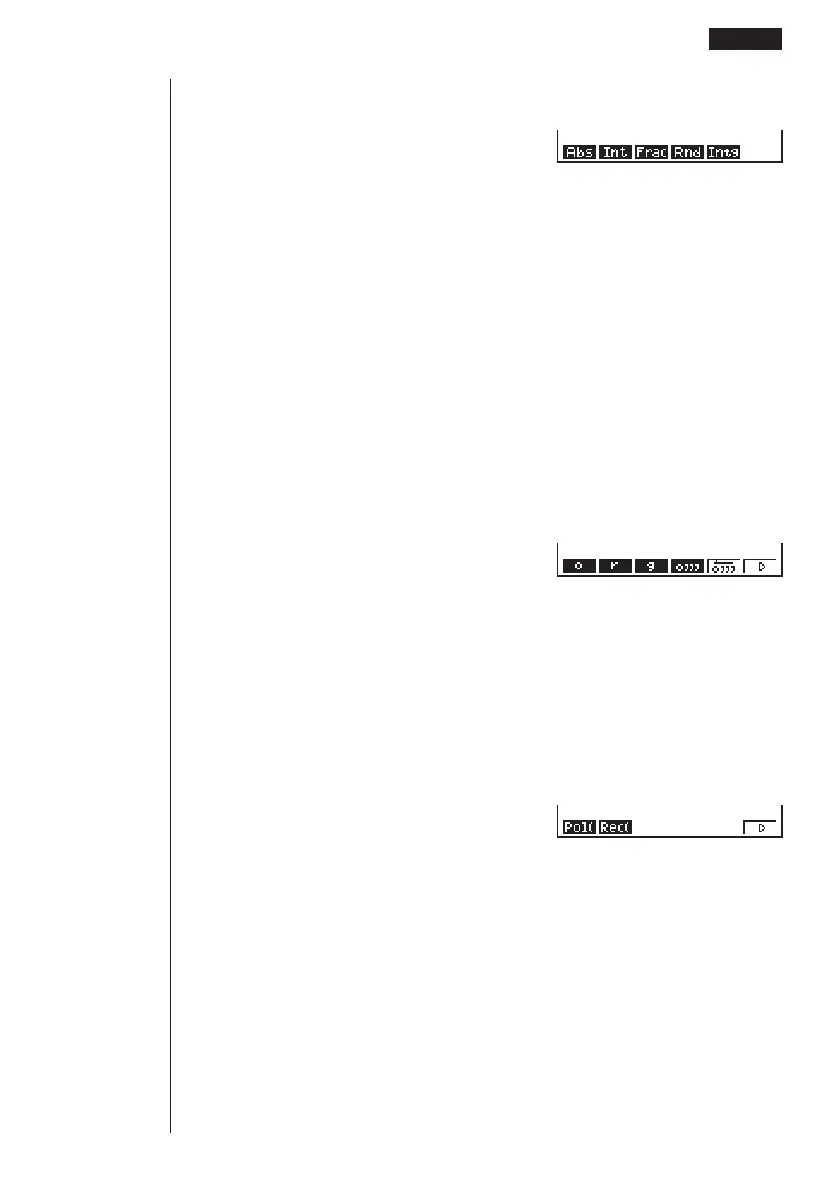
1 (Abs) ......... Select this item and input a value to obtain the absolute value
of the value.
2 (Int) ........... Select this item and input a value to extract the integer part of
the value.
3 (Frac) ........ Select this item and input a value to extract the fraction part of
the value.
4 (Rnd) ........ Rounds off the value used for internal calculations to 10 sig-
nificant digits (to match the value in the Answer Memory), or to
the number of decimal places (Fix) and number of significant
digits (Sci) specified by you.
5 (Intg) ......... Select this item and input a value to obtain the largest integer
that is not greater than the value.
uu
uu
uAngle Units, Coordinate Conversion, Sexagesimal Operations (ANGL)
K6(g)5(ANGL)
1 (°) ............. Specifies degrees for a specific input value.
2 (r) .............. Specifies radians for a specific input value.
3 (g) ............. Specifies grads for a specific input value.
4 (° ’ ”) ......... Specifies degrees (hours), minutes, seconds when inputting a
sexagesimal value.
←
5 (° ’ ”) ......... Converts decimal value to sexagesimal value.
6 (g) ............ Next menu
6(g)
1 (Pol() ........ Rectangular-to-polar coordinate conversion
2 (Rec() ....... Polar-to-rectangular coordinate conversion
6 (g) ............ Previous menu
←
• The ° ’ ” menu option appears only when there is a calculation result shown on
the display.
123456
123456
123456
Function Calculations 2 - 3



 To Next Page