Quick-Start
viii
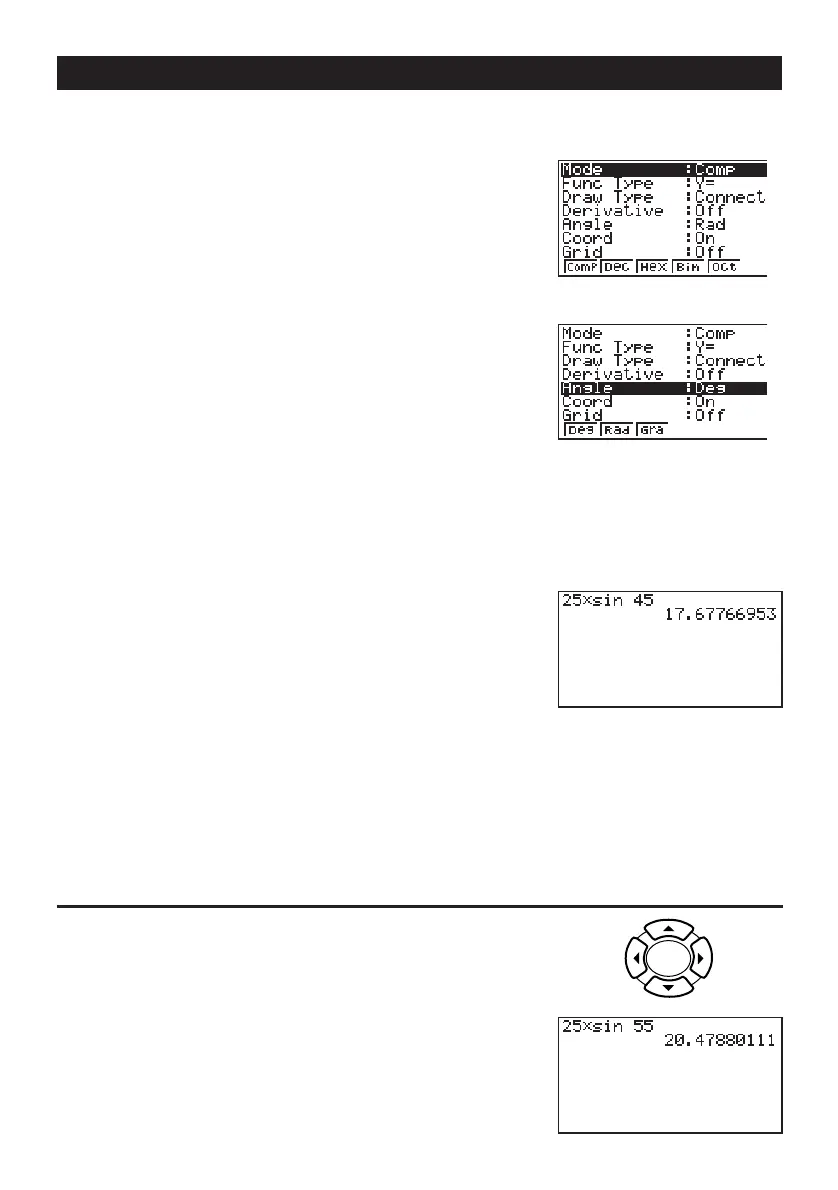
1. Press o.
2. Press
!
m
SET UP
to switch the set up display.
3. Press cccc1 (Deg) to specify
degrees as the angle unit.
4. Press
J to clear the menu.
5. Press
o to clear the unit.
6. Press
cf*sefw.
REPLAY FEATURES
With the replay feature, simply press d or e to recall the last calculation that was
performed. This recalls the calculation so you can make changes or re-execute it as it is.
Example:
To change the calculation in the last example from (25 × sin 45˚) to (25 × sin 55˚)
1. Press
d to display the last calculation.
2. Press
d twice to move the cursor under the 4.
3. Press
f.
4. Press
w to execute the calculation again.



 To Next Page