Quick-Start
xi
GRAPH FUNCTIONS
The graphing capabilities of this calculator makes it possible to draw complex graphs
using either rectangular coordinates (horizontal axis: x ; vertical axis: y) or polar coordinates
(angle:
θ
; distance from origin: r).
Example
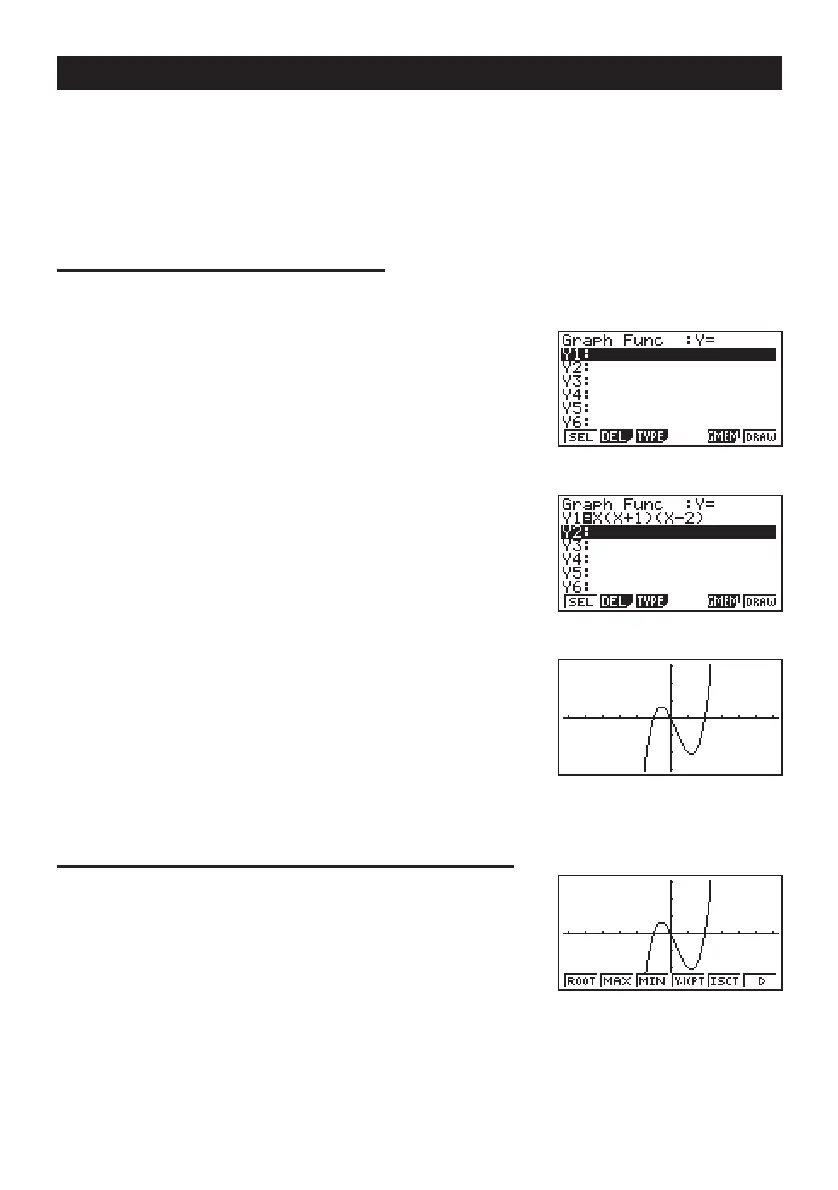
1: To graph Y = X(X + 1)(X – 2)
1. Press
m.
2. Use
d, e, f, and c to highlight GRAPH,
and then press
w
.
3. Input the formula.
v(v+b)
(v-c)w
4. Press 6 (DRAW) or w to draw the graph.
Example
2: To determine the roots of Y = X(X + 1)(X – 2)
1. Press
! 5 (G-Solv).
123456
123456



 To Next Page