13
4. Contrast Adjustment
Adjust the contrast whenever objects on the display appear dim or difficult to see.
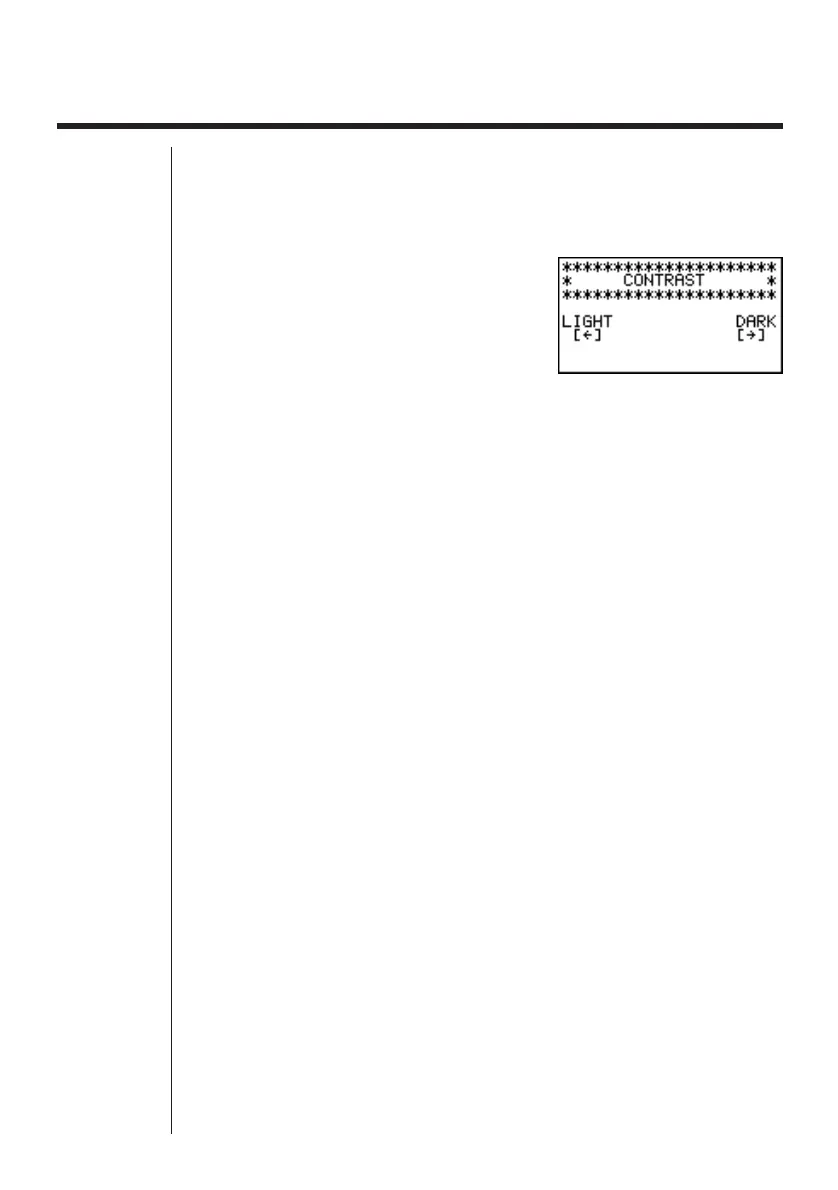
uTo display the contrast adjustment screen
Highlight the CONT icon in the Main Menu and then press w.
Use d and e to adjust contrast.
• d makes figures on the screen lighter, while e makes them darker.
• Holding down d or e changes the contrast setting at high speed.
After adjusting the contrast, press m to return to the Main Menu.



 To Next Page