I-6
System Installation
1. System installation
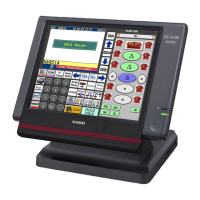
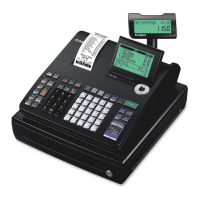
In this chapter shows how to install QT-2100 systems and peripherals.
1-1. How to load IPL (Initial Program Loading)
Normally, IPL is not necessary since QT-2100 has efficient program options to meet your
circumstances.
In some cases, you need to change the application program to meet your requirements, the
IPL is necessary to download the application program to QT-2100.
To load IPL, there are three methods:
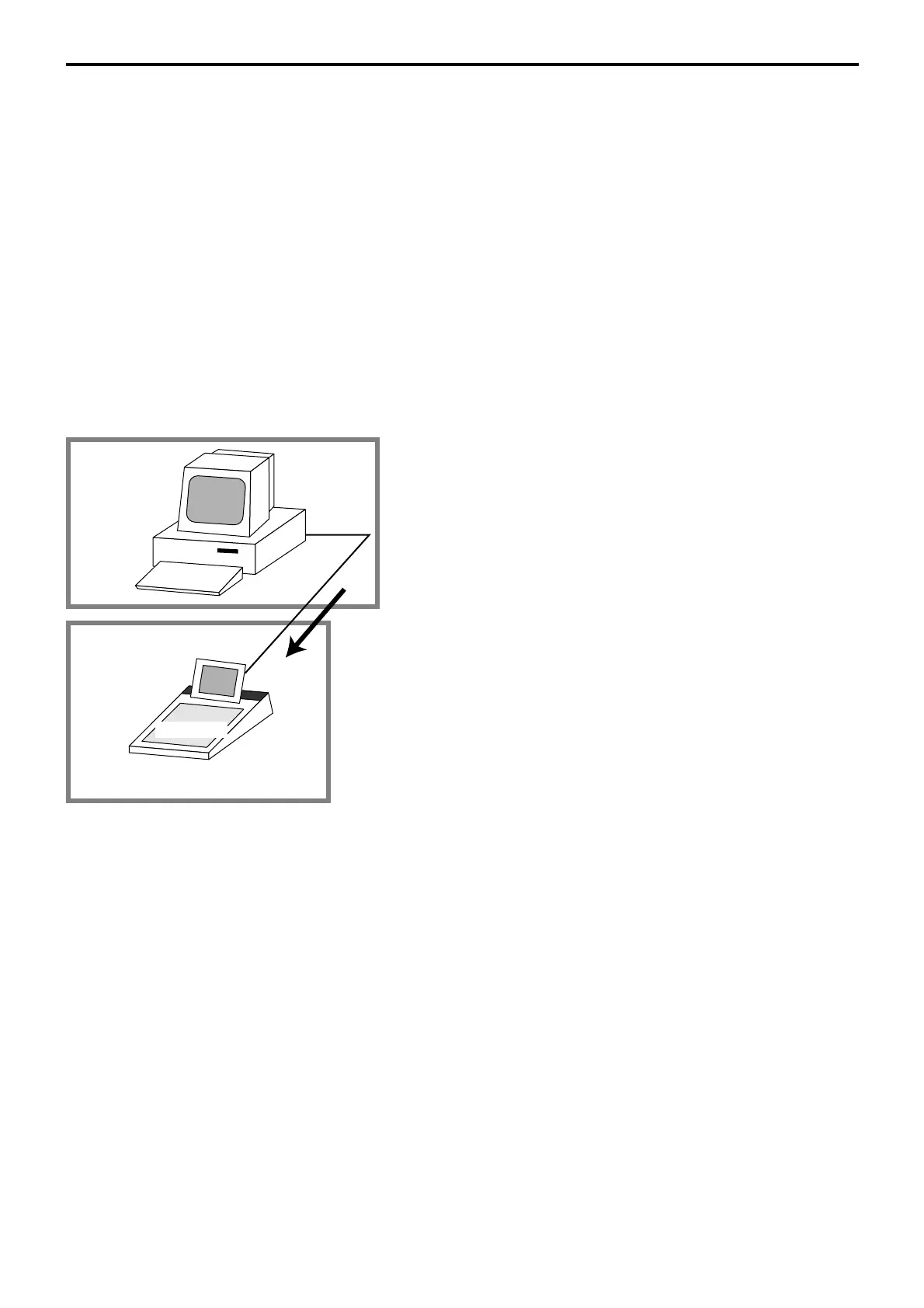
1) From PC to QT-2100 terminal via RS-232C
2) From one QT-2100 terminal (master) to QT-2100 terminals (satellite) via inline
3) From CF card to QT-2100 terminal
1-1-1. From PC to QT-2100 terminal via RS-232C
1. Set up the system (refer to the left figure).
2. Initialize the target QT-2100 to receive the IPL data (refer to
the Machine initialization section of the Manager operation
chapter of QT-2100 Reference manual page 95).
3. Run the loading program of PC.
4. After IPL completion, continue to the initialize operation.
QT2100
PC
IPL source
IPL target
COM 1
COM
port
IPL Data


 To Next Page
 Loading...