— 15 —
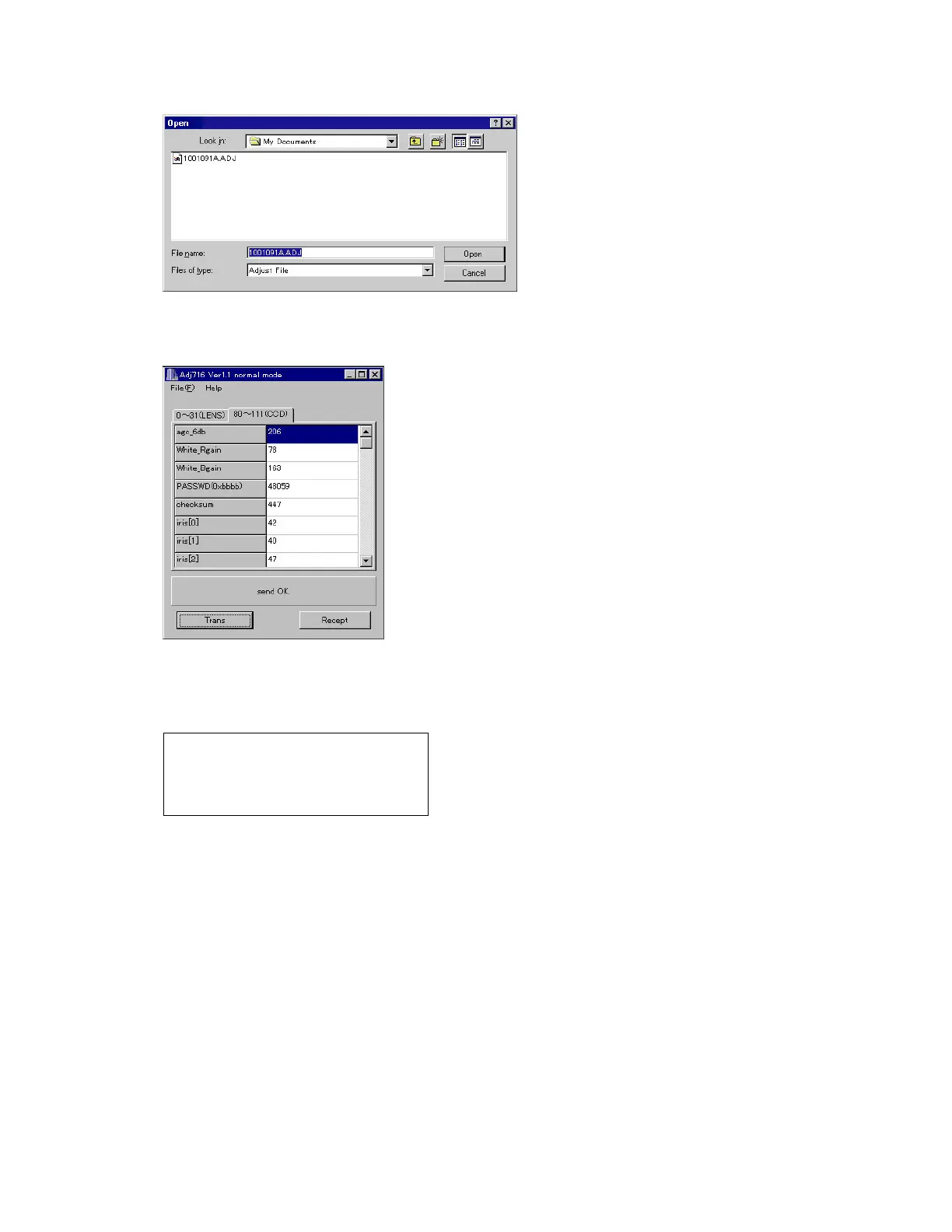
(10) Load the saved data of the lens unit.
(11) Transfer the data to the camera.
Click Trans button on ADJ window.
“send OK” will be shown.
(12) Turn the camera off.
(13) Booting the test mode, be sure that each adjustment item is YES.
Power on while pressing DISP and MENU keys simultaneously.
STROBE
KIZU
ZOOM
FOCUS
YES
YES
YES
YES
CCD1
CCD2
CCD3
YES
YES
YES
(14) Check the camera operation by shooting a picture and play it back.



 To Next Page
 Loading...