EasyManua.ls Logo

Casio VZ-10M - Page 22

Casio VZ-10M
113 pages
Print Icon
To Next Page IconTo Next Page
To Previous Page IconTo Previous Page
Loading...
‘back
to
the
first
display
page.
Now
look
at
item
@
in
the
®
that
this
function
features
Graphic
Editing
capabilites.
This
Jeast
some
of
the
parameters
contained
in
the
function
can
hically.
(In
this
case,
only
the
parameters
on
the
first
page
‘and
CURVE)
can
be
edited
graphically.)
to
edit
graphically,
simply
press
the
DISPLAY
key.
fica]
information
on
Graphic
Editing
see
page
25.
ee:
to
digital
editing
by
pressing
the
DISPLAY
key
once
again.
1,
the
SENSITIVITY
and
CURVE
parameters
can
be
ITY
is
set
to
a
value
of
“00”,
velocity
will
be
disabled
ITTY
is
raised,
the
envelope
rate
becomes
more
acute
is
played
with
a
strong
(fast)
attack
(high
“velocity”).
ging
the
SENSITIVITY
parameter
value
by
using
the
‘controls.
As
shown
in
the
Function
Index,
this
parameter
between
“00”
and
“31.”
Set
it
to
a
value
of
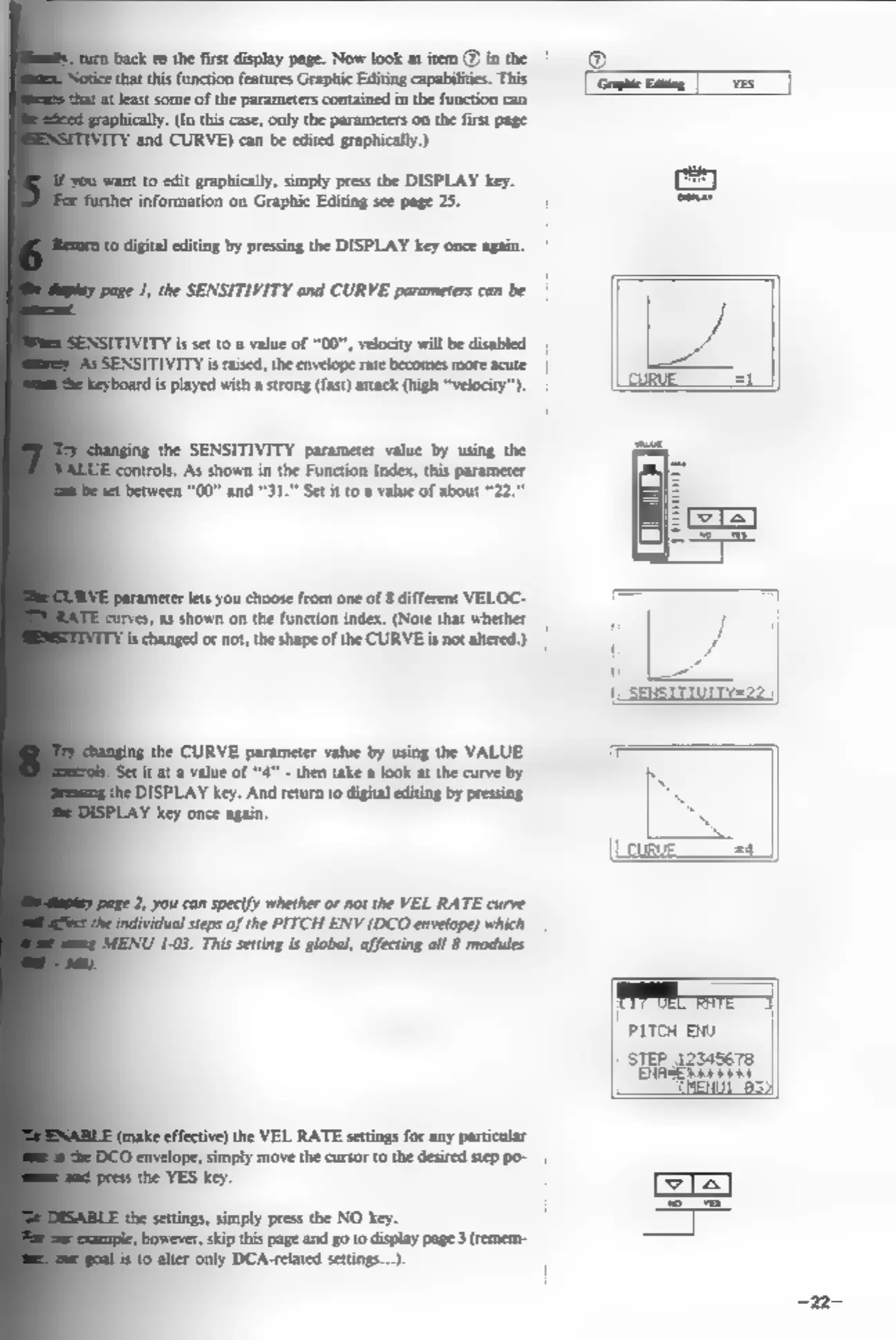
about "22."
‘parameter
lets
you
choose
from
one
of
8
different
VELOC-
‘as
shown
on
the
function
index.
(Note
that
whether
|
‘is
changed
or
not,
the
shape
of
the
CURVE
is
not
altered.)
the
CURVE
parameter
value
by
using
the
VALUE
et
tat
a
value
of
"4"
-
then take
a
look
at
the
curve
by
“I
DISPLAY
key.
And
return
to
digital editing
by
pressing
.
ey
once
again.
4
=f
__sa_J
2,
you
can
specify
whether
or
not the
VEL
RATE
curve
dual
steps
of
the
PITCH
ENV
(DCO
envelope)
which
ENU
1-03.
This
setting
is
global,
affecting
all
8
modules
|
PITCH
EU
STEP
12545678
bid
make
effective)
the
VEL
RATE
settings
for
any
particular
‘envelope,
simply
move
the
cursor
to
the
desired
step
po-
the
YES
key.
the
settings,
simply
press
the
NO
key.
Jbowever,
skip
this
page
and
goto
display
page
3(remem-
—