EasyManua.ls Logo

Casio VZ-10M - Page 24

Casio VZ-10M
113 pages
Print Icon
To Next Page IconTo Next Page
To Previous Page IconTo Previous Page
Loading...
the
domain
of
the
settings
made
using these
parameters
is
this
particular
sound.
This
modular
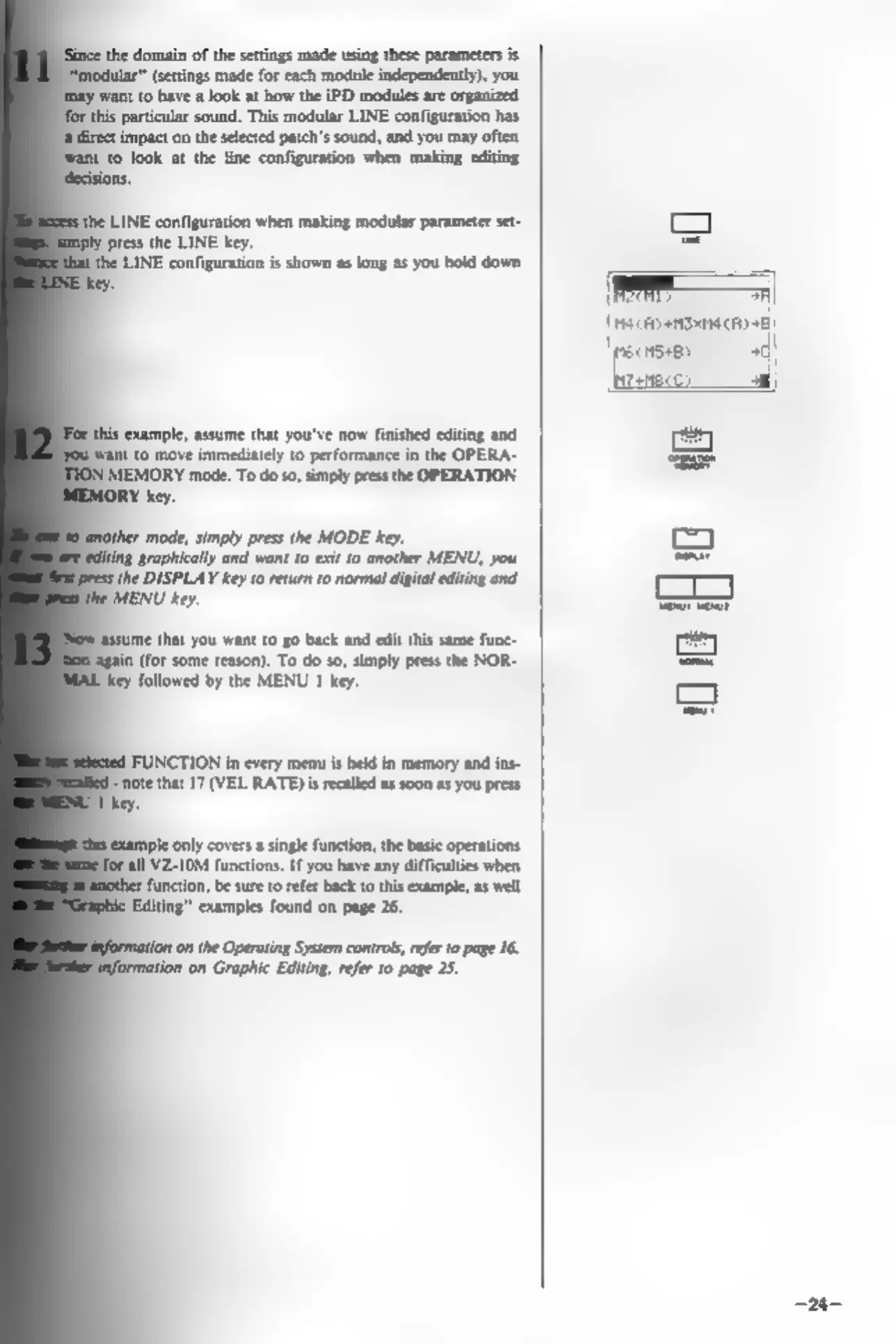
LINE
configuration
has
impact
on
the
selected
patch’s
sound,
and you may
often
‘to
look
at
the
line
configuration
when
making
editing
press
the
LINE
key.
the
LINE
configuration
is
shown
as
long
as
you
hold
down
this
example,
assume
that
you've
now
finished
editing
and
|
want
to
move
immediately
to
performance
in
the
OPERA-
MEMORY
mode.
To
do
so,
simply
press
the
OPERATION
LY
key.
ther
mode,
simply
press
the
MODE
key.
‘graphically
and
want
to
exit
10
another
MENU,
you
ithe
DISPLAY
key
10
return
to
normal
digital
editing
and
MENU
key.
‘Assume
that
you
want
to
go
back
and
edit
this
same
func-
in
(for
some
reason).
To
do
so,
simply
press
the
NOR-
‘Key
followed
by
the
MENU
1
key.
FUNCTION
in
every
menu
is
held
in
memory
and
ins-
note
that
17
(VEL
RATE)
is
recalled
as
soon
as
you
press
key.
ple
only
covers
a
single
function,
the
basic
operations
all
VZ-10M
functions.
If
you
have
any
difficulties
when
function,
be
sure
to
refer
back
to
this
example,
as
well
Editing”
examples
found
on
page
26.
(n
the
Operating
System
controls,
refer
to
page
16.
tion
on
Graphic
Editing,
refer
to
page
25.
=|
[Paceosiroaechyaal
eee
+)
0
of
O18}
~24-