EasyManua.ls Logo

Casio VZ-10M - Page 29

Casio VZ-10M
113 pages
Print Icon
To Next Page IconTo Next Page
To Previous Page IconTo Previous Page
Loading...
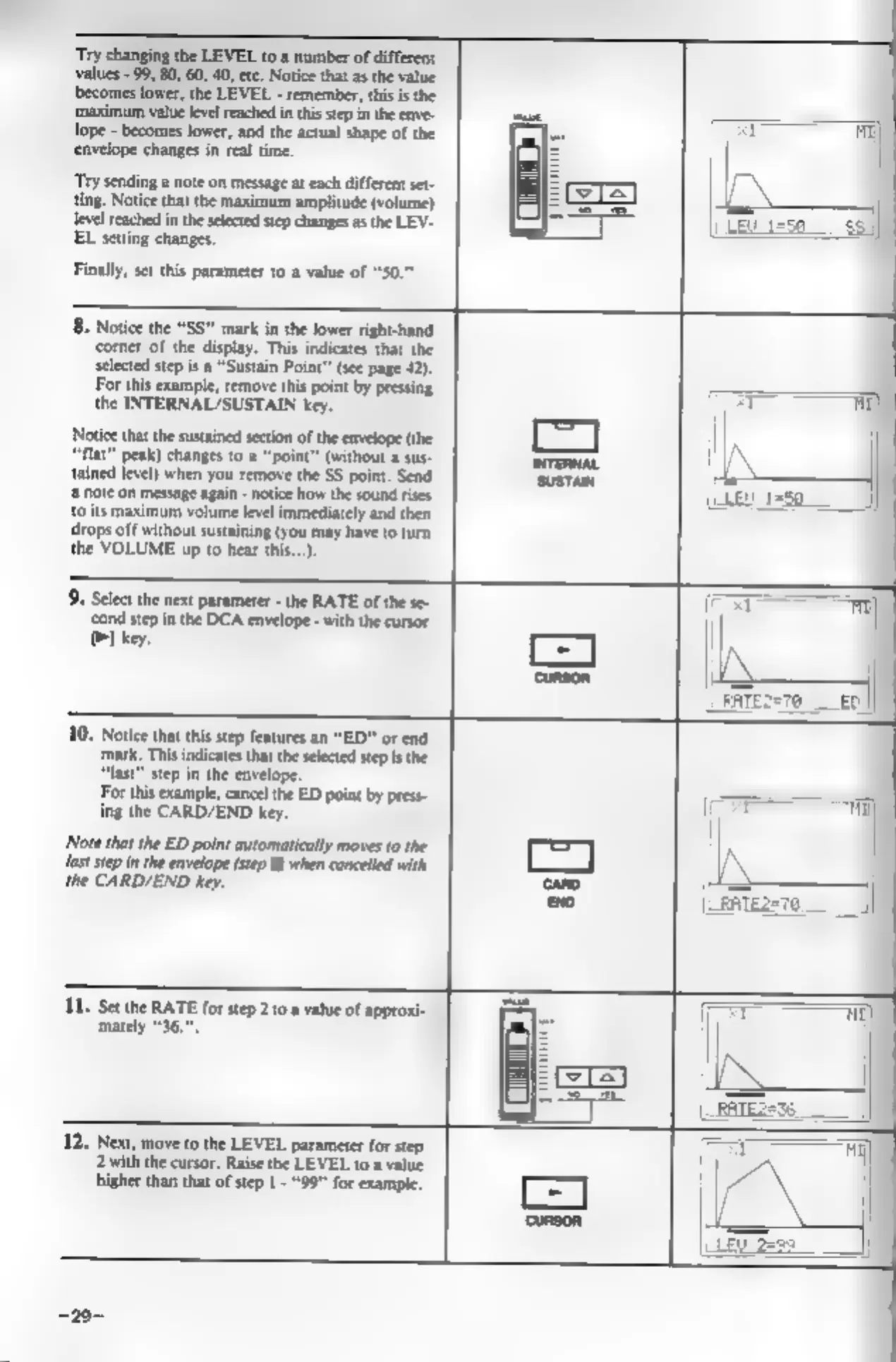
‘Try
changing
the
LEVEL
to
a
number
of
different
values
-
99,
80,
60,
40,
etc.
Notice
that
as
the
value
becomes
lower,
the
LEVEL
-
remember,
this
is
the
‘maximum
value
level
reached
in
this step
in
the
enve-
lope
-
becomes
lower,
and the
actual
shape
of
the
‘envelope
changes
in
real
time.
‘Try
sending
a
note
on
message
at
each
different
set-
ting.
Notice
that
the
maximum
amplitude
(volume)
Jevel
reached
in
the
selected
step
changes
as
the
LEV-
EL
setting
changes.
Finally,
set
this
parameter
to
a
value
of
8.
Notice
the
“SS”
mark
in
the
lower
right-hand
‘corner
of
the
display.
This
indicates
that
the
selected
step
is
a
“Sustain
Point”
(see
page
42).
For
this
example,
remove
this
point
by
pressing
the
INTERNAL/SUSTAIN
key.
Notice
that
the
sustained
section
of
the
envelope
(the
‘flat
peak)
changes
to
a
“point”
(without
a
sus-
tained
level)
when
you
remove
the
SS
point.
Send
‘a
note
on
message
again
-
notice
how
the
sound
rises
{its
maximum
volume
level
immediately
and
then
drops
off
without
sustaining
(you
may
have
to
turn
the
VOLUME
up
to
hear
this...)
‘Select
the
next
parameter
-
the
RATE
of
the
se-
‘cond
step
in
the
DCA
envelope
-
with
the
cursor
PI
key.
10.
Notice
that
this
step
features
an
“ED”
or
end.
‘mark,
This
indicates
that
the
selected
step
isthe
“last”
step
in
the
envelope.
For
this
example,
cancel
the
ED
point
by
press-
ing
the
CARD/END
key.
‘Note
that
the
ED
point
automatically
moves
to
the
{ast
step
in
the
envelope
(step
8)
when
cancelled
with
the
CARD/END
key.
11.
Set
the
RATE
for
step
2to
a
value
of
approxi-
mately
36.
12.
Next,
move
to
the
LEVEL
parameter
for
step
2with
the
cursor.
Raise
the
LEVEL
to
a
value
higher
than
that
of
step
1
-
"99"
for
example.