EasyManua.ls Logo

Casio VZ-10M - Page 54

Casio VZ-10M
113 pages
Print Icon
To Next Page IconTo Next Page
To Previous Page IconTo Previous Page
Loading...
PITCH
BEND
Parameters
0/S_|
MENU
2
—
VALUE
—
MENU
2
—
VALUE
Pages|
1
|
Graphic
Editing
NO
BEND
RANGE
=00~48
Domain
GLOBAL.
RELEASE
=
ENA/DIS
Related
Functions
(\fENU
3.05)
Pore
||
-pata
nor
use|
SET
HENS
5!
fa}
‘MIDI
instrument
pitch
bend
whee!
can
be
used
‘or
lower
pitch,
BEND
RANGE
parameter
can
be
used
to
raise
or
low-
‘maximum
limit
that
pitch
can
be
bended
by
an
ex-
in
half-step
increments.
At
the
he
pitch
bend
wheel
has
no
ef-
pitch,
while
at
the
maximum
value
of
48",
you
bend
notes
a
maximum
of 48
half-steps
(4
octaves),
‘and
down.
parameter
lets
you
choose
whether
or
not
keyboard
pitch
bend
wheel
can
be
used
to
bend
Which
are
sustained
after
the
keyboard
is
released.
When
this
parameter
is
set
to
DIS
(disable),
you
can
bend
notes
only
before
actually
receiving
note
off
message
(be-
fore
the
release
point
in
DCA
curve).
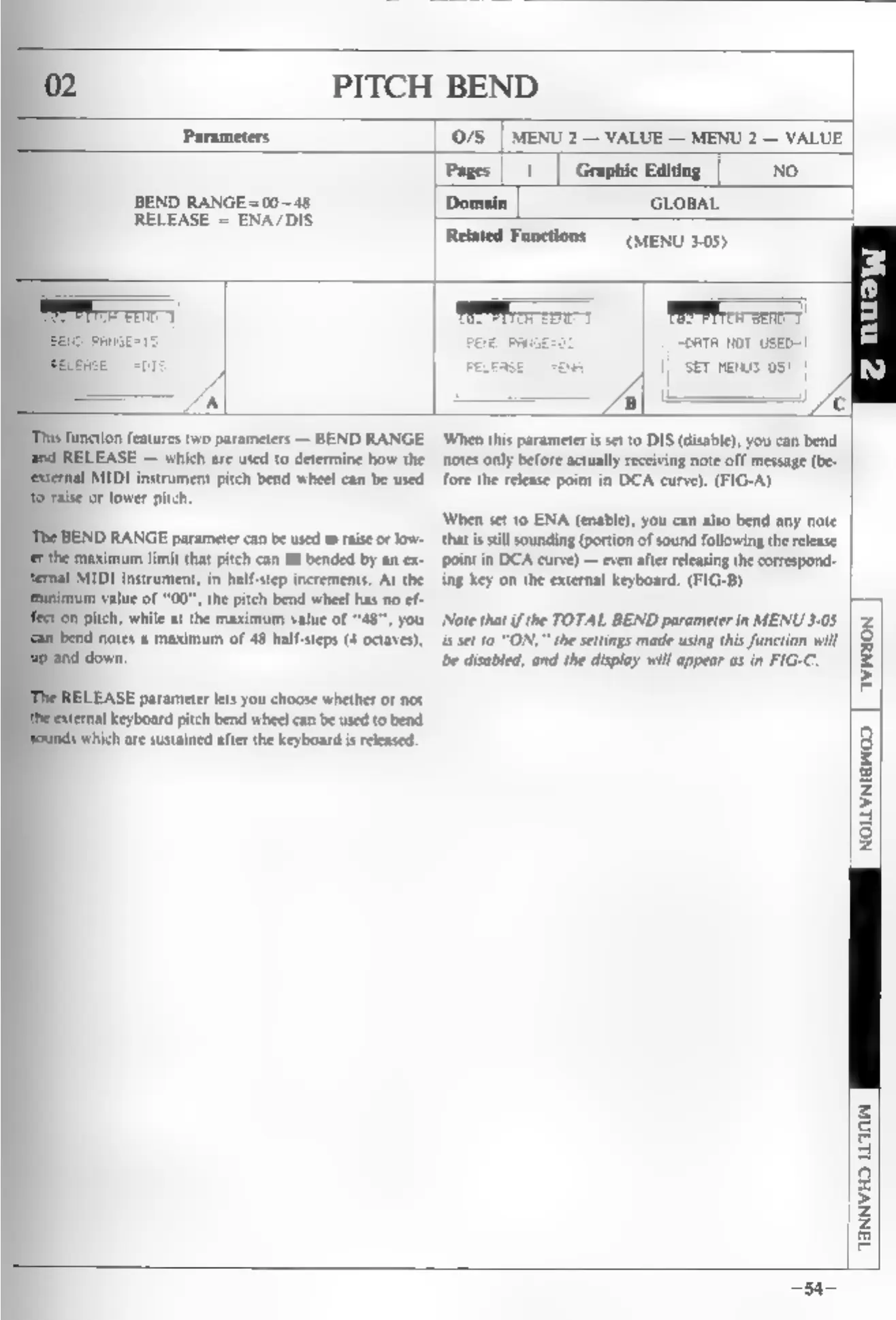
(FIG-A)
‘When
set
to
ENA
(enable),
you
can
also
bend
any
note
that
is
still
sounding
(portion
of
sound
following
the
release
point
in
DCA
curve)
—
even
after
releasing
the
correspond
ing
key
on
the
external
keyboard,
(FIG-B)
‘Note
that
ifthe
TOTAL
BEND
parameter
in
MENU
3-05
is
set
10
“ON,”
the
settings
made
using
this
function
will
bbe
disabled,
and
the
display
will
appear
as
in
FIG-C.
AVINION
NOLLVNIGWOD.
AANNVHO
LLIN