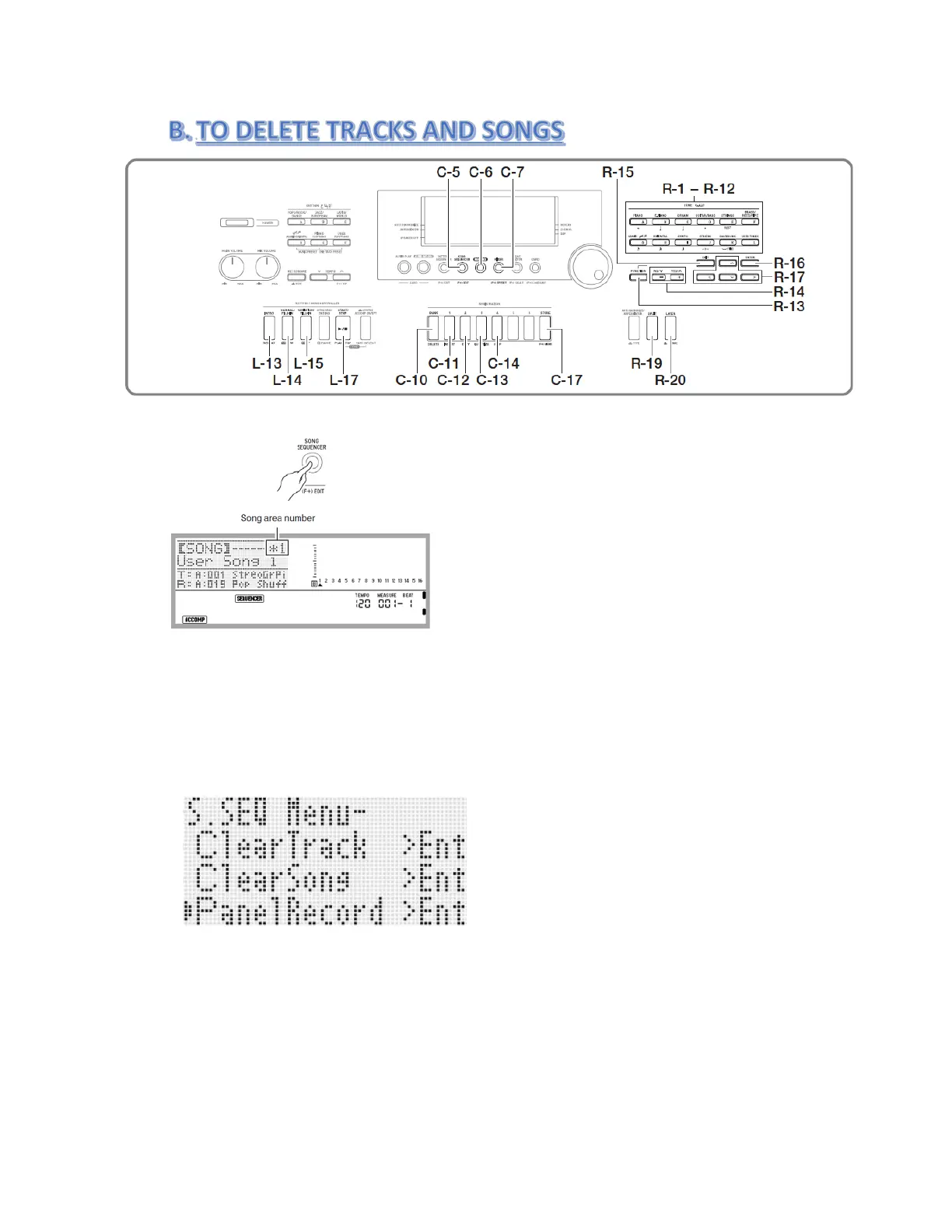
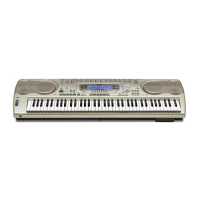
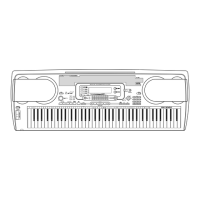
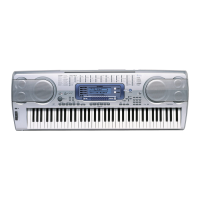
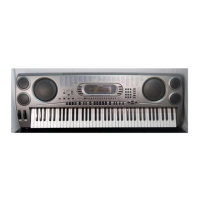
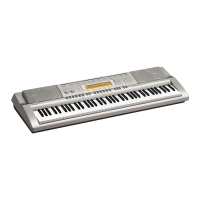
1. Press the C-5 (SONG SEQUENCER) button to enter the song sequencer mode.
2.
Use the dial or R-14 (-,+) buttons to select a song area number. For Example ( as shown
above previous recording “ User Song 1” *1 = which means data recording is done.)
3.
Hold the R-13 (FUNCTION) button as you press the C-17 (MENU) button.
4.
Use the R-17 (˅) button to select “ Clear Track “ or “Clear Song”.
5.
For “Clear Track” after selection, then press R-17 ( ˃ ) button to select which track to be deleted.
Then Press R-16 (ENTER) button then press R-14 (YES) button to execute.
6. For “Clear Song” after selection, then use the dial or R-14 (-,+) buttons to select
“[SONG] *1”. Then Press R-16 (ENTER) button then press R-14 (YES) button to execute.
7. END
Page | 4



 To Next Page