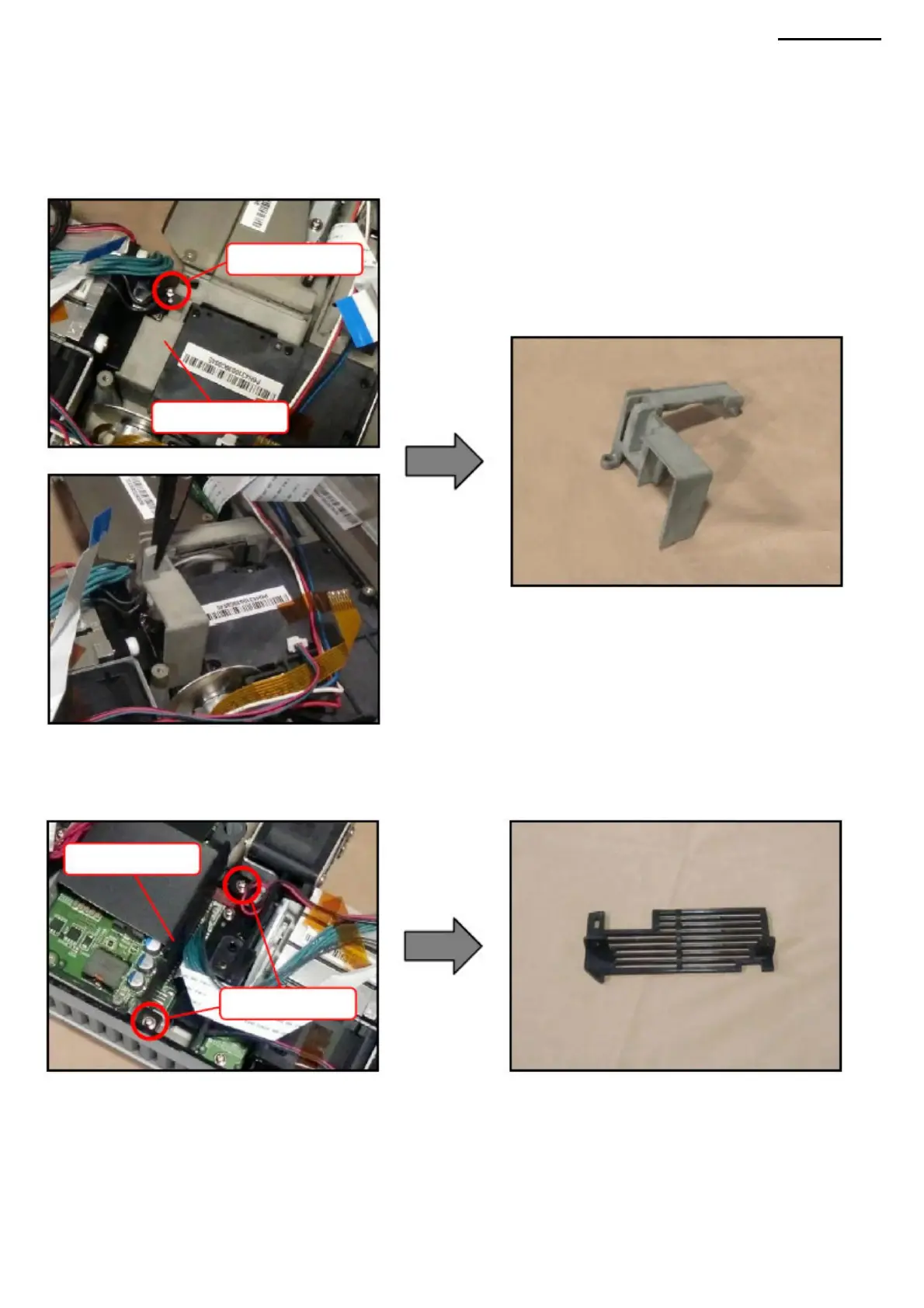
I-3. Unscrew the two screws (S9) and remove cover A.
NOTE: Do not touch lens I-1. Unscrew
one screw (S9) and remove the LSA-L cover. NOTE: When
removing the LSA-L cover, make sure it does not come into contact with the components around it. NOTE: If the cover is difficult
to remove,
use a tool such as tweezers.
Cover A
Screws (S9)
COVER LSA-L
Screws (S9)
XJ-A240/A245
I-2. Remove the power module.
NOTE: For more information, see "N. POWER MODULE".
I. LSB MODULE (LED LIGHT SOURCE)
-26-
Machine Translated by Google



 To Next Page