-58-
9-8. Saving and loading backup data Downloaded backup
data can be saved as a file. Saved files can later be opened. Use the [New] (New), [Open] (Open), [Save] (Save) and [Save
As] (Save as) items in the [File] menu ( File"). The file has the extension "*.klg".
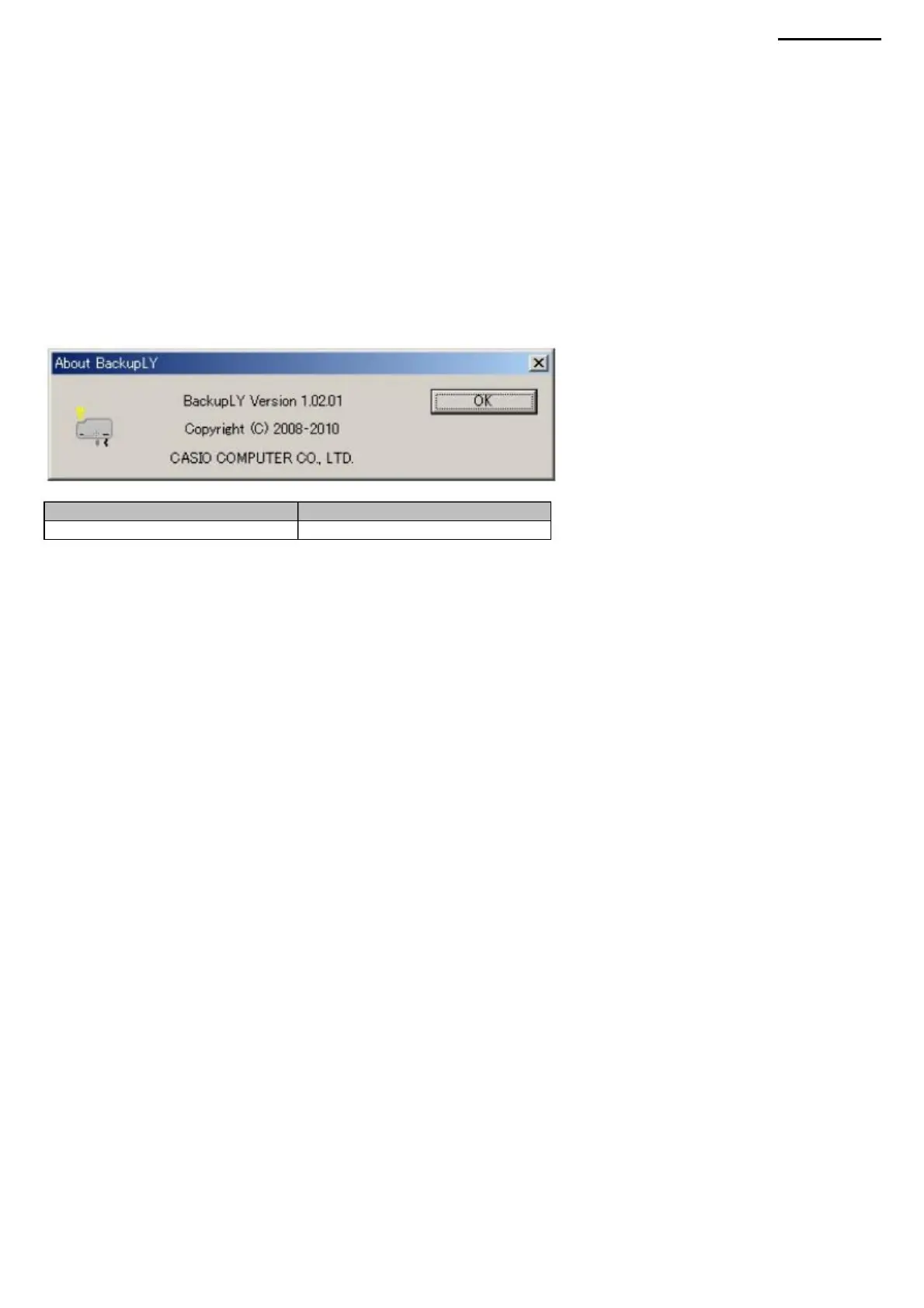
9-10. Update Information To view the
application version information dialog box, select "About BackupLY" from the "Help" menu.
XJ-A240/A245
9-9. Notes on using the projector (1) Successful operation of
the software on unsupported equipment is not guaranteed. (2) When uploading backup data to the projector,
make sure that the uploaded data does not contain errors. (3) The operation of the projector is not guaranteed if it is
restarted after uploading invalid data.
Version Comment
February 2010
1.02.01
Machine Translated by Google



 To Next Page