CassidaPRO Zeus: Service Manual
2018 Cassida Corporation. All rights reserved.
Rev: 09/05/2018
cassidapro.com/partner/
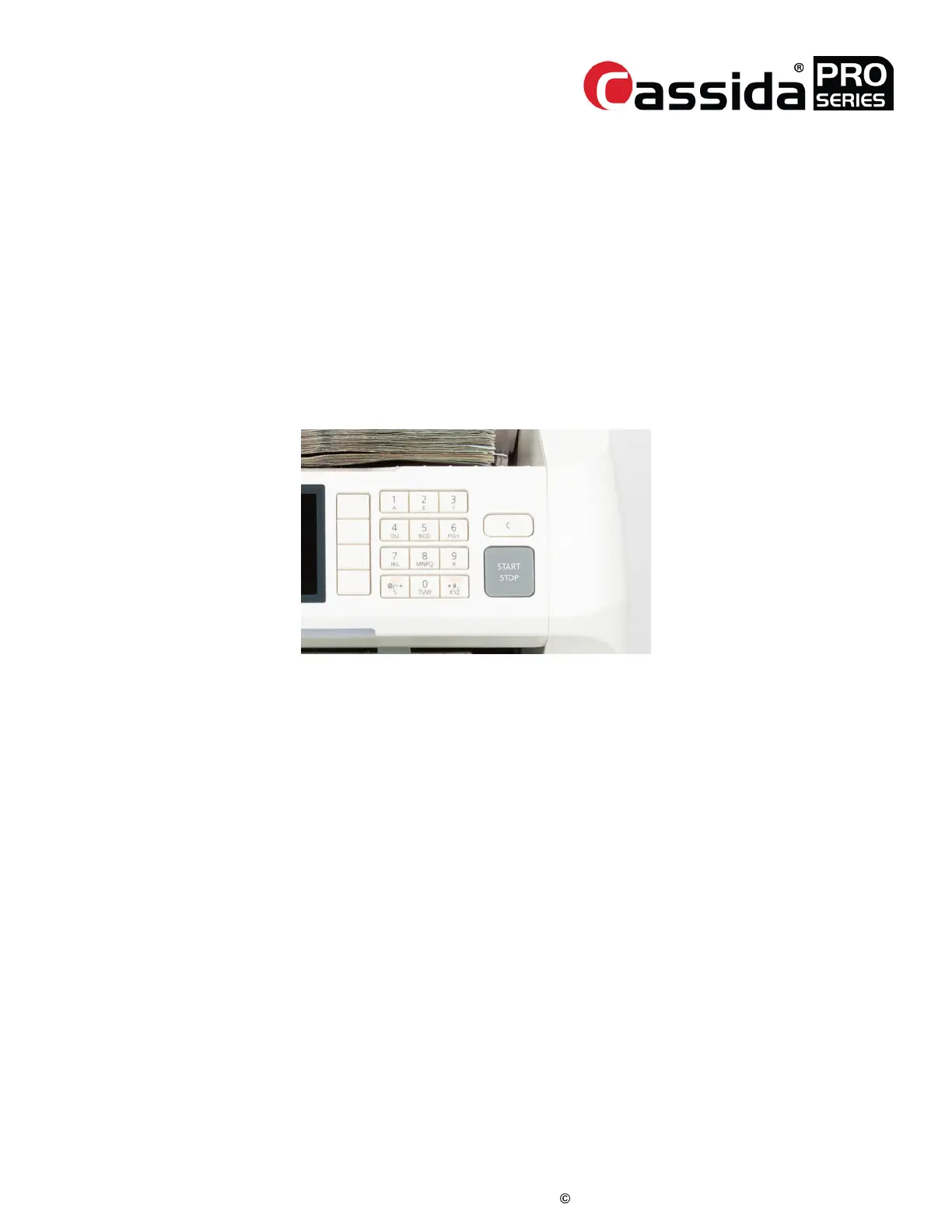
KEYPAD TEST
1) Go into Service Menu -> [1] Diagnosis -> [8] Keypad Test
2) Press every key until ZEUS displays “Keypad Press Test: OK” and the [EXIT] key
becomes available. Press [EXIT] to return to the service menu.
• If the door is open, L and R should be ‘1’, otherwise should be ‘0’.
• With no obstructions, the value of the stacker sensor should be ‘0’ and Diff
should be >1000.
• Cover the stacker sensor and the value should change to Stacker ‘1’ and
Diff to <100
SENSOR AND MECHANICAL CHECKS
2.2.
[Fig. 2]



 To Next Page