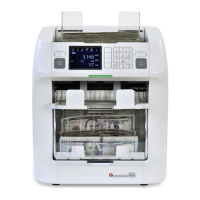
CassidaPRO Zeus: Service Manual
2018 Cassida Corporation. All rights reserved.
Rev: 09/05/2018
cassidapro.com/partner/
UPGRADING
(When EMERGENCY screen is displayed)
3. Press and hold the left hand [C] & [START] buttons followed by [STRAP] and enter
password 0806.
4. Go to [2] PROGRAM UPDATE and upgrade again
5.5.
SETTINGS
(Reset after Power Down/Start-up Issues)
May be caused by a depleted battery. Some symptoms from battery issues:
• User settings reset after shutting unit down
• Incorrect date or date reset to 1970 after shutdown
• Occasional need to power cycle unit several times to start up unit
• All modes reset back to default
5.6.



 To Next Page