Castles Technology Co., Ltd. Confidential • All Right Reserved. Pg. 35
4.2. File Signing
4.2.1. Signing Kernel Module
Castles will release new version of kernel module in “unsigned” form. This
files required to sign with ULD User Key before it can load to UPT1000F.
Castles Technology provides a tool named “CAP Signing Tool” to perform
this task.
The CAP Signing Tool is located at:
C:\Program Files\Castles\UPT1000\tools\Signing Tool
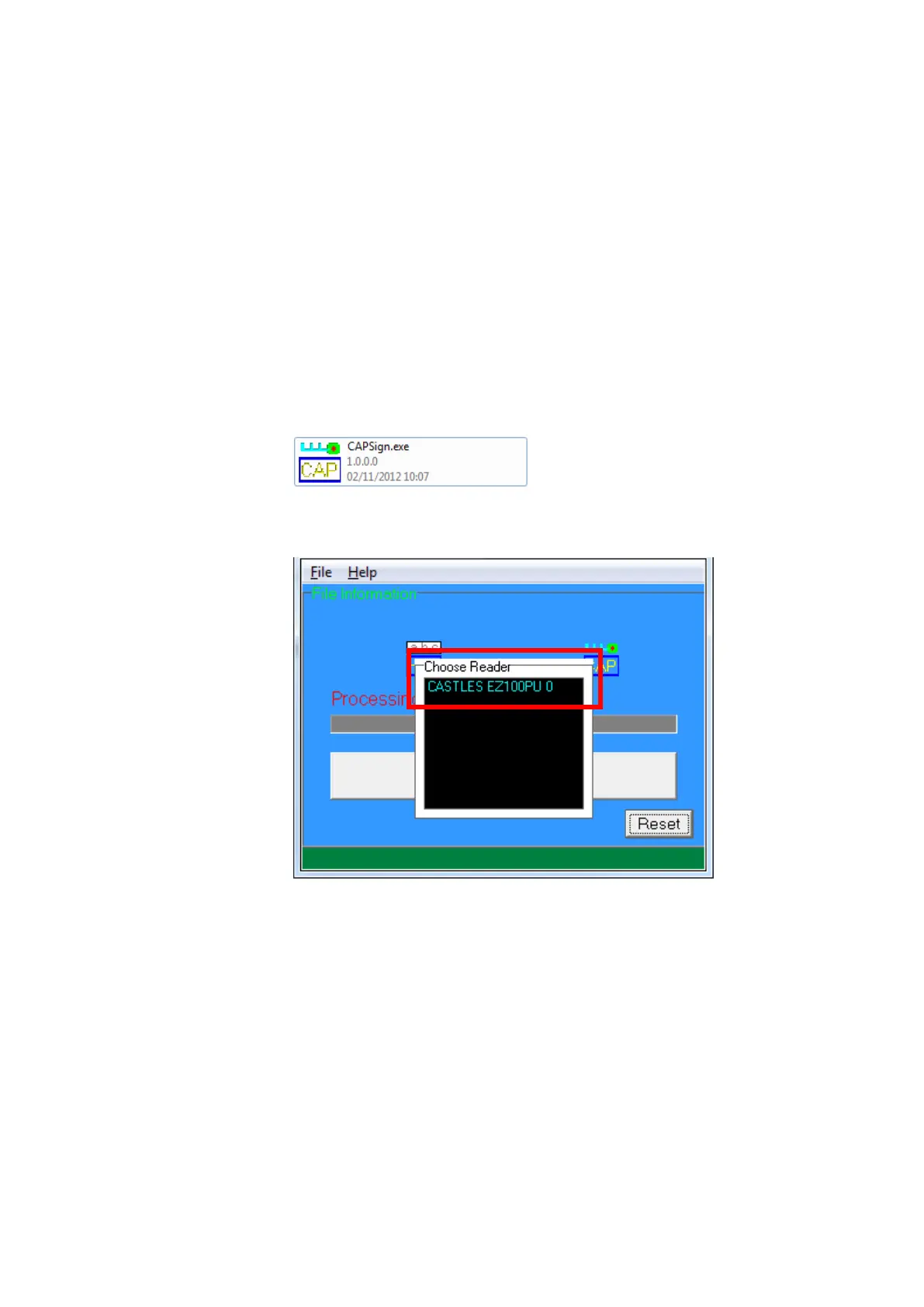
Run CAP Signing Tool
Insert Key Card and select smart card reader



 To Next Page