Castles Technology Co., Ltd. Confidential • All Right Reserved. Pg. 44
4.3.2. Download by Removable Media
The file download process can be achieved without PC by using
removable media, USB flash drive. We recommend don’t put
unwantedfile to removable media, as it will increase the time during
detection.
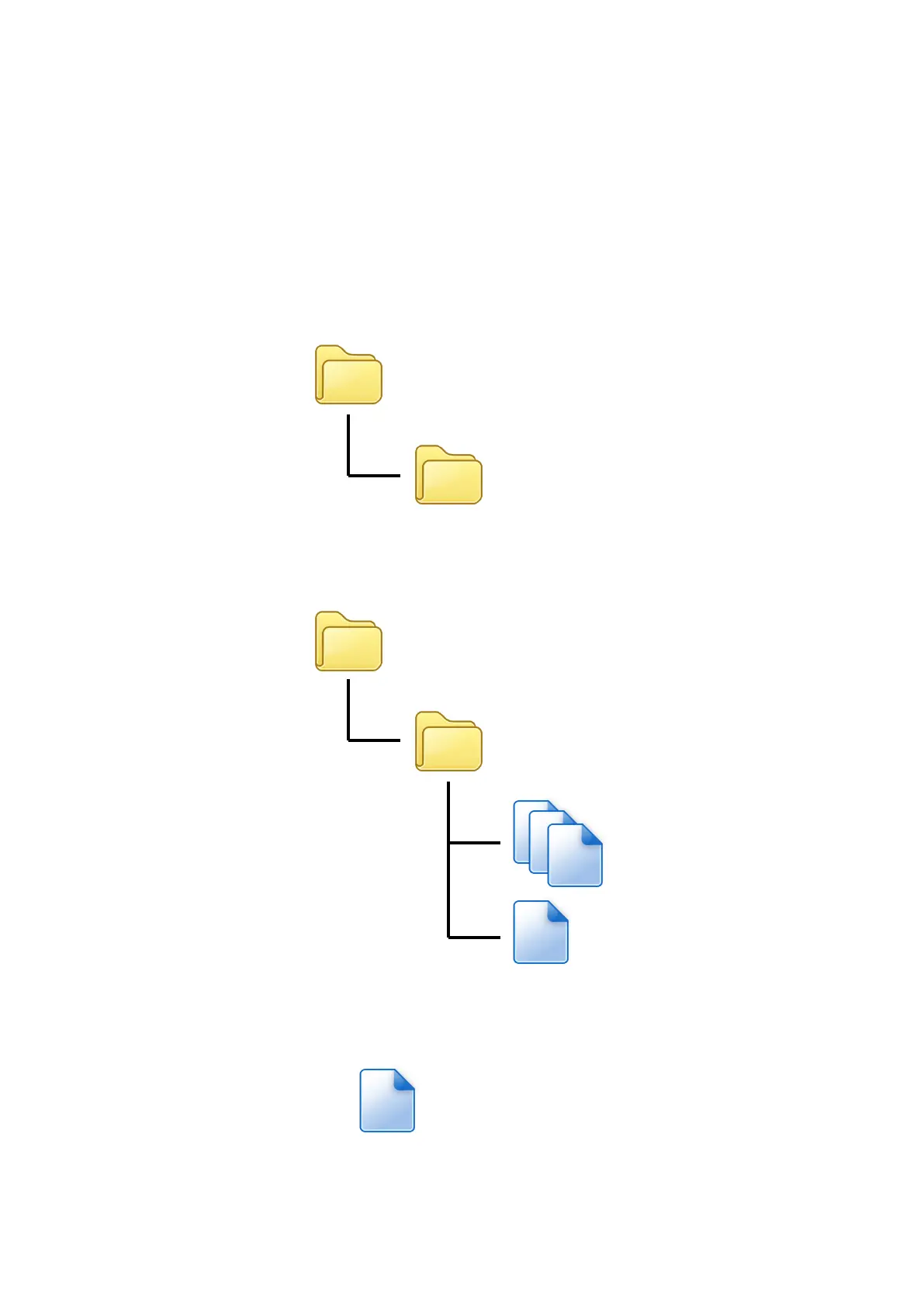
Create a folder name “vxupdate” under root directory.
Place the mci file and cap file to “vxupdate” folder.
Note: If user would like to load multiple application, create a new file
with extension of “mmci”. Then put the mmci file contents with the list
of mci file.



 To Next Page