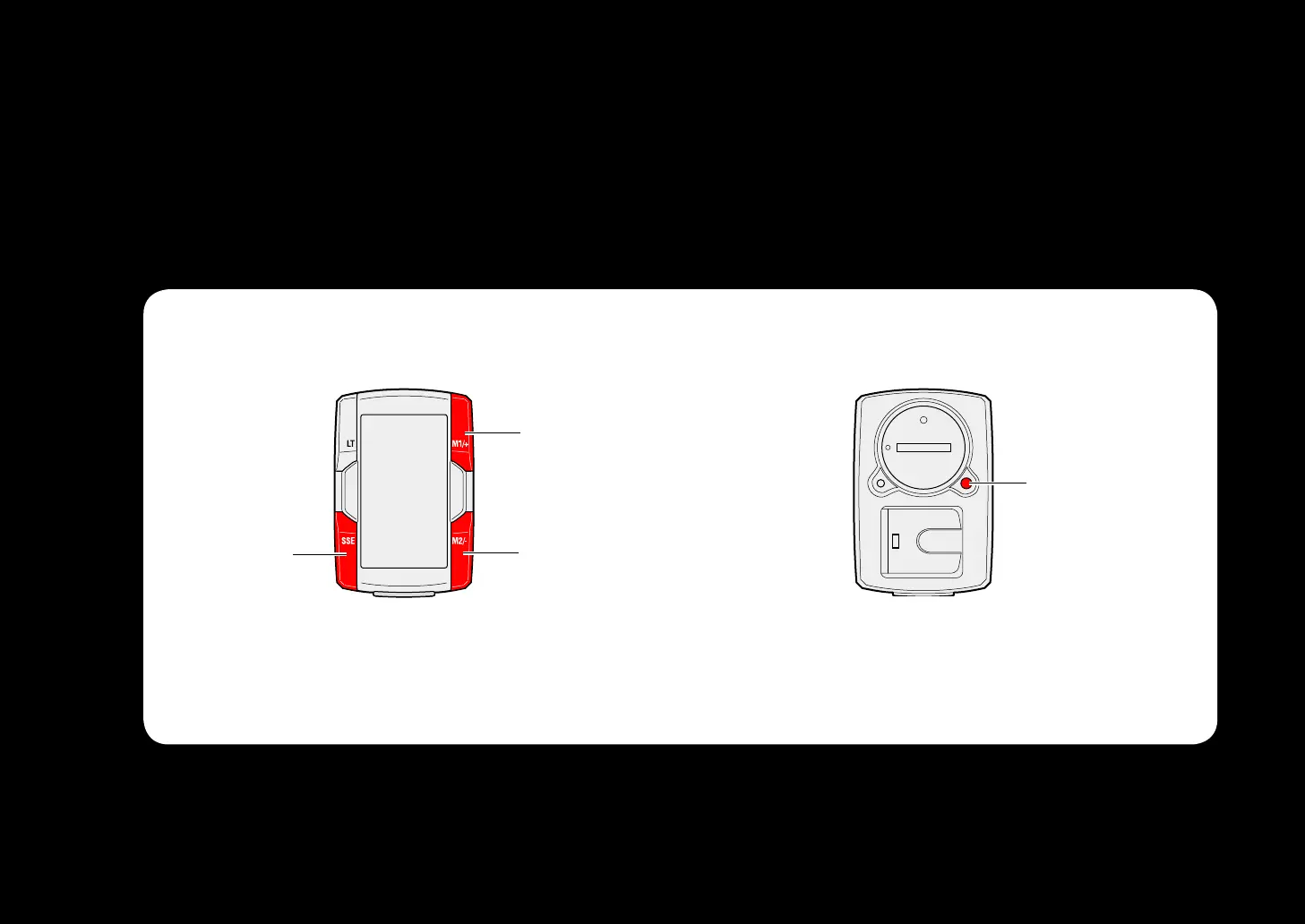
Operation of buttons
Set up the computer by operating the buttons as follows.
Check the button position before you start setting up.
M1/
M2/-
Front Back
Press the SSE button, the M1/+ but-
ton, and the M2/- button on the front
of the computer.
Press the MENU button on the back
of the computer.



 To Next Page