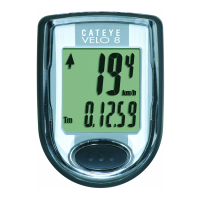
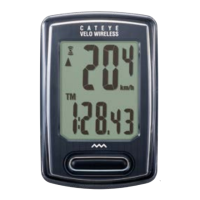
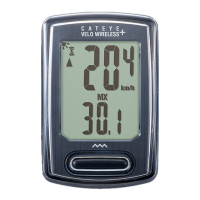
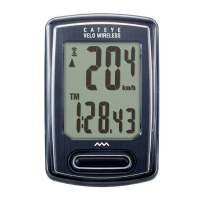
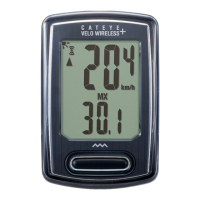
CATEYE V3n
Quick Start Manual
Setting up the computer
Setting the date display
Setting the month
Setting the day
Setting the clock display
Measuring screen
(Setup completed)
Formatting operation
Setting the year
Setting the hour
Setting the minute
Entering the tire circumference
Setting the speed unit
Preparation for setting up
Preparation for setting up
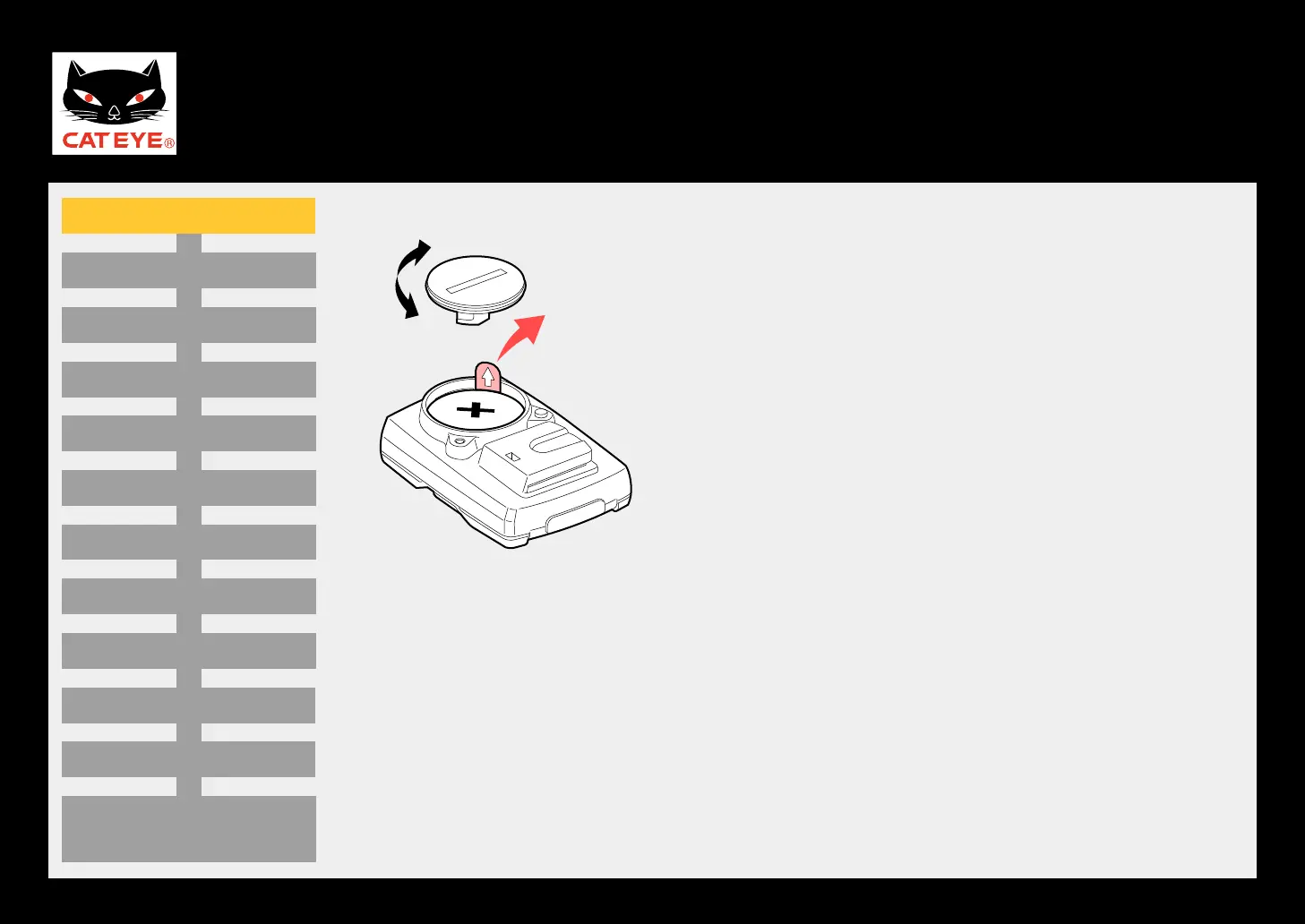
Open the battery cover on the back of the computer
using a coin, and then pull out the insulation sheet.
* After pulling out, replace the battery cover as before.
Open
Close
Insulation
sheet



 To Next Page