Rev 6 – Feb 2022
Page 33 of 44
Pairing for use
1. Prepare the Hexcorder Pro and the tablet
for survey as usual.
2. Turn on the Rigid SR-24.
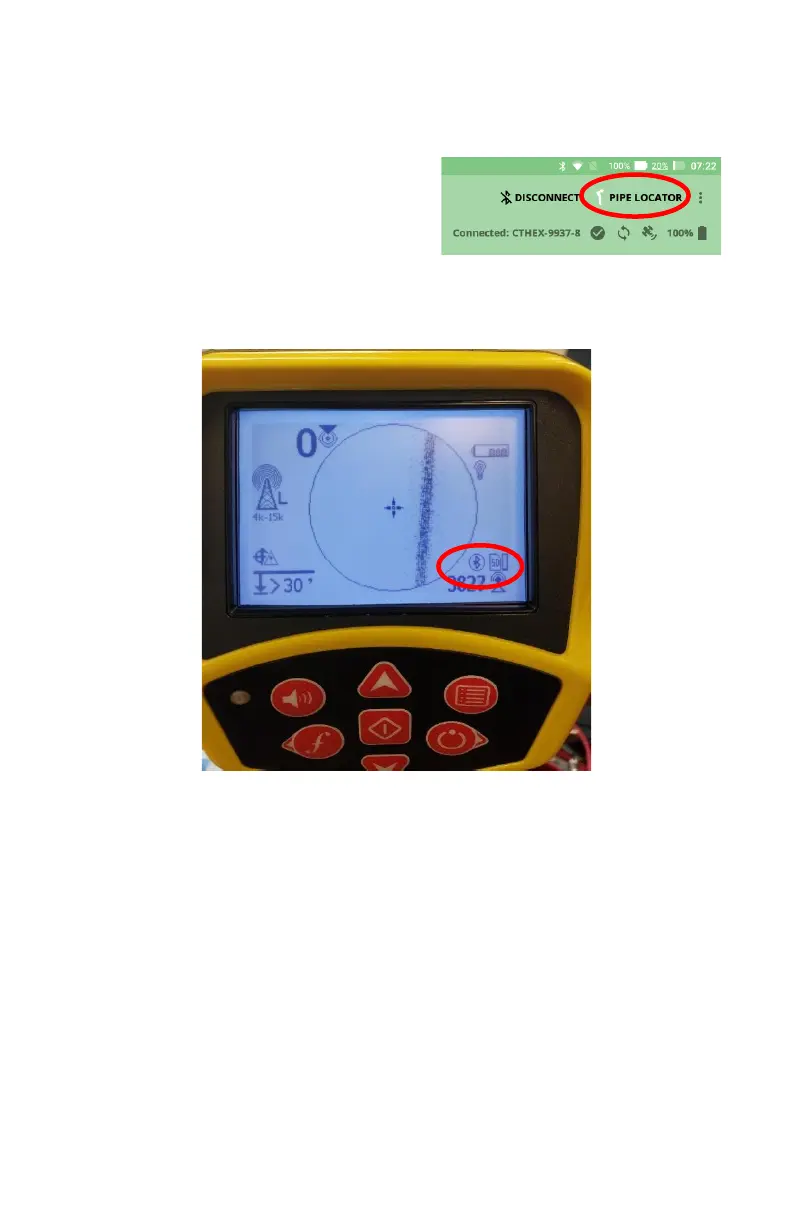
3. Tap the “PIPE LOCATOR” button in the
top right corner.
4. Select SR-24 from the list.
5. The Hexcorder Pro will pair with the pipe locator.
6. The pipe locator will now show the Bluetooth symbol in the bottom right corner.


 To Next Page