Rev 6 – Feb 2022
Page 34 of 44
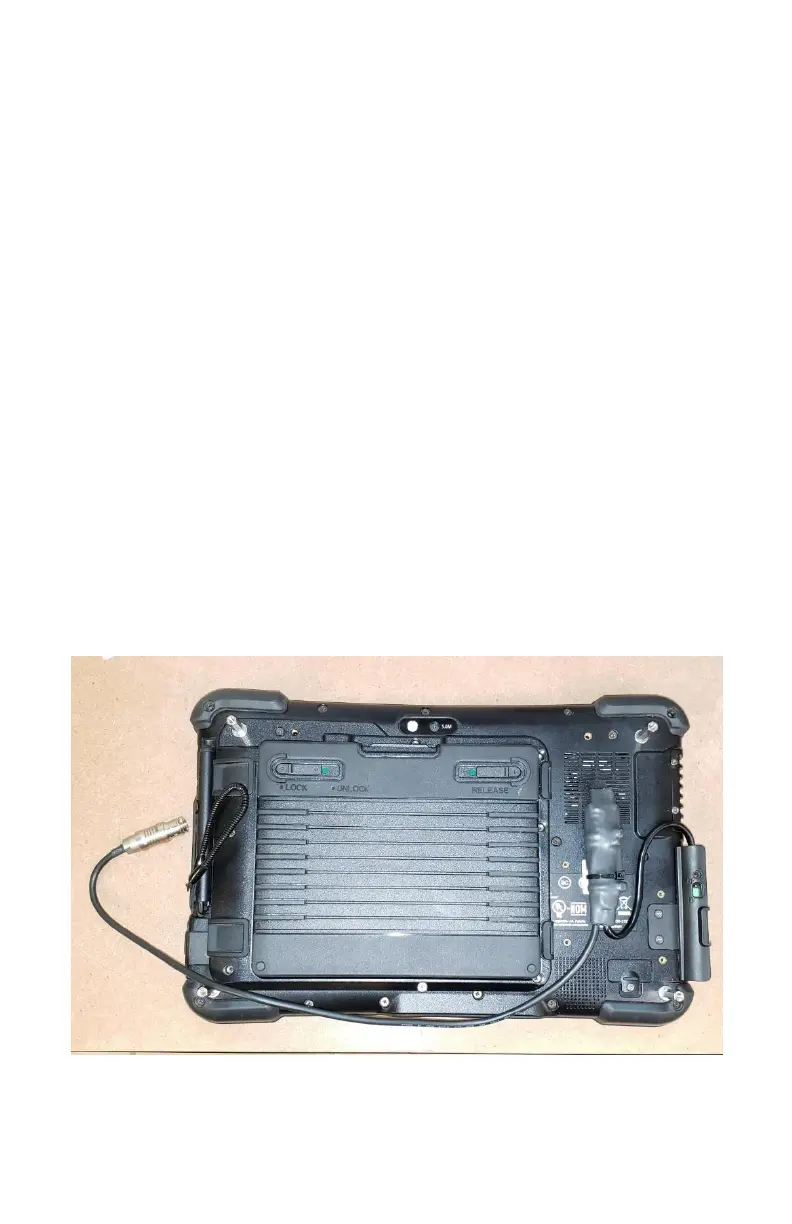
Optional Wired Connection
There may be occasions where there is interference with the Bluetooth signal and a wire connection
between the tablet and black box is desired. A specialized cable (CTL-266) for this is included in the
case.
To use the cable:
1. Connect the cable to the USB port of the tablet and the port labelled CHARGE on the
Hexcorder Pro
2. Power on your GPS if using self-powered sub-meter GPS receiver
3. Wait 5 seconds for GPS to boot up
4. Turn the Hexcorder Pro on
5. Wait 10 seconds for boot up/GPS detection
6. Start the app
7. Press “Connect Device”
8. Select “USB FT232 UART” from the list
9. Wait for the Hexpro battery level, icons etc. to appear
10. Wait for GPS lock
11. Ready to survey
To return to Bluetooth mode, power cycle the Hexcorder Pro and select the Bluetooth name from the
“Connect A Device” list.
If wired connection is planned to be used 100% of the time, enter the tablet Bluetooth settings and
unpair the Bluetooth device named after the Hexcorder Pro serial #.


 To Next Page