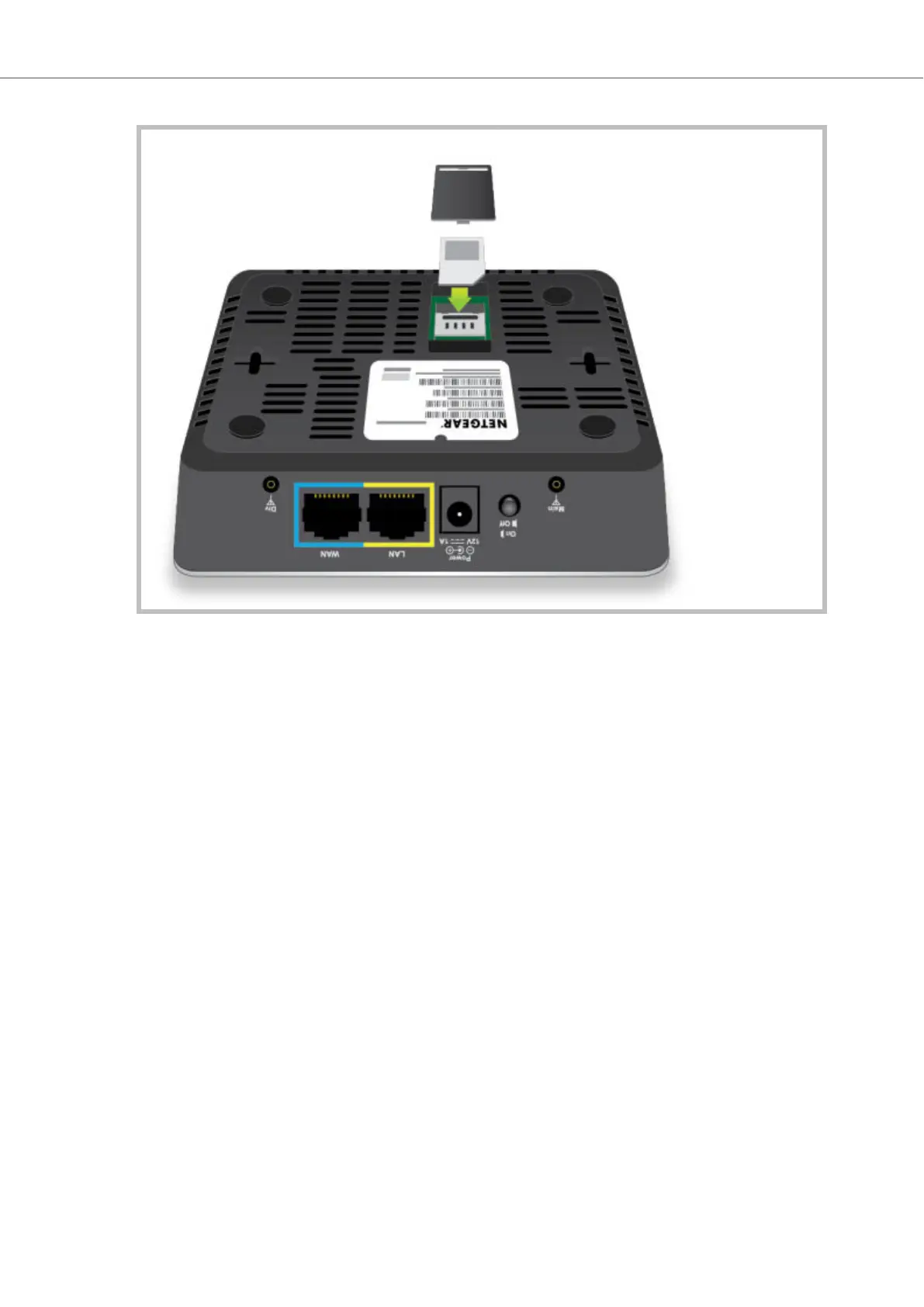
2. Connect the cellular modem to a power supply and verify that the cellular signal strength LEDs
indicate network connectivity.
3. Using a network cable, connect your PC to the cellular modem LAN port.
4. On your PC, open a command prompt and run the following command:
ping google.com
• If the ping is successful (see the following example), you are connected to the Internet.
Pinging google.com [172.217.22.78] with 32 bytes of data:
Reply from 172.217.22.78: bytes=32 time=81ms TTL=90
Reply from 172.217.22.78: bytes=32 time=79ms TTL=90
Reply from 172.217.22.78: bytes=32 time=79ms TTL=90
Reply from 172.217.22.78: bytes=32 time=87ms TTL=90
Ping statistics for 172.217.22.78:
Packets: Sent = 4, Received = 4, Lost = 0 (0% loss),
Approximate round trip times in milli-seconds:
Minimum = 79ms, Maximum = 87ms, Average = 81ms
• If the ping fails (see the following example), contact your cellular modem vendor/distributor for
support.
Ping request could not find host google.com....
5. If the ping was successful, using a network cable, connect the Cato Socket to the cellular modem
LAN port.
6. Configure and monitor the connection as required using the Cato Management Application.
Socket X1700 Deployment Guide Deploying Your Cato Socket
Page 13 of 18



 To Next Page